In-app Instant Access: How Residents use this feature
In-app Instant Access: How Residents use this feature
Introduction
This is a description of how to use In-app Instant Access from the ‘dlmobile’ mobile app.
How does a Resident/Member/Vendor/Facility user use In-app Instant Access?
NOTE: A network connection is required for both the mobile app and web portal to use this feature.
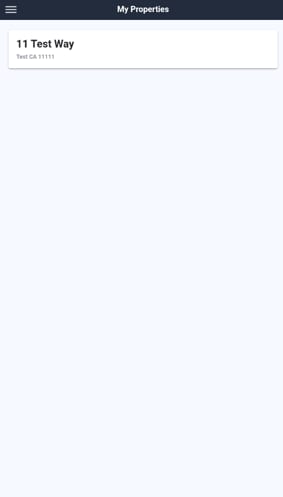
To use the Mobile App, a resident must sign in using the FRONTSTEPS Dwelling web portal credentials they were provided by their community and select their property:
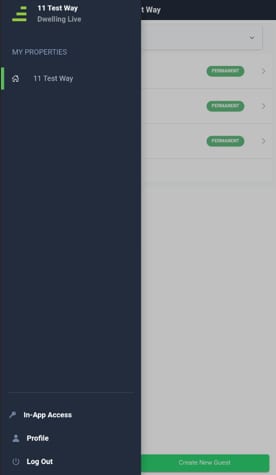
Residents can use the FRONTSTEPS Dwelling ‘dlmobile’ app to access doors through the new ‘In-app Access’ section, marked by a key icon.
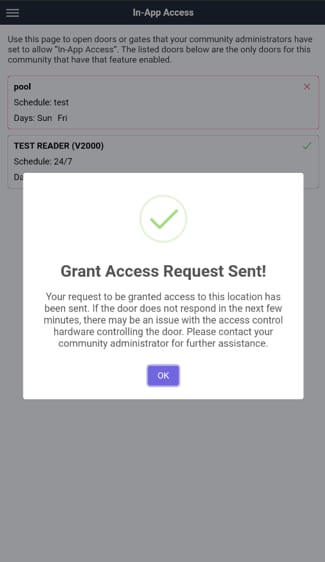
The app shows a list of doors with schedules and access days. If a door is accessible at the current time, it will be enabled; if not, it will appear disabled but visible.
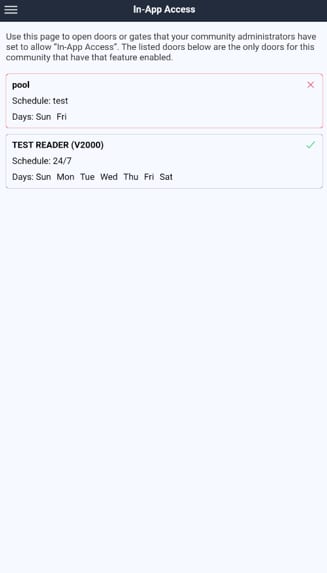
Residents just tap the door listed in the app for instant access.
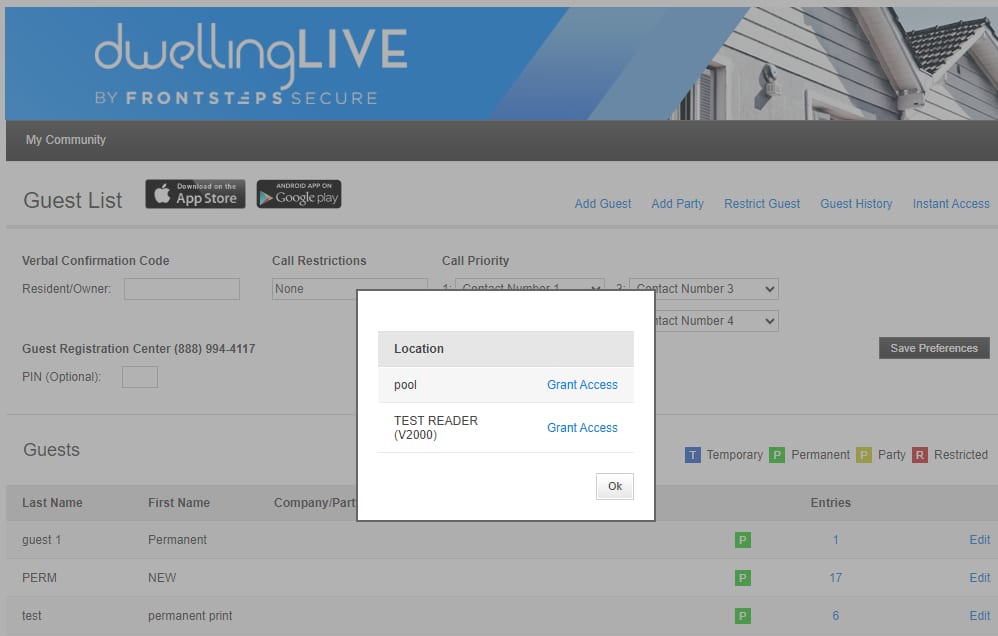
An instant access link with available readers is also on the guest page for any resident using the portal.