
ALLi - Workflows in Steps Walkthrough
ALLi - Workflows in Steps
ALLi can now be used directly inside Steps to help you move from conversation to execution.
Instead of just asking questions, you can assign tasks to ALLi within a workflow, provide instructions, and have ALLi generate outputs that support real operational work.
Quick Takeaway: Create a Step, assign it to ALLi, describe what you want done, and ALLi will process the task and return results directly inside your workflow.
Where to Find Steps
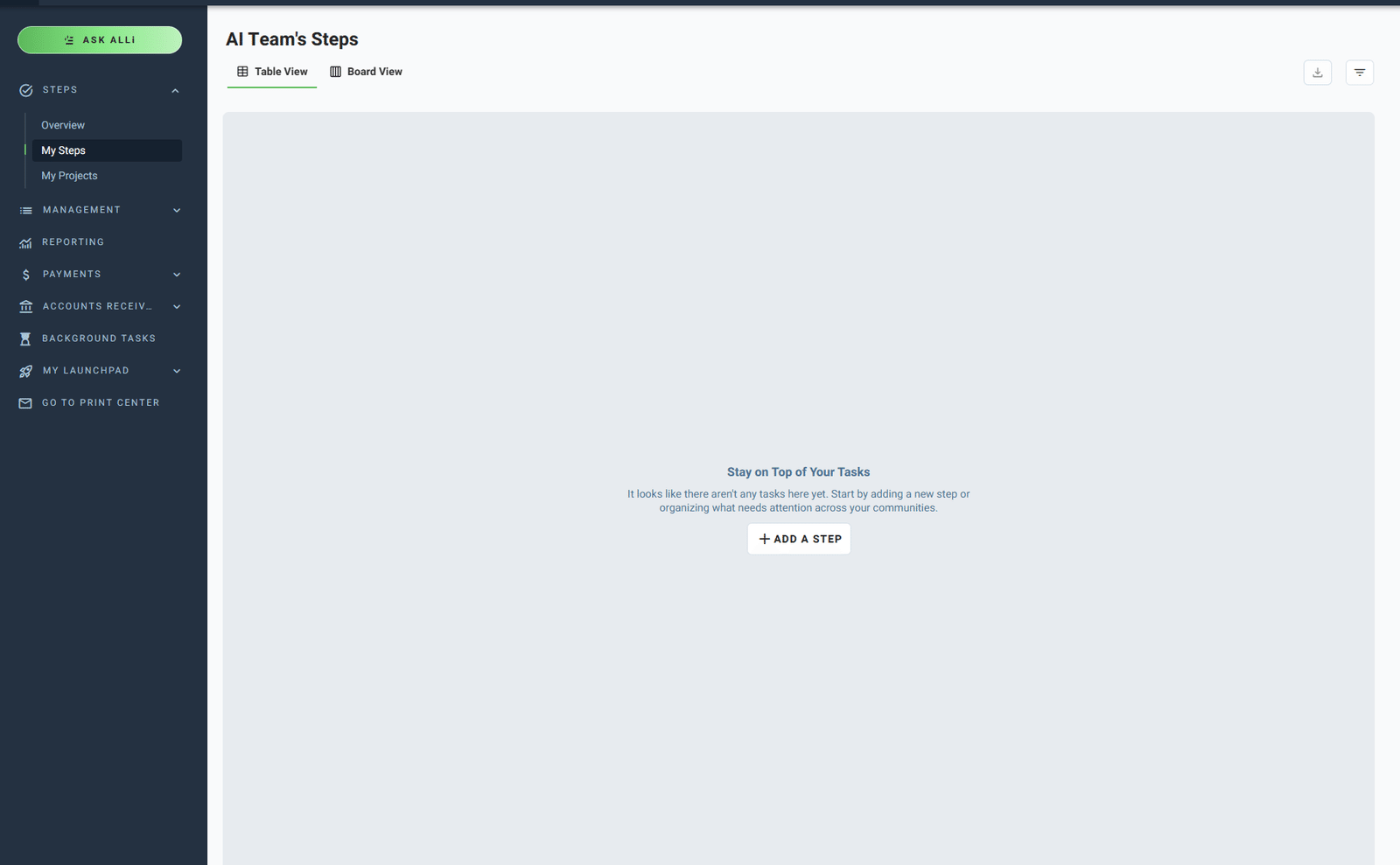
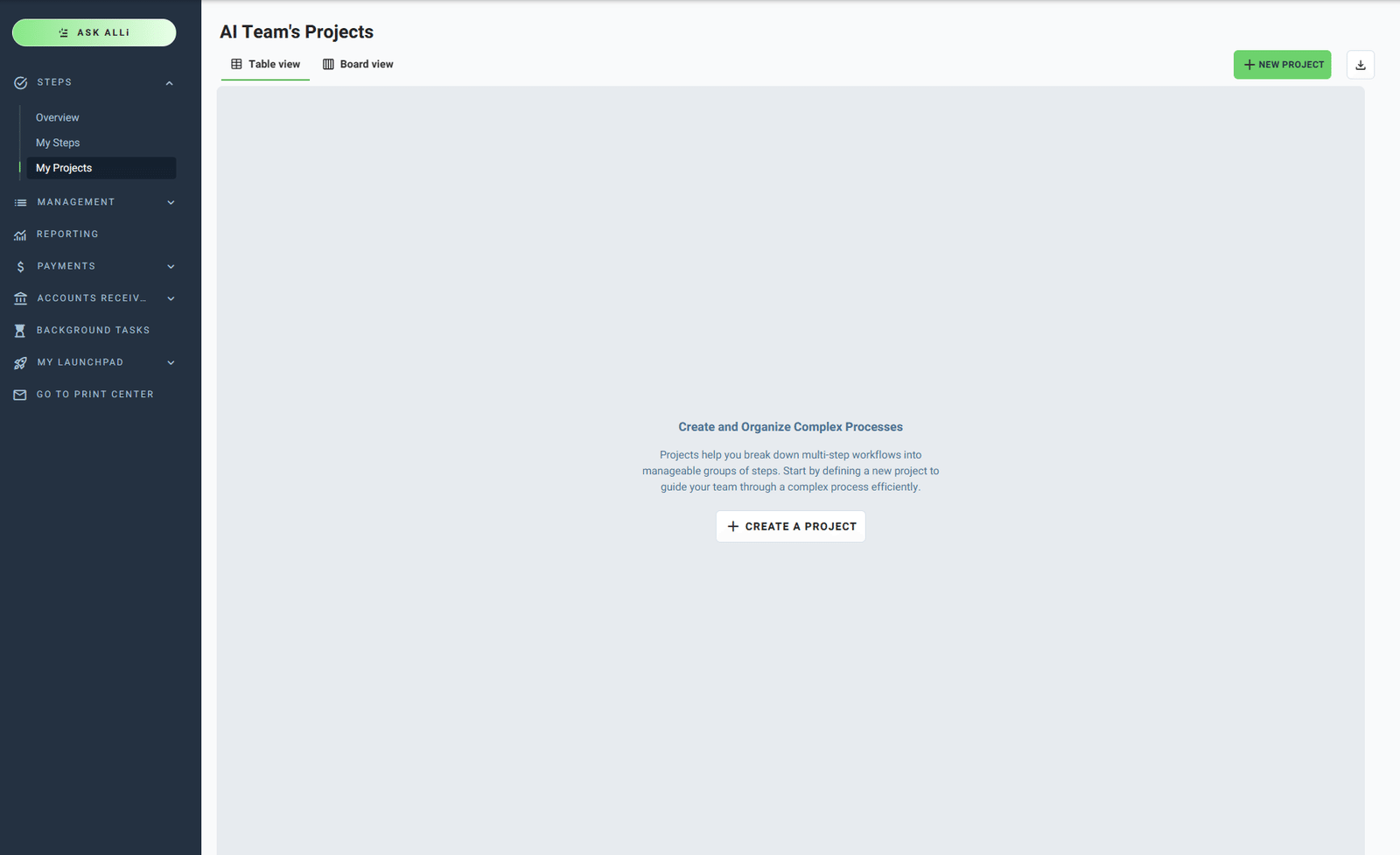
Steps are located within Community Manager and can be used to organize tasks or build structured workflows.
You can manage both individual tasks and larger workflows through:
- My Steps – Individual task tracking
- My Projects – Multi-step workflows and processes
Creating a New Step
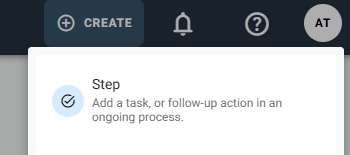
To get started, create a new Step from the Create menu in Community Manager.
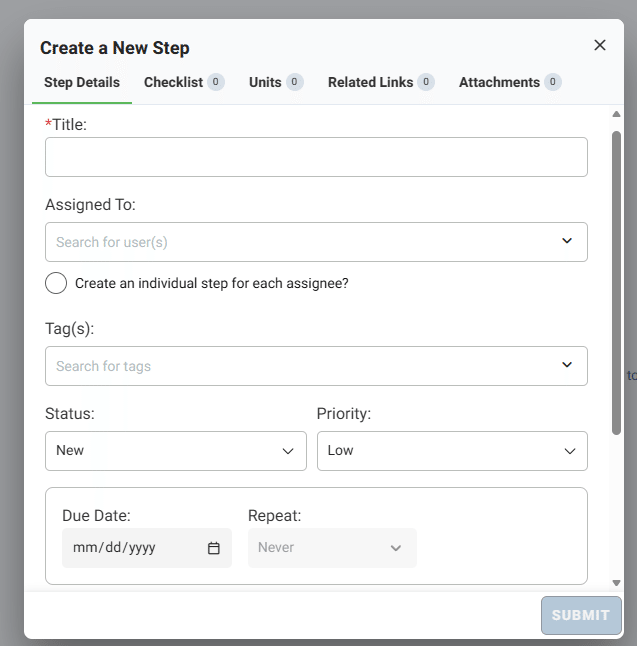
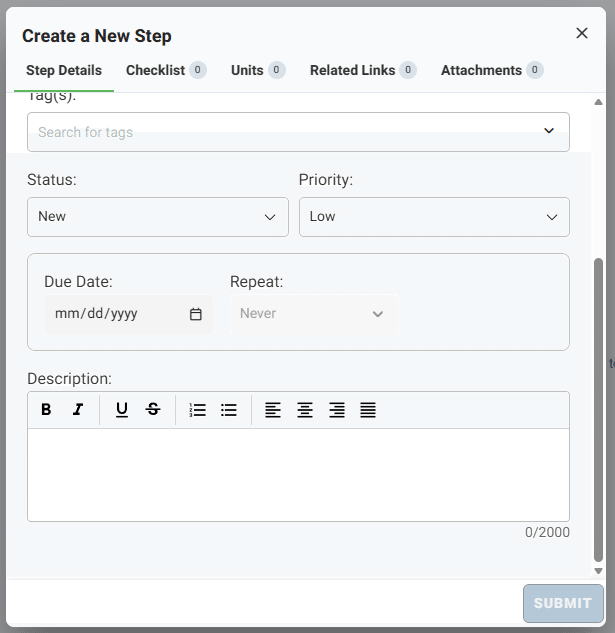
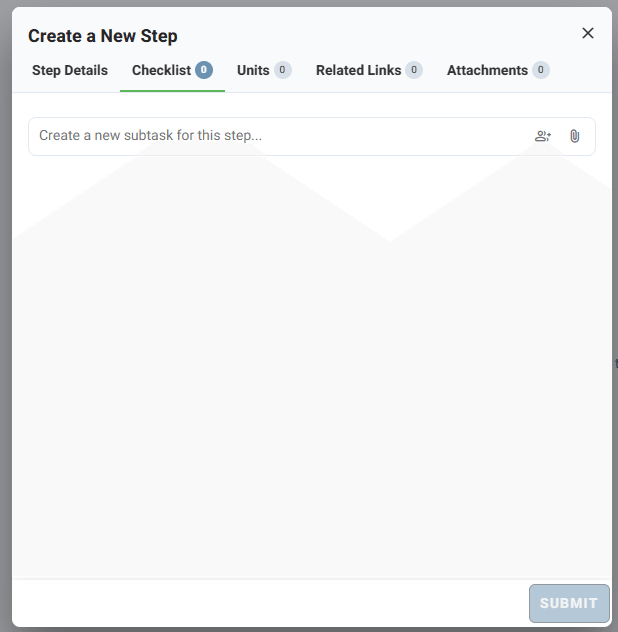
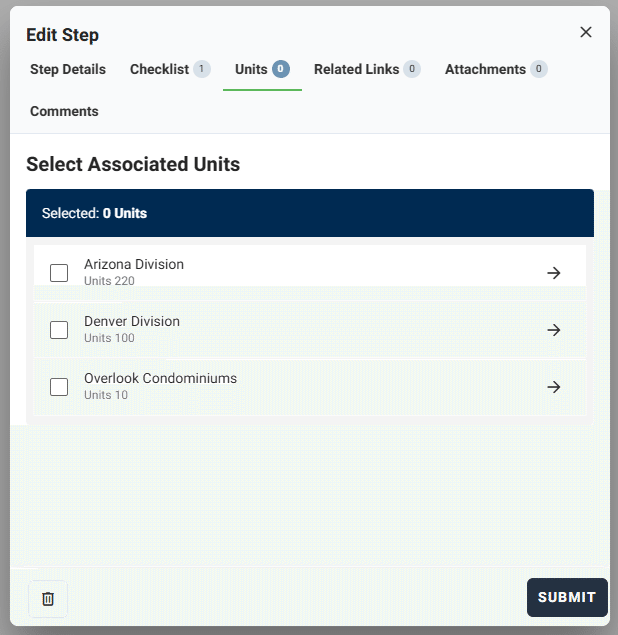
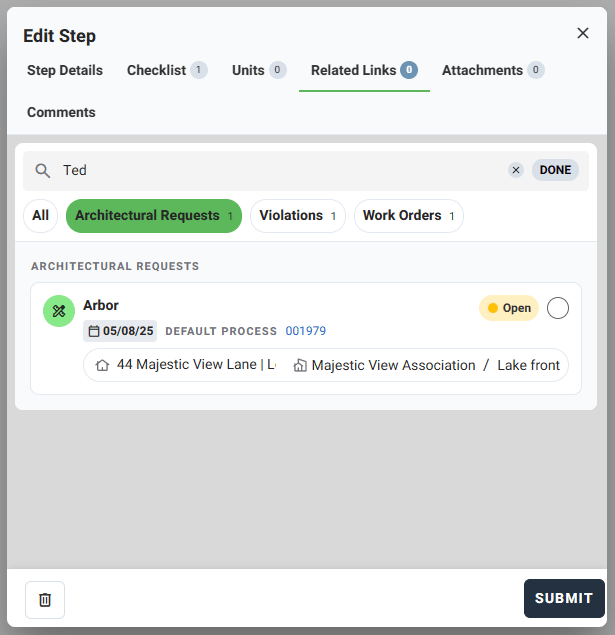
When creating a Step, you can define:
- Title
- Assigned user (or ALLi)
- Status and priority
- Due date and repeat settings
- Description and instructions
- Checklist items
- Units (Matching Caliber Hierarchy/Permissions,
- Related Links (Existing ARB, Violation and Maintenance Requests Created in FS Manager/Caliber)
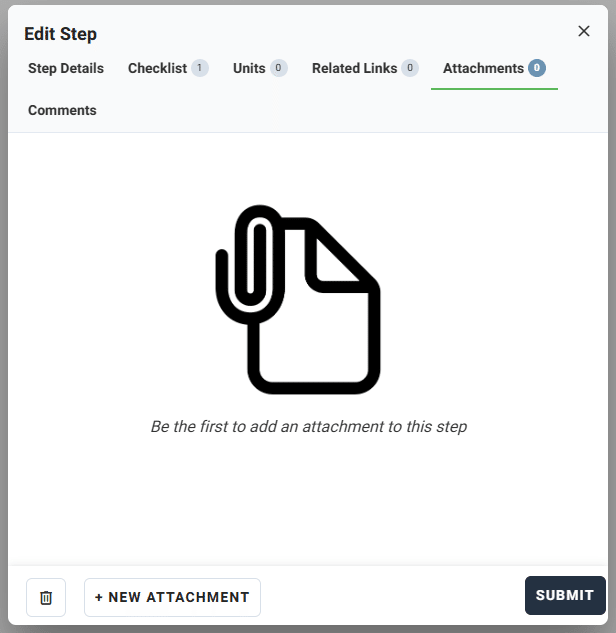
- Attachments
Using ALLi Inside a Step
ALLi can be assigned directly to a Step to complete a task based on the instructions you provide.
Everything entered into the Step description acts as your prompt to ALLi.
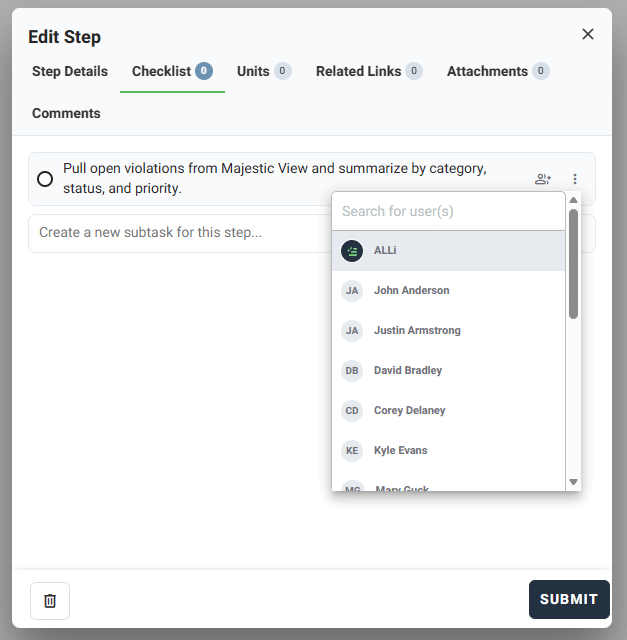
How it works: The description field becomes your instruction set. The clearer your request, the more accurate and useful ALLi’s output will be.
Example Step Prompt:
Pull open violations from Majestic View and summarize by category, status, and priority.
Sending a Step to ALLi
Once your Step is set up, you can send it to ALLi for processing.
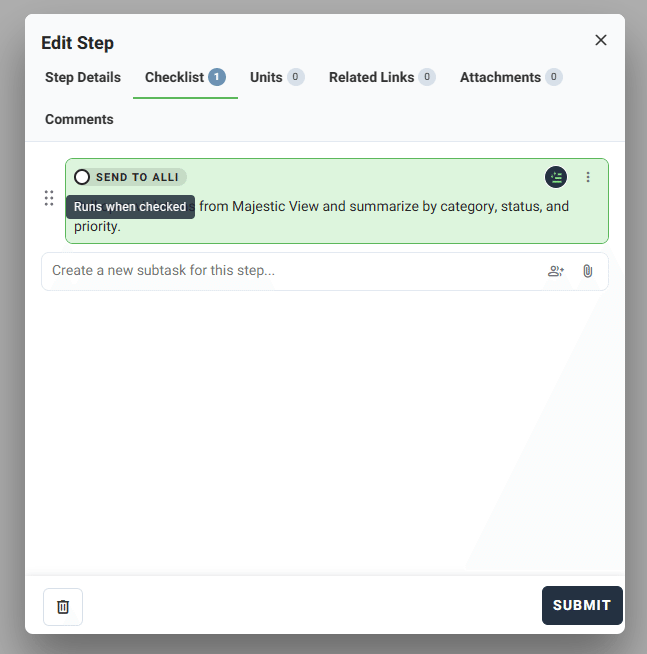
After enabling ALLi for the Step:
- ALLi processes the task based on your instructions
- The output is generated directly within the Step
- The Step becomes part of your ongoing workflow
Important: You must remain on the project or Step while ALLi processes the task. Once complete, the results will populate within the Step.
What ALLi Can Do in Steps
ALLi can support a wide range of tasks within Steps, depending on the instructions you provide.
- Summarize and analyze operational data
- Generate reports or structured outputs
- Organize and categorize information
- Draft communications or summaries
- Support ongoing workflows with repeatable logic
Building Workflows with ALLi
You can use Steps and Projects together to build repeatable workflows across your communities.
Examples include:
- Violation review and follow-up workflows
- Monthly reporting and summaries
- Maintenance tracking and updates
- Board preparation workflows
ALLi can also help create these workflows for you.
Example: “Build a community onboarding checklist with steps for setup, compliance review, and initial inspections.”
ALLi can take assumptions and generate a structured set of Steps to help you get started faster.
Tips for Better Results
- Be clear and specific in your Step instructions
- Use structured prompts when possible
- Include relevant context such as community or task type
- Add attachments if the task depends on documents or data
- Refine outputs by updating the Step and rerunning if needed
Best approach: Think of Steps as repeatable workflows. The more structured your Steps are, the more consistent ALLi’s outputs will be.
What This Feature Does Not Do
- It does not run automatically in the background
- It requires a clear prompt to generate useful results
- It does not replace review or validation of outputs
- It does not complete tasks without being triggered
How This Fits Into Your Workflow
ALLi in Steps helps bridge the gap between asking questions and completing work.
Instead of switching between tools or manually building outputs, you can:
- Assign tasks directly to ALLi
- Keep outputs tied to specific workflows
- Standardize repeatable processes
- Reduce manual effort across recurring tasks
Best fit: Recurring workflows, operational tasks, reporting processes, and any situation where you want to move from instruction to execution inside a structured process.
What’s Next
Once you are comfortable using ALLi in Steps, you can combine it with saved prompts, reporting agents, and workflow automation to build more efficient and repeatable processes.