
Site Admin - How to Insert a Document Using Messenger Service
The following instructions should be referred to for inserting documents to an outgoing message (eblast or email) using Messenger Service. You can also use these instructions for inserting documents to web pages. 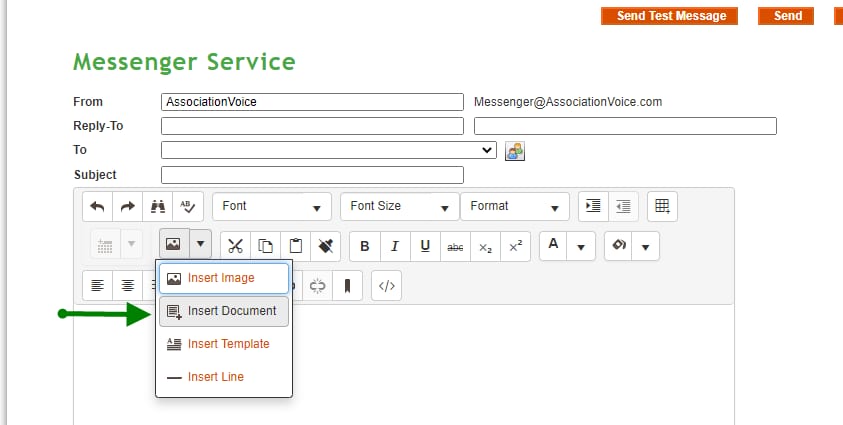
- Click Add
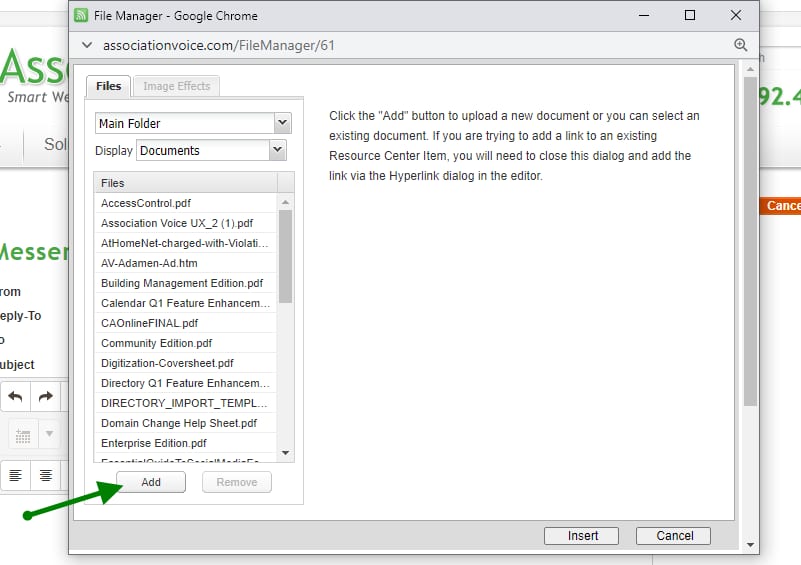
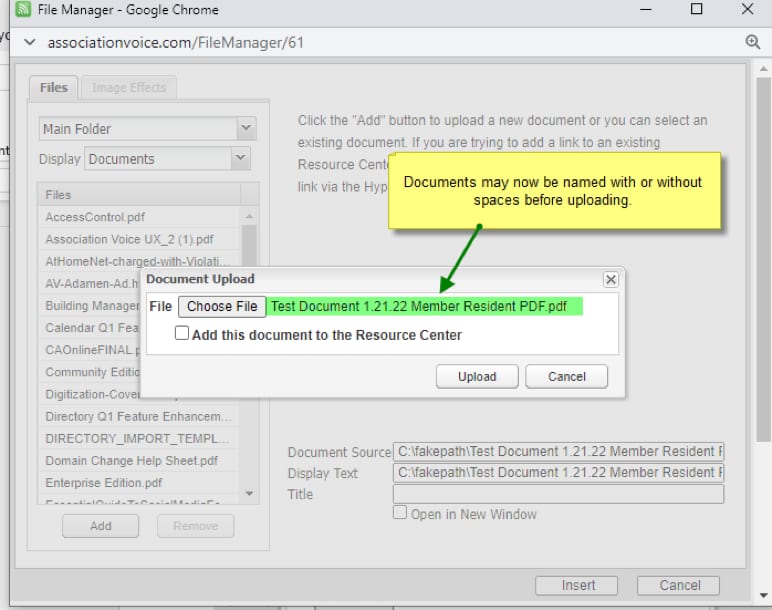
- Choose the file you would like to upload
- Click dropdown arrow to the right of the image icon. Select Insert Document.
- Click Add
- Choose the file you would like to upload