Sending an ePass from the dwellingLIVE Mobile App
Video: Watch sending-an-epass-from-the-dwellinglive-app.
Residents can send ePasses to guests through the dwellingLIVE mobile app. In the mobile app, an ePass can be sent to the guest by email or by text message.
Sending an ePass to a New Guest
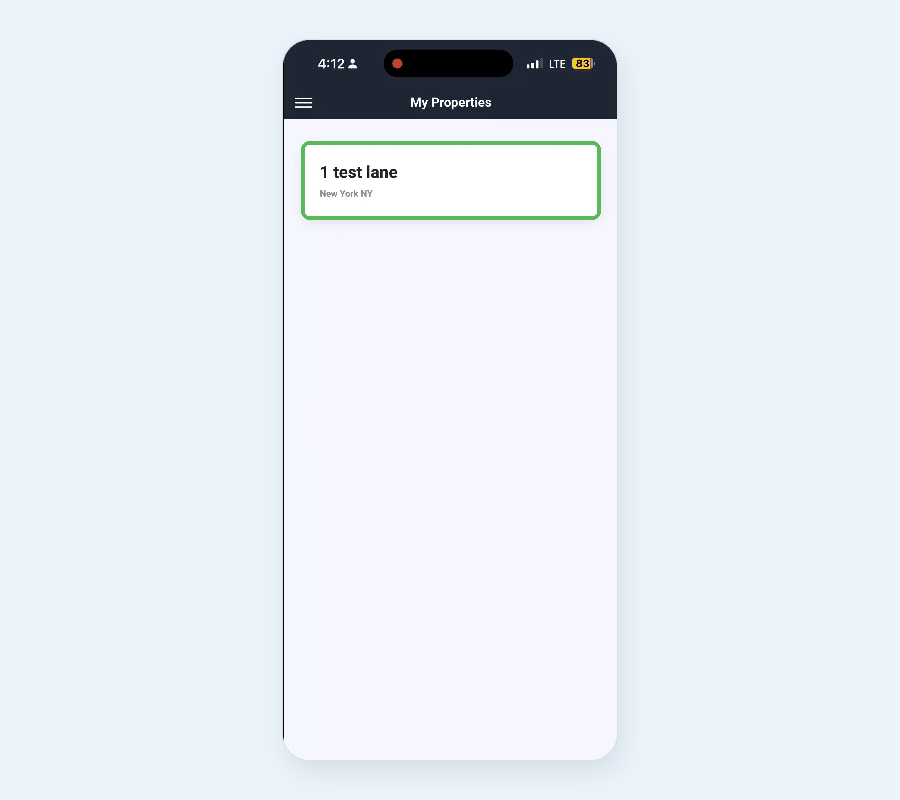
1. Log into the dwellingLIVE mobile app as a resident, then select your property under My Properties.
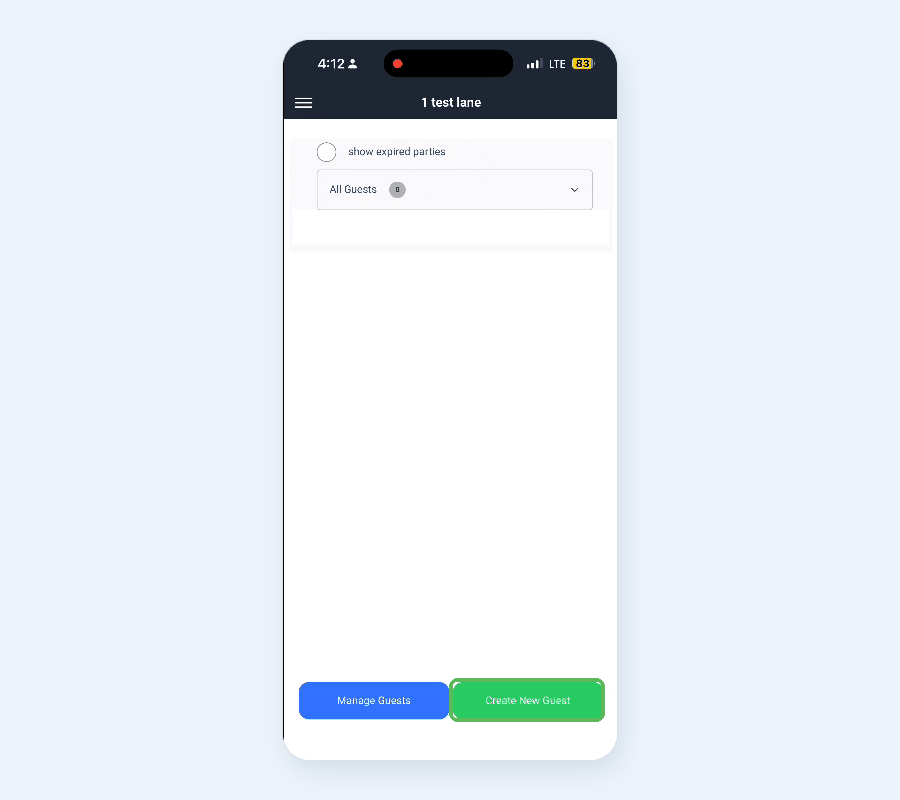
2. Select Create New Guest at the bottom of the page.
3. Choose a Guest Type: Temporary Guest or Permanent Guest.
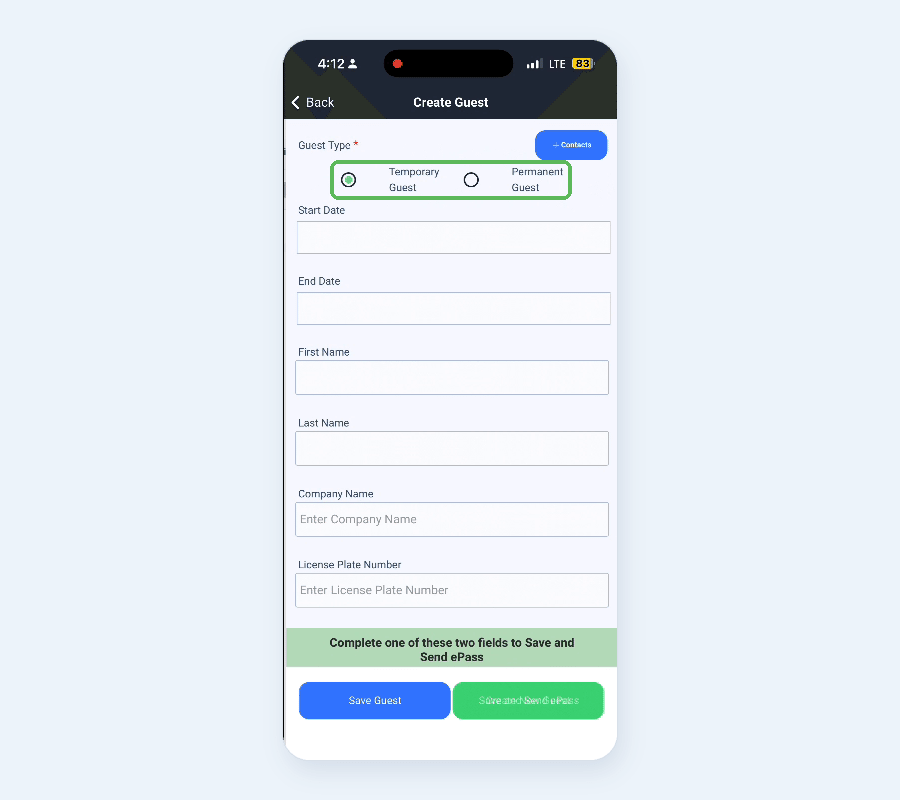
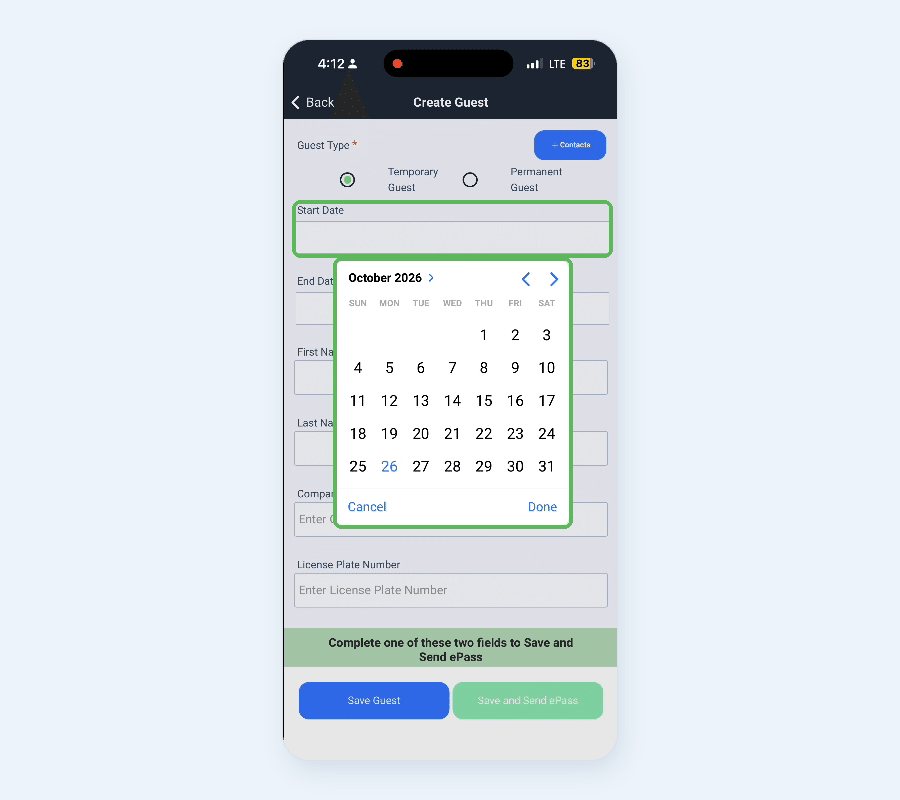
4. Set the Start Date and End Date using the date pickers. If the dates fall outside your community's limits, such as the longest visit allowed, the app shows a message above the dates.
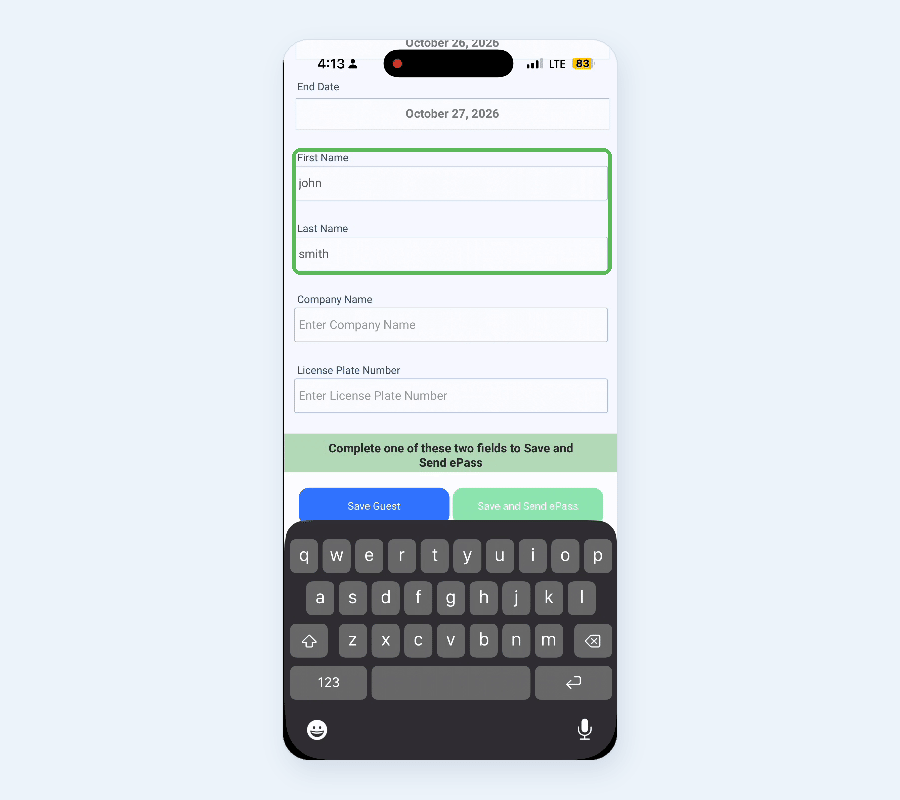
5. Enter the guest's First Name and Last Name. Company Name and License Plate Number are optional.
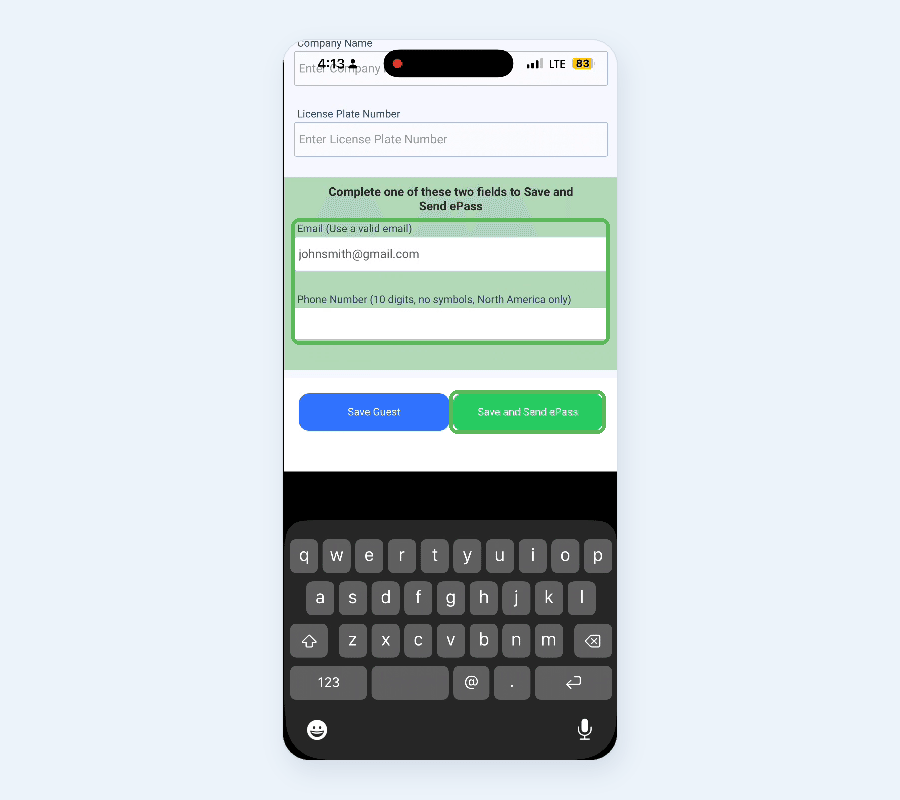
6. Under Complete one of these two fields to Save and Send ePass, enter the guest's email address in the Email field or their mobile number in the Phone Number field, then select Save and Send ePass.
o Note: check for typos or extra spaces before or after the email address. Phone numbers must be 10 digits with no symbols (North America only).
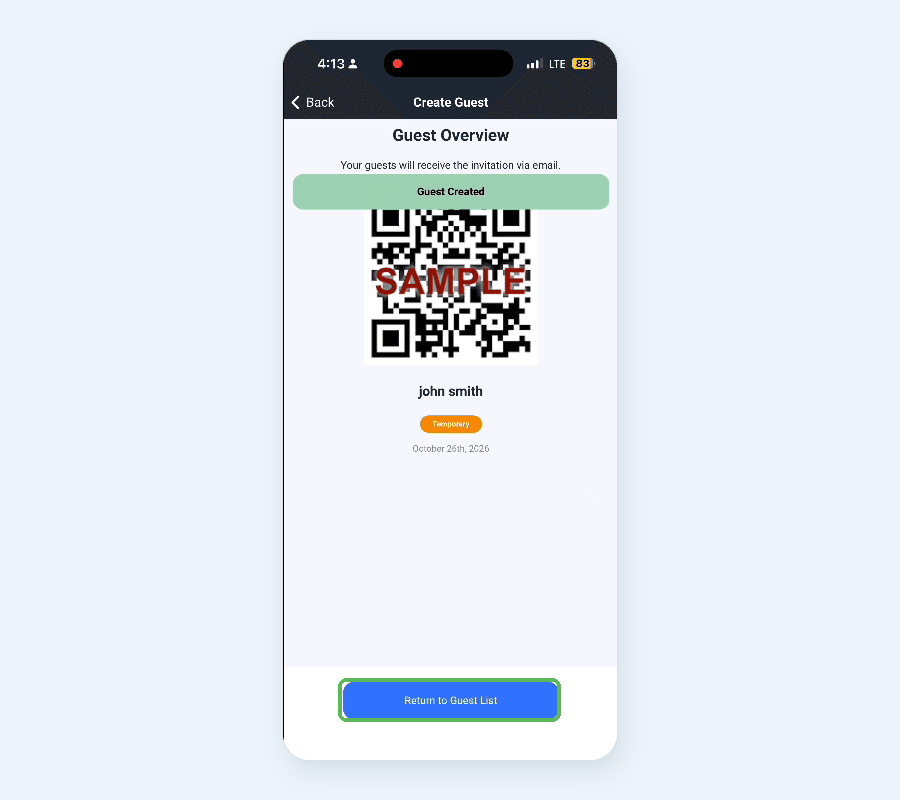
7. The Guest Overview page confirms the guest was created and shows the ePass. Your guest receives the invitation at the email address or phone number you entered. Select Return to Guest List.
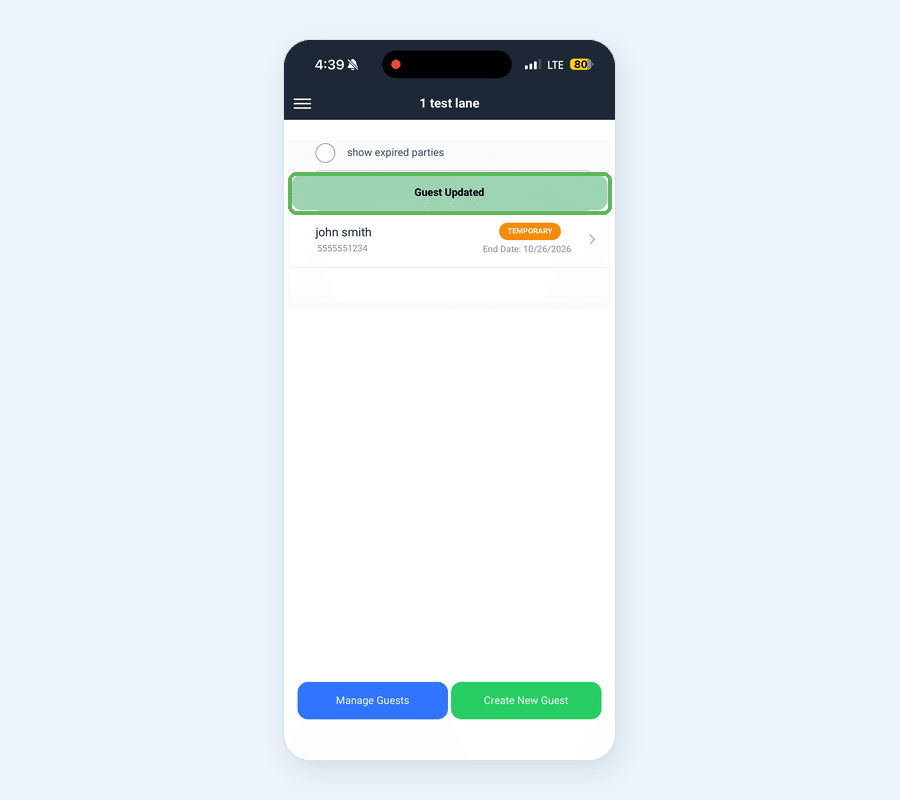
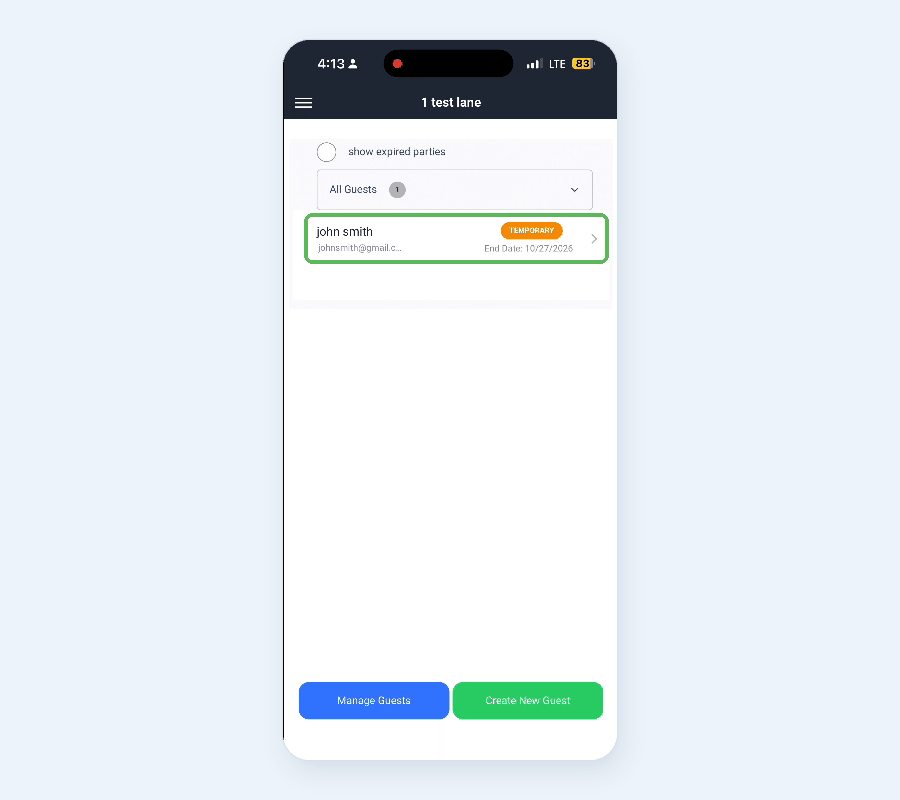
8. The new guest now appears in your guest list.
Sending an ePass to an Existing Guest
Video: Watch sending-an-epass-to-an-existing-guest-in-the-dwellinglive-app.
To send an ePass to a guest already in your guest list, open the guest, check their details and contact information, then select Save and Send ePass.
1. Log into the dwellingLIVE mobile app as a resident, then select your property under My Properties.
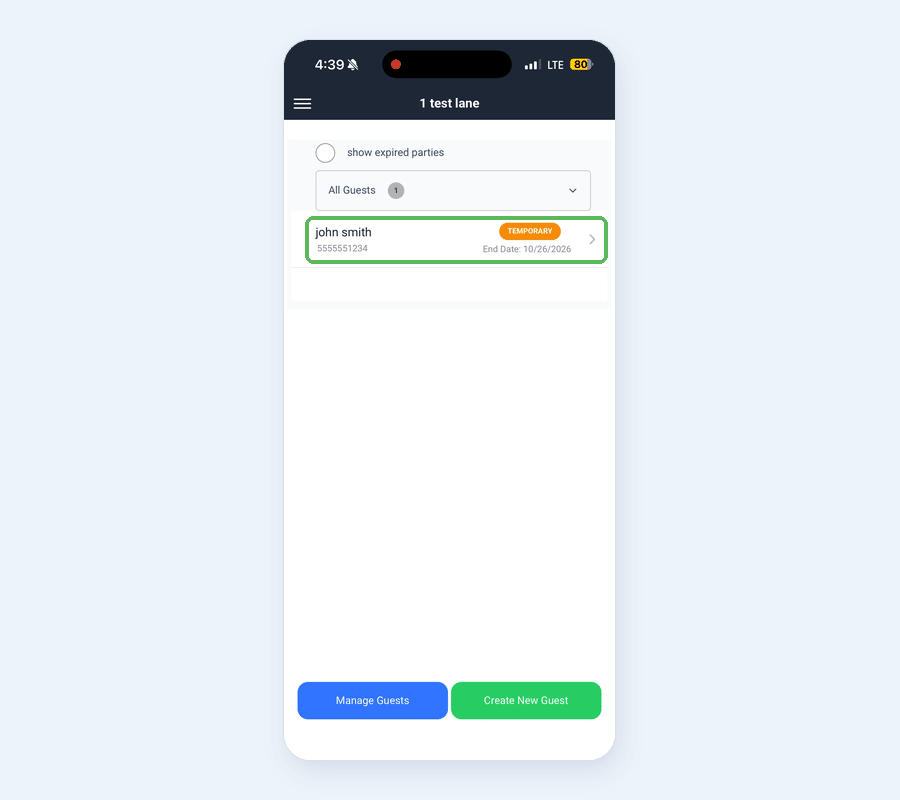
2. Select the guest from your guest list.
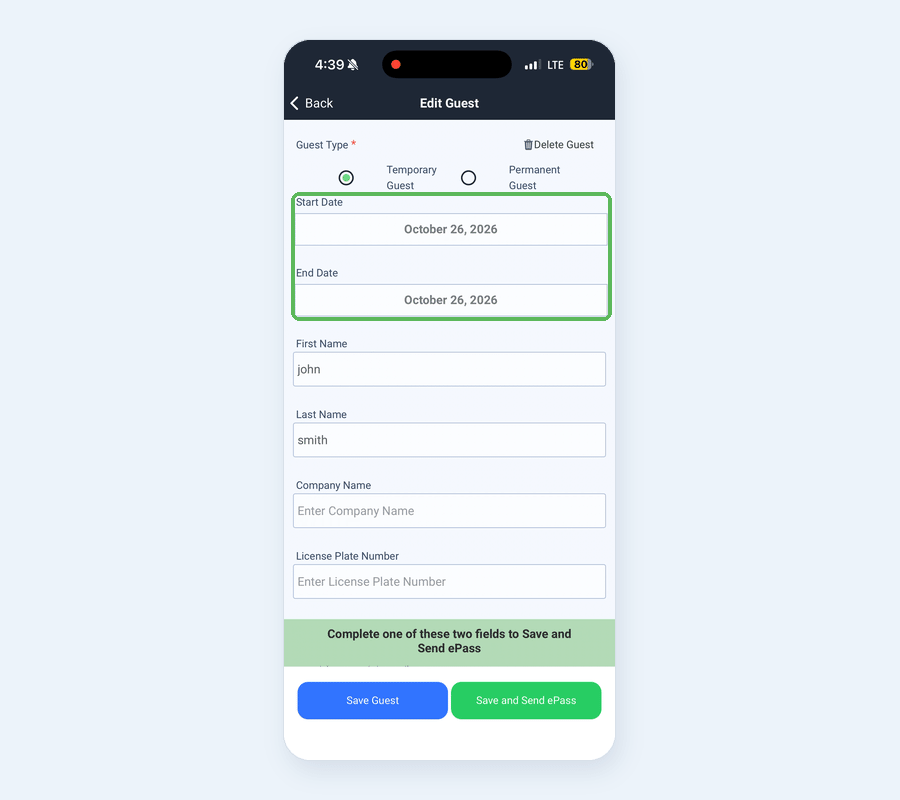
3. The Edit Guest page opens with the guest's details. Update anything that has changed, such as the Start Date and End Date for the new visit.
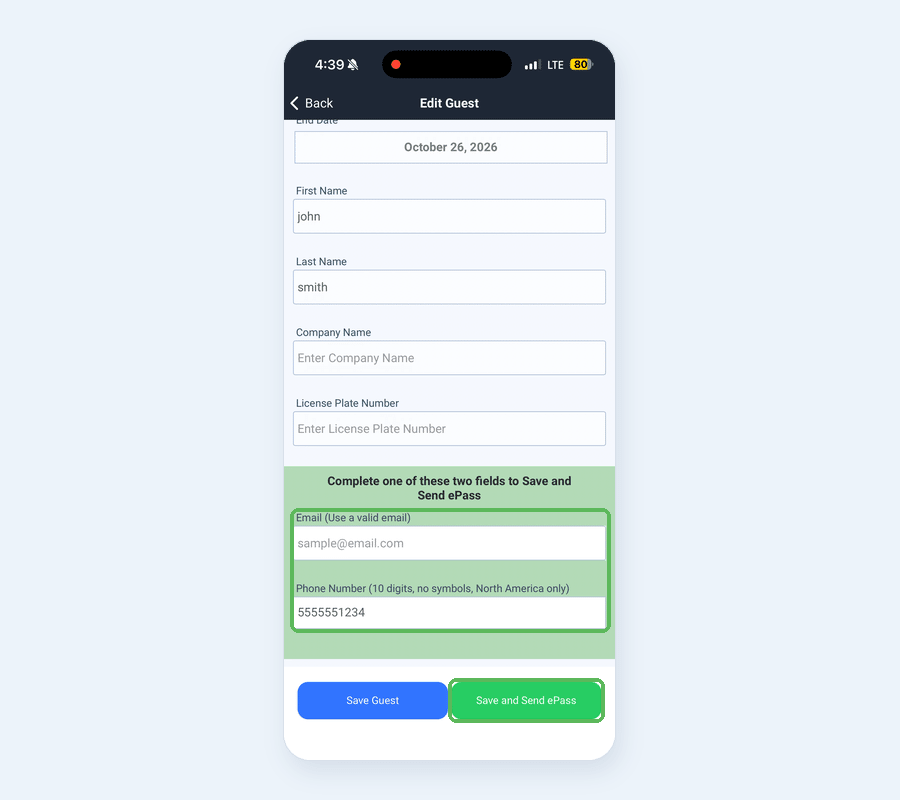
4. Scroll down to Complete one of these two fields to Save and Send ePass. Confirm the guest's email address or phone number is correct, and change it if needed. Then select Save and Send ePass.
o Note: check for typos or extra spaces before or after the email address. Phone numbers must be 10 digits with no symbols (North America only).
5. A Guest Updated message appears, and the app returns to your guest list.