
Resident – Mobile App FRONTSTEPS/Caliber Document Integration
We’re updating this article. Some screenshots or names may look older than what you see in the product.
Background
This feature integrates the Caliber Accounting Documents with the FRONTSTEPS Document application. Accounting documents uploaded inside the Caliber portal will automatically be transferred into the FRONTSTEPS portal, and therefore the Mobile App, through an AIS.Important Notes
- This feature is only available to Residents of communities using the Caliber accounting integration system.
- A tab entitled Accounting has been added to the Resident Mobile App Documents application, which signifies that documents within that tab are from the Caliber Accounting Integration system.
- The accounting documents must reside in a Caliber documents folder with permissions for Everyone to view.
Using the FRONTSTEPS/Caliber Accounting Document Integration Feature on the Resident Mobile App
From the FRONTSTEPS Resident Mobile App menu, select Documents, then select the Accounting tab.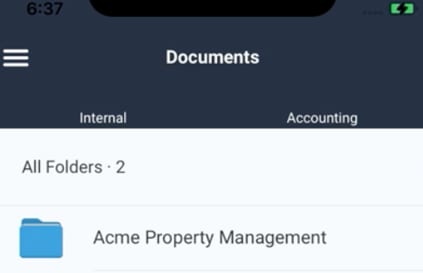
The folders and files display in the Accounting Documents tab the same way they display in the Internal tab.
To view folders or documents within a folder, select the folder name.
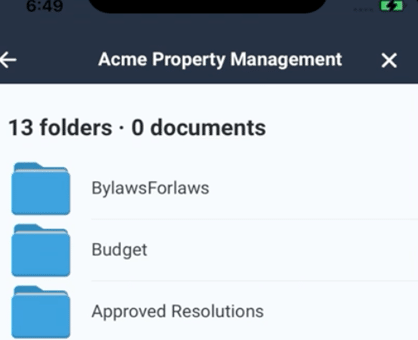
Continue to select folders as needed to reach the desired document.
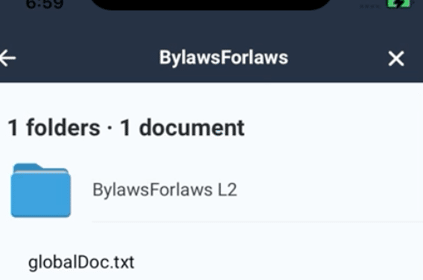
To return to the previous folder, select the
 arrow.
To return to the main Documents screen, select the
 .
.