
Resident - Mobile App Create a Discussion
We’re updating this article. Some screenshots or names may look older than what you see in the product.
Background
The Discussion (Chat) feature was introduced to the FRONTSTEPS Resident Mobile App in June 2020, but in a read-only format. Users could view active Discussions from a mobile device, but could only post their own via the web platform. As we continue to expand and improve our Mobile App offerings, we want to empower users to do as much as possible while on-the-go. We now invite users to create Discussions for their Community from their mobile device.Creating a Discussion
From the FRONTSTEPS Mobile App menu,
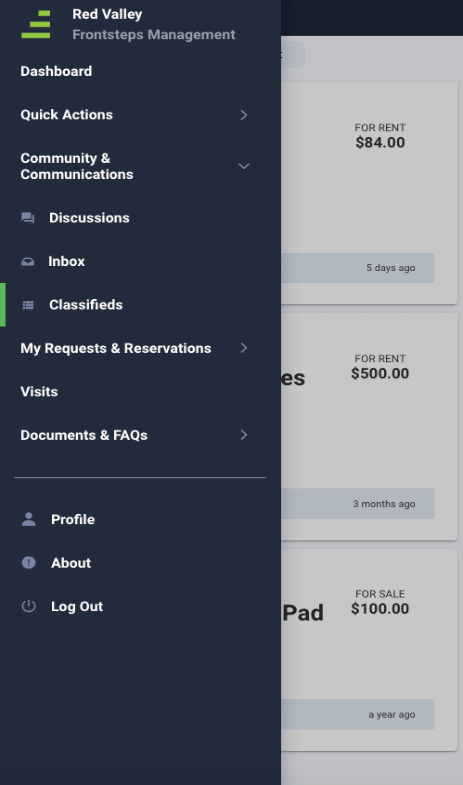
select Community & Communications, then select Discussions.
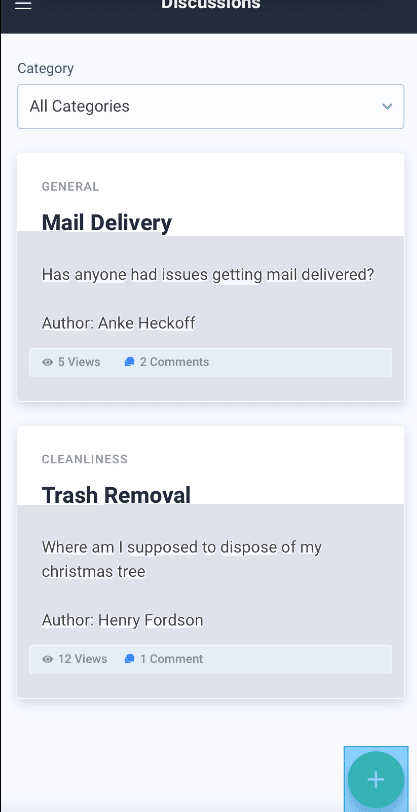
Select the Add option +.
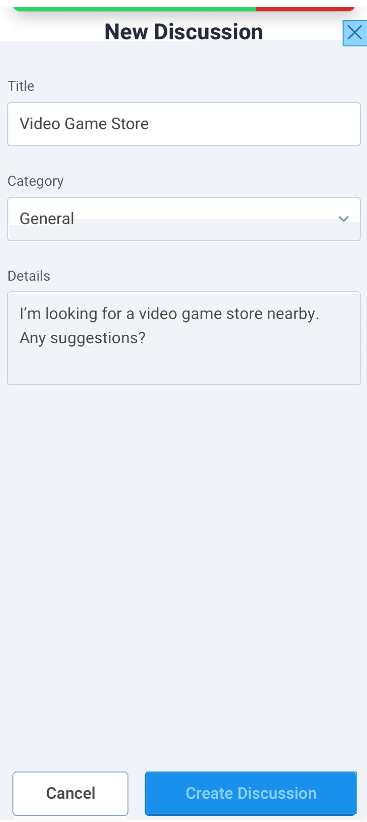
- Complete the Title of the Discussion.
- Select the Discussion Category from the drop-down list.
- Complete the Details of the Discussion.
- Select Create Discussion.
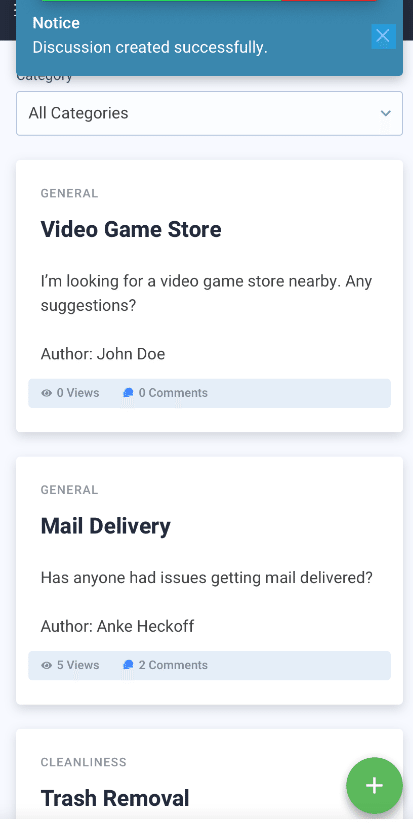
- A message will display indicating that your Discussion was created successfully. The Discussion will immediately display in the list of Discussions from the menu option as well as on the Community Dashboard.