Resident - Requesting Group Membership
If a new user would like to become a member of a group they may Request Membership.
Access the Group Page List and click on Request Membership next to a Group Page.
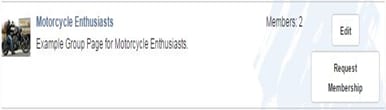
Access the Group Page List and click on Request Membership next to a Group Page.
- A Request Membership form will display already containing the information needed.
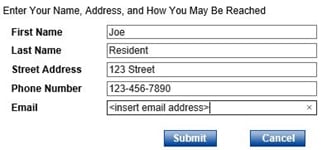
- Click Submit
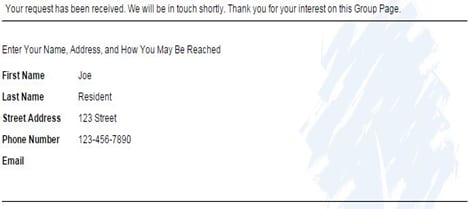
- Once submitted, the confirmation page displays indicating the request was received.