Resident - Payment Cancellations
We’re updating this article. Some screenshots or names may look older than what you see in the product.
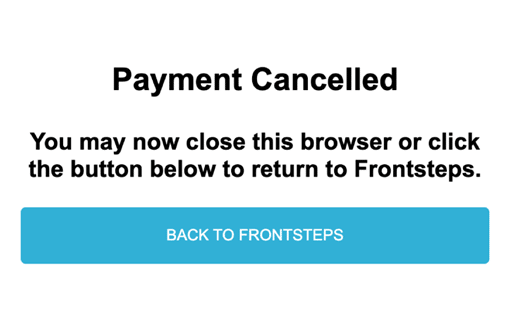
To provide Residents with clear payment cancellation information, Residents are redirected to a Payment Cancellation page, which will include the following message:
- "Payment Cancelled"
- "Back to FRONTSTEPS" button
Payment Cancellation Flow
From the Dashboard, select the Make Payment button, or from the Dashboard> Quick Actions>My Payments> the Make Payment button.
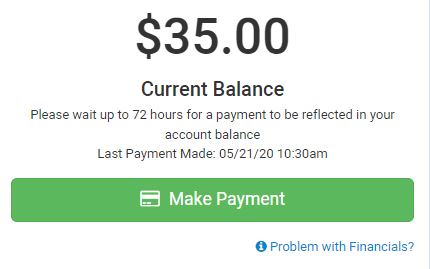
Select Make Payment. Verify the information on the Make a Payment window. 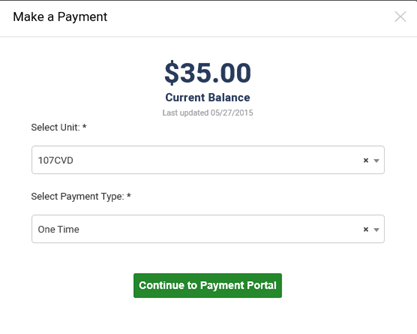
Select Continue to Payment Portal. 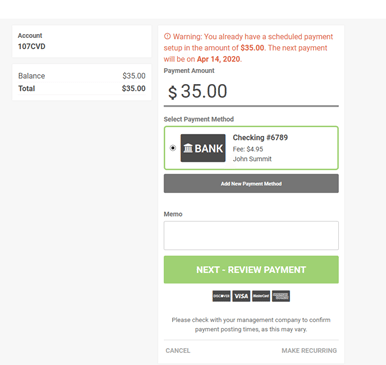
Select Cancel.
You are redirected to the Payment Cancelled page.