Package Tracking- Resident
We’re updating this article. Some screenshots or names may look older than what you see in the product.
Background
FRONTSTEPS has built out the Package experience as part of our best-in-class integration. To ensure the process is efficient, FRONTSTEPS is enabling users to view their Package details on FSC.Accessibility
The feature is available to all Residents whose Property Management Company uses dewllingLIVE and FSC.Features
This enhancement provides the following features:- Package Details- Can view package information, including weight and tracking number.
The View:
To View your packages, navigate to the Quick Actions menu and then choose the Packages dashboard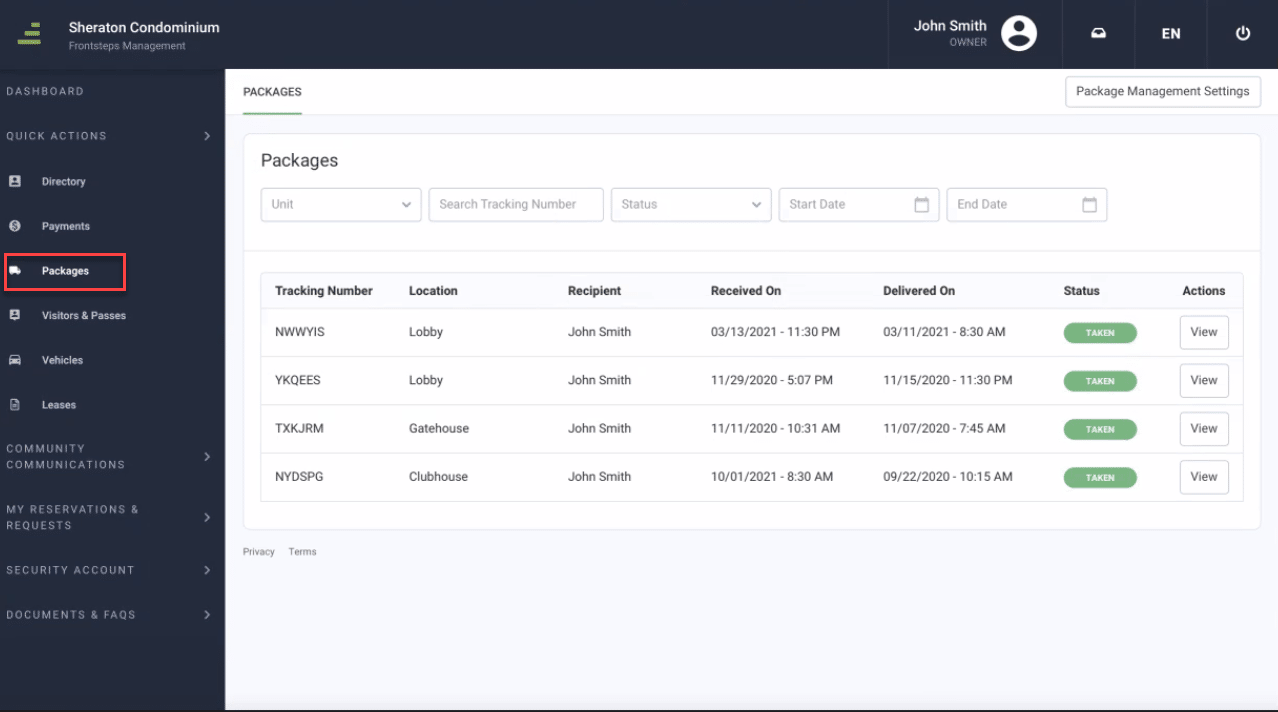
In this view you can see all your packages, where they currently are, delivery dates, status of the package, and you can also view additional details by clicking the View button.
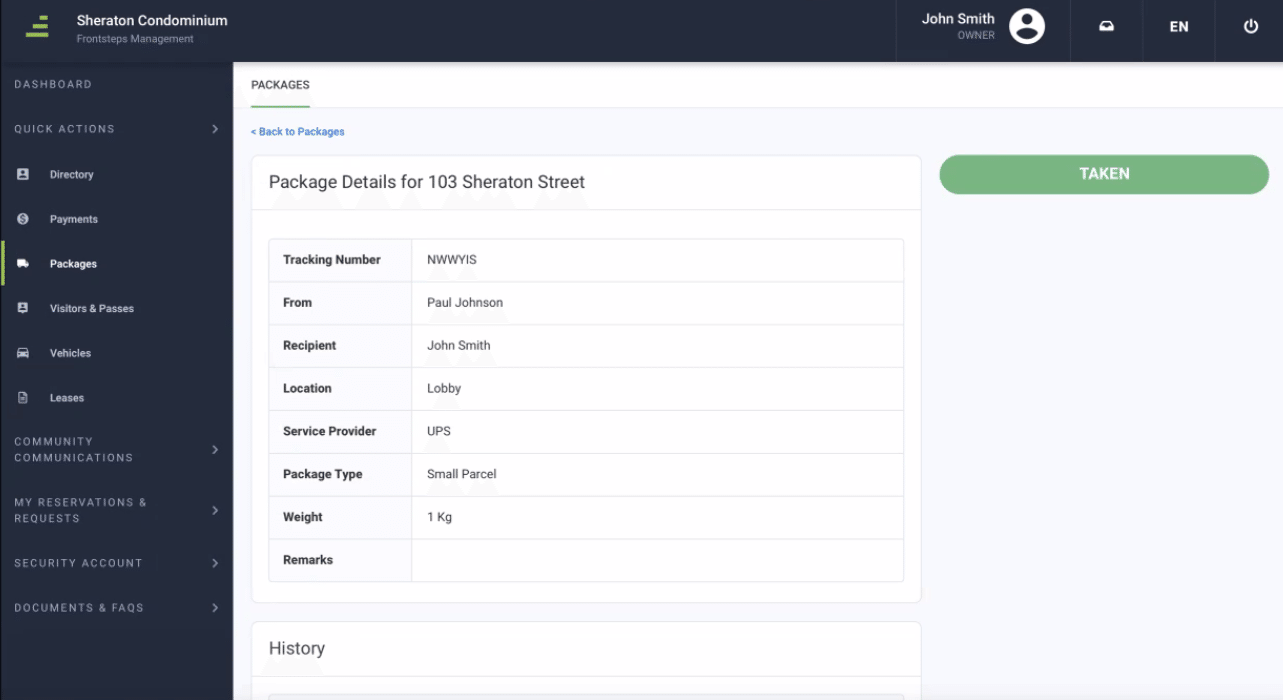
After clicking the view button, you can see additional information such as the weight, package type and any remarks.
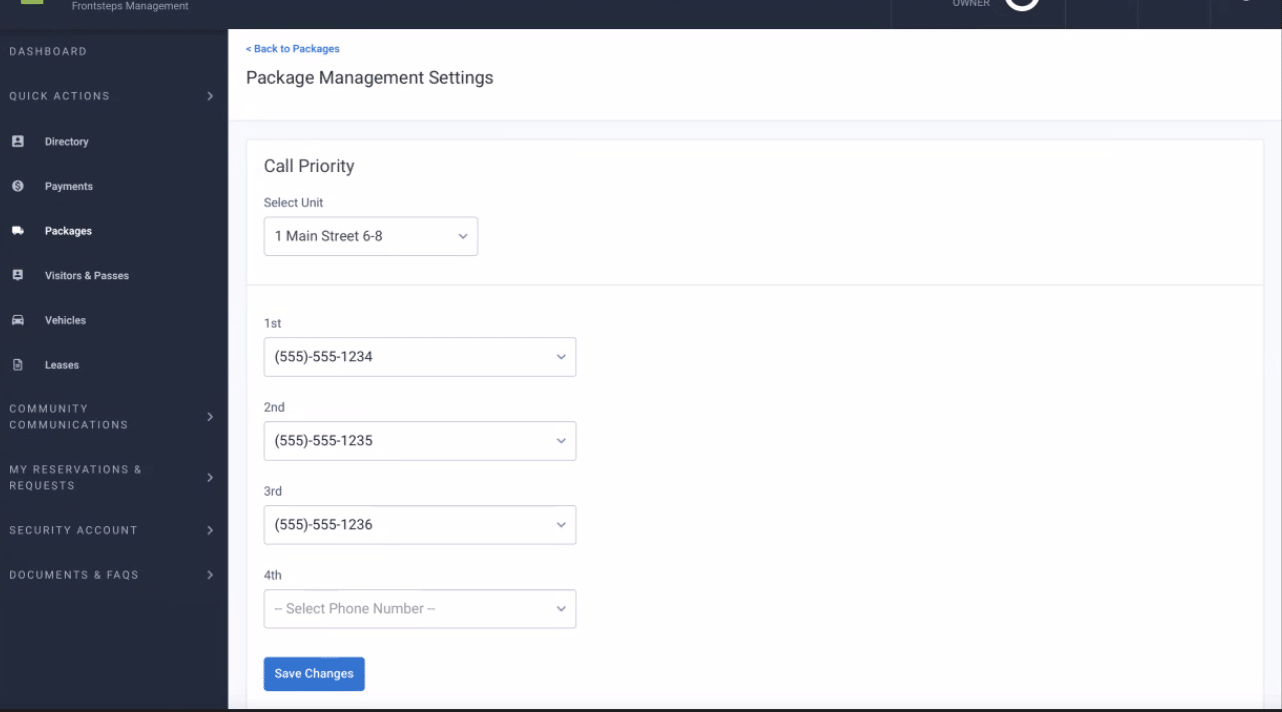
If you wanted to adjust the order in which your management company, concierge or security staff call you to inform you that a package is available, you can do so by clicking the ‘Package Management Settings’ button on the main page.
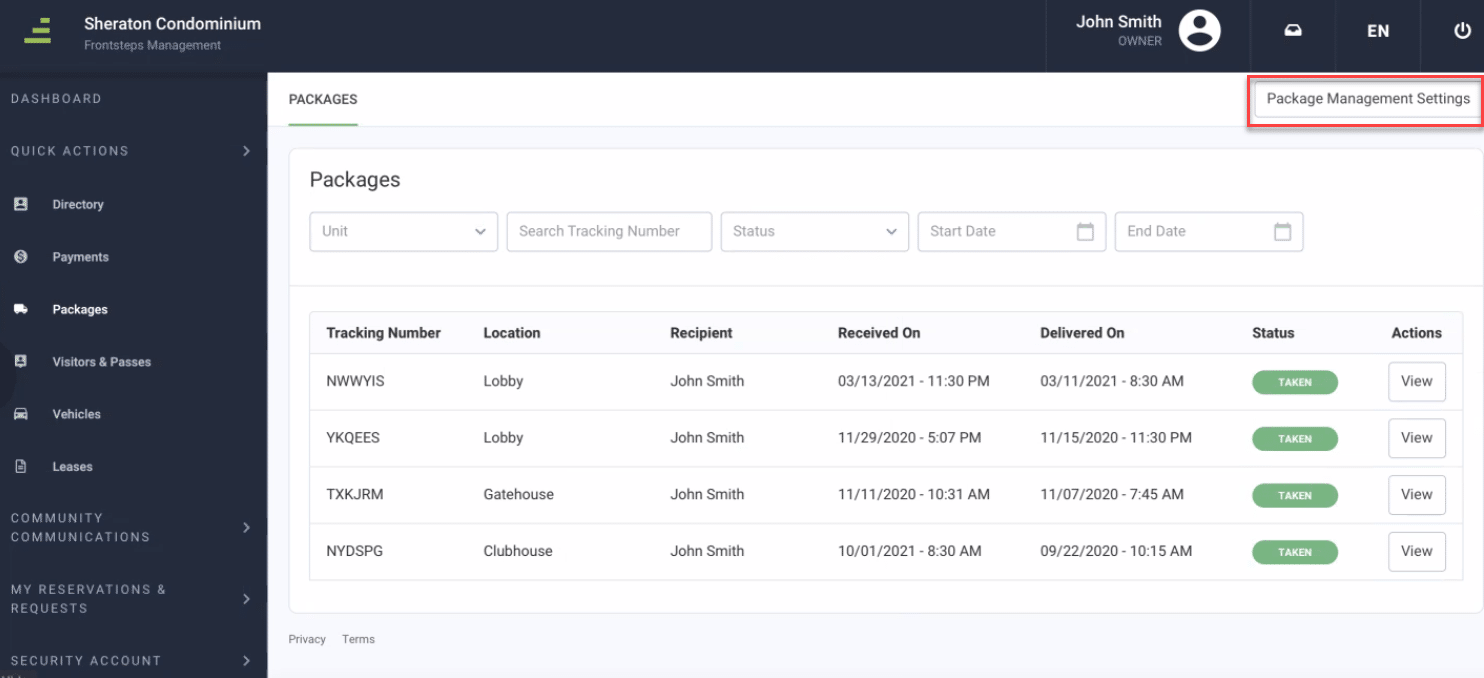
From here you can set the precedent for each phone number on your record.