Manager and Admin - Support Links on Dashboard
We’re updating this article. Some screenshots or names may look older than what you see in the product.
Background
In our ongoing effort to enhance support for our customers, FRONTSTEPS has added links to the FRONTSTEPS Knowledge Base, which contains many helpful knowledge articles and training videos, and to the Customer Support Contact web page.These links are conveniently accessible from the Dashboards for both Managers and Administrators.
Accessing the Support Links – Manager
From the FRONTSTEPS Manager Dashboard, select the drop-down menu next to the ? help icon.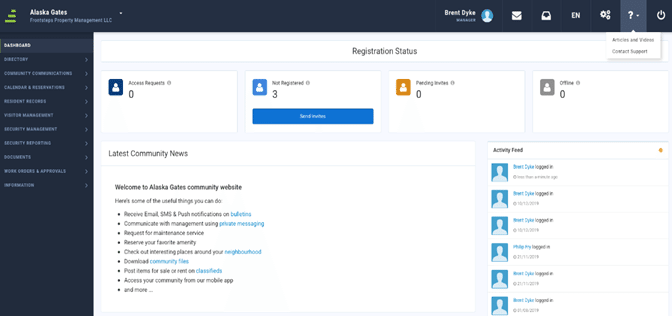
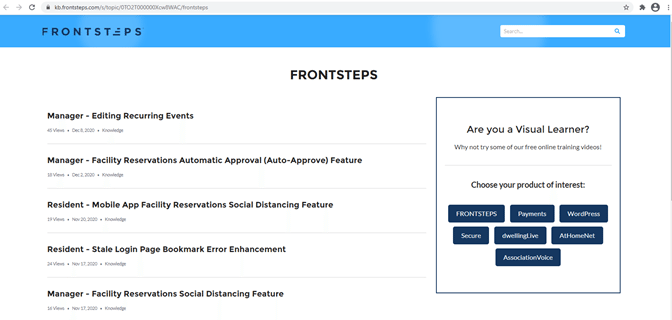
- To access the FRONTSTEPS Knowledge Base articles and videos, select the Articles and Videos link. You will be redirected to this site: https://kb.frontsteps.com/s/topic/0TO2T000000Xcw8WAC/frontsteps
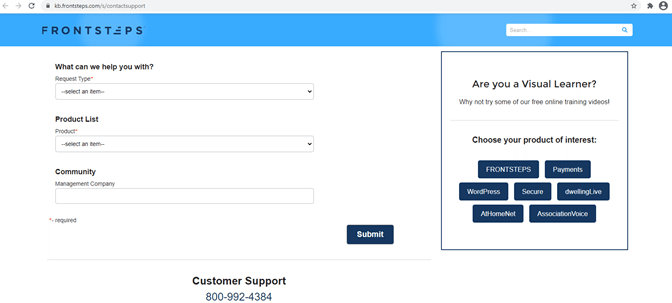
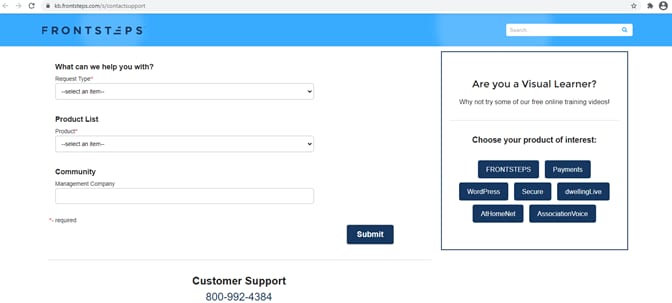
2. To access the FRONTSTEPS Customer Support Contacts web page, select the Contact Support . You will be redirected to this site: https://kb.frontsteps.com/s/contactsupport.
Accessing the Support Links – Administrator
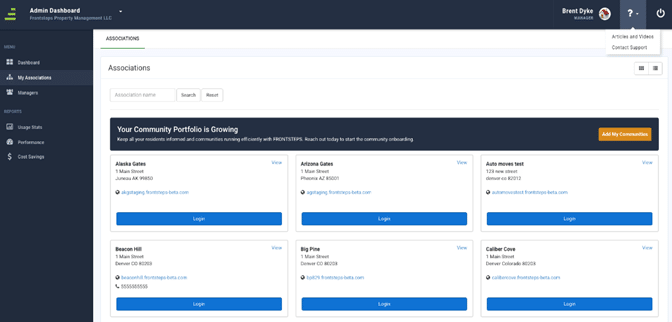
From the FRONTSTEPS Administrator Dashboard, select the drop-down menu next to the ? help icon.
Accessing the Support Links – Administrator
From the FRONTSTEPS Administrator Dashboard, select the drop-down menu next to the ? help icon.
- To access the FRONTSTEPS Knowledge Base articles and videos, select the Articles and Videos link. You will be redirected to this site: https://kb.frontsteps.com/s/topic/0TO2T000000Xcw8WAC/frontsteps.
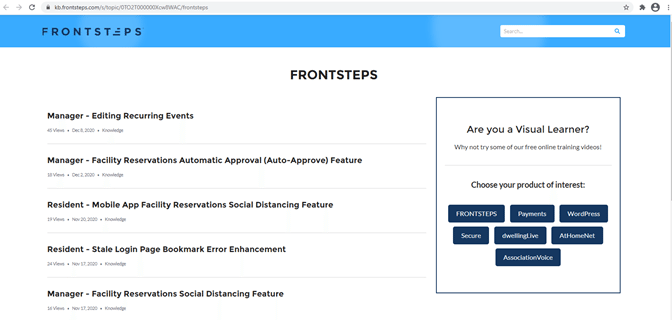
2. To access the FRONTSTEPS Customer Support Contacts web page, select the Contact Support link. You will be redirected to this site: https://kb.frontsteps.com/s/contactsupport.