
Admin - Managing a Community Portfolio
We’re updating this article. Some screenshots or names may look older than what you see in the product.
This feature provides a banner on the My Associations page with a button that automatically generates an email to an account representative to contact the Manager regarding their request.
Select the Administrator Dashboard, My Associations.
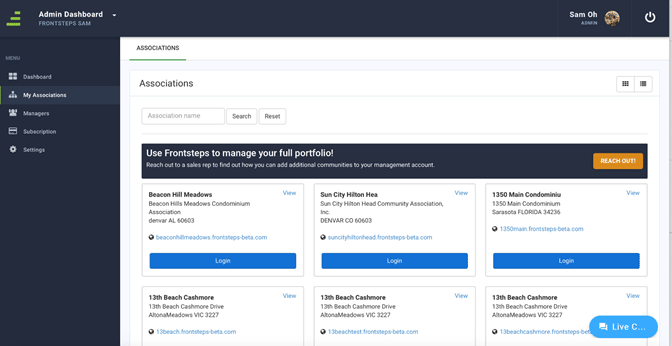
Select the Reach Out button. You will receive the following message:
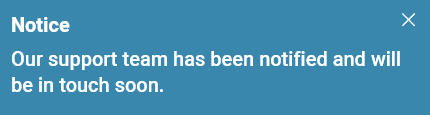
An email will be sent to a FRONTSTEPS account representative, who will contact the Manager to assist in adding additional communities to their portfolio.