Issuing a Refund on an Owners Account
Issuing a Refund on an Owners Account
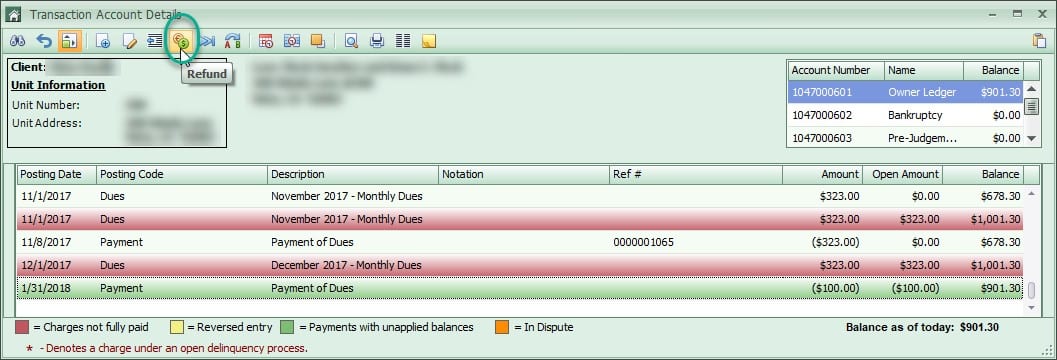
Open the homeowner ledger the refund will be issued from. Click the Refund button at the top.
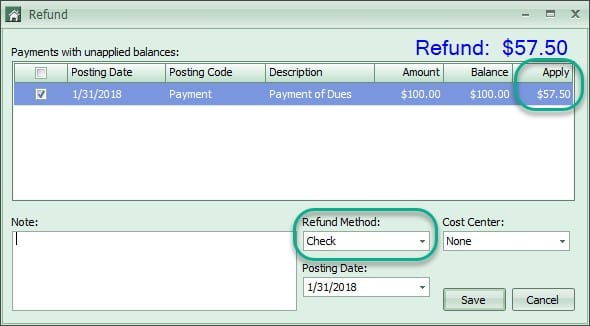
Choose the payments that need to be refunded. The amount of the refund can be changed to a smaller amount in the Apply column if a full refund is not necessary. If the refund should be higher, exit the Refund screen and unapply other payments. Choose a Refund Method, enter a Note, and click Save.
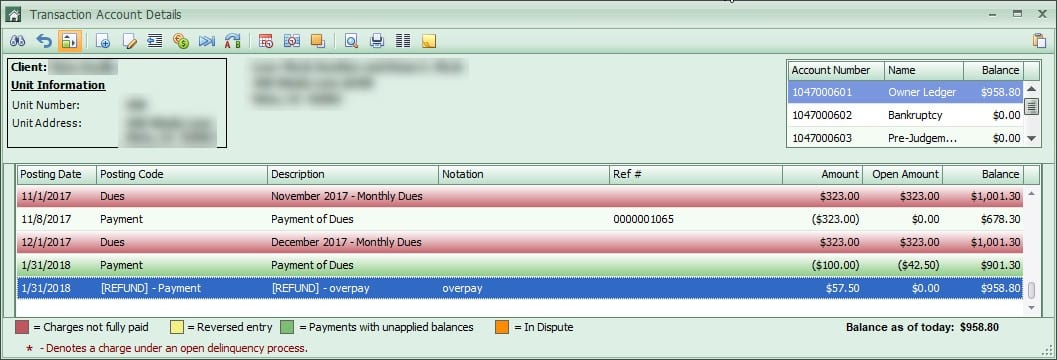
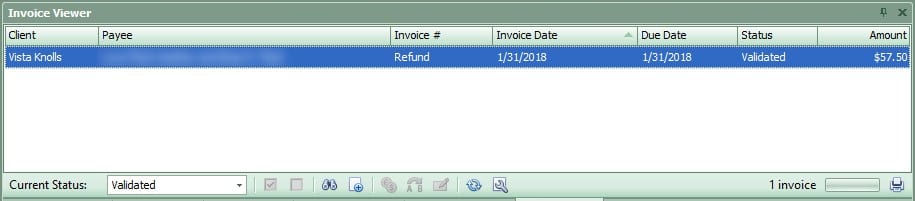
The refund will now show on the owner account and an invoice will be added to the Invoice Viewer. The invoice will need to go through the standard AP Approval process that has been set up for that client.