
How to View Architectural Requests
We’re updating this article. Some screenshots or names may look older than what you see in the product.
To View a list of Architectural Requests select the Architectural (hammer) icon from the Client list: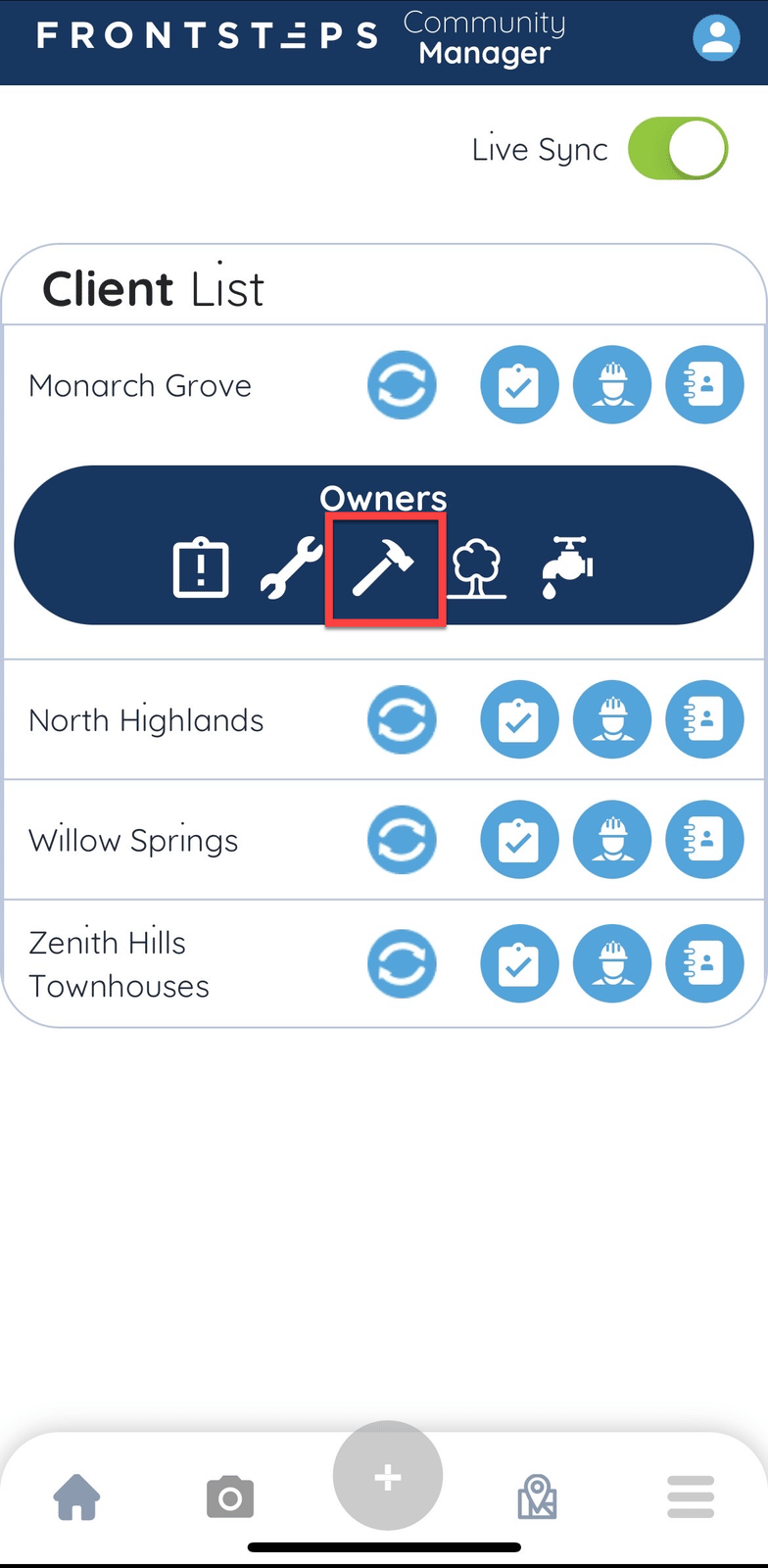
This will display all of the Units for that Client, and the associated number of architectural requests for each unit.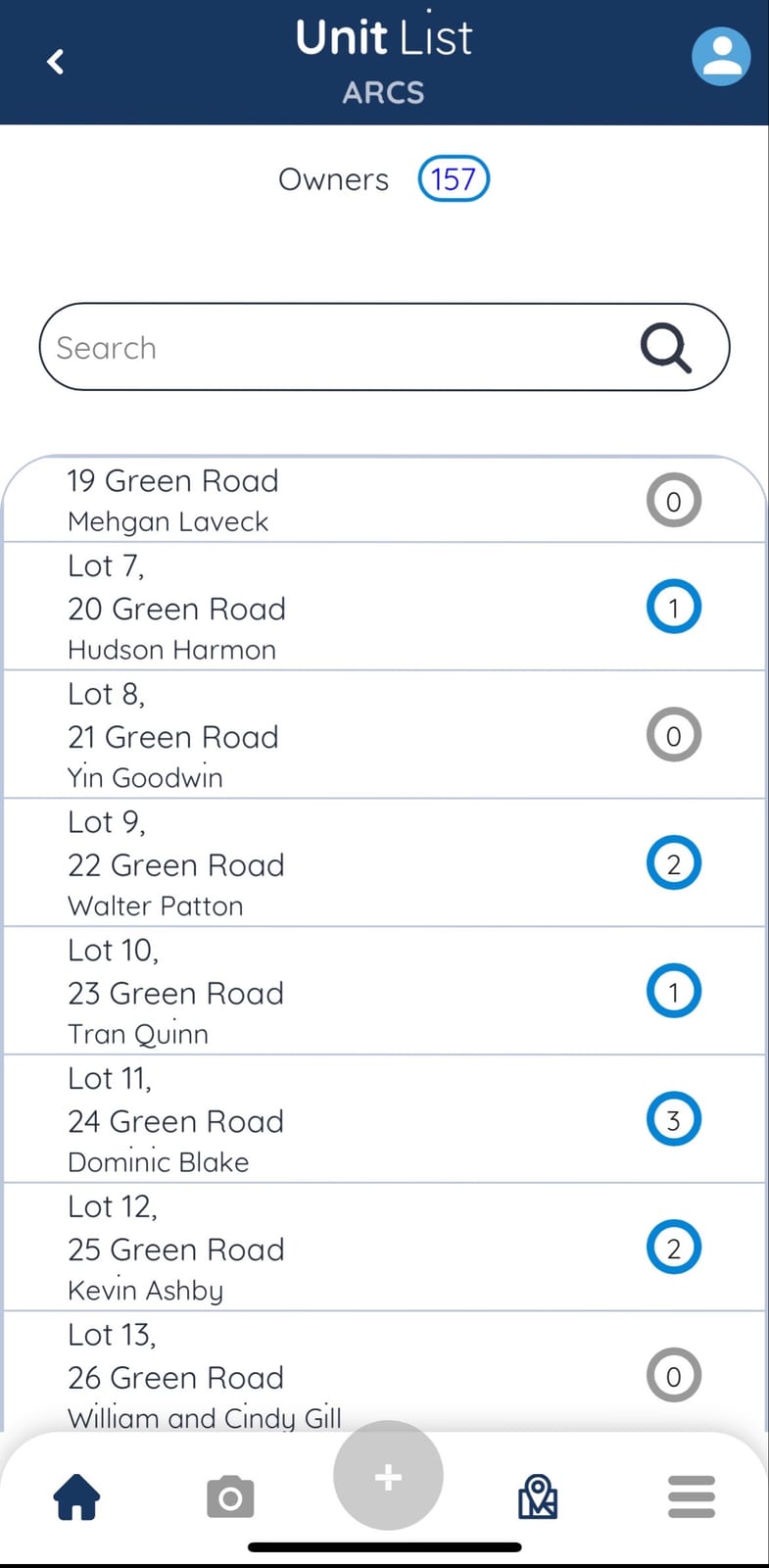
To view the Unit Details, tap on the Unit. From here you will tap on the Architectural count indicator within the Unit Details to view the requests for this unit.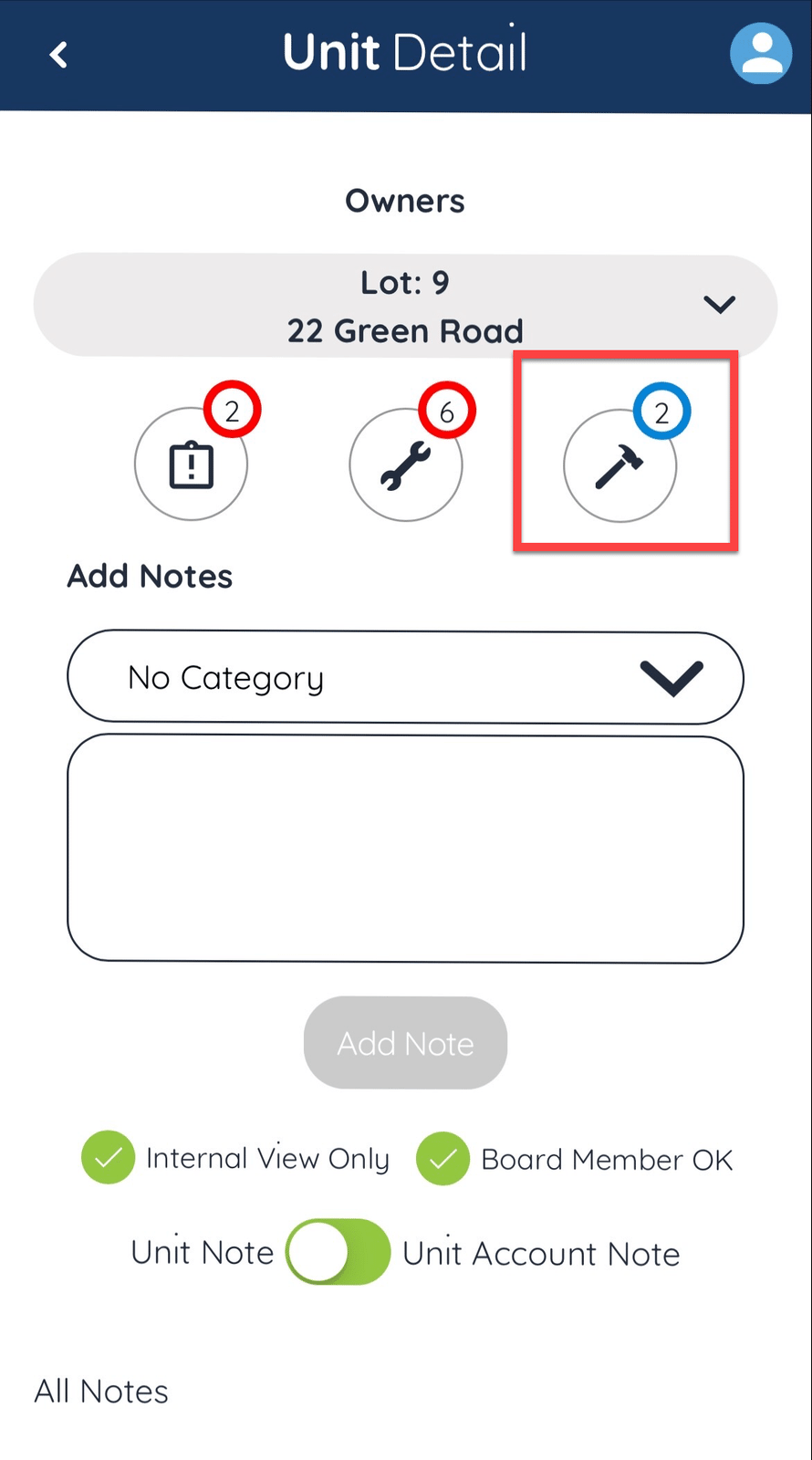
This shows a list of all open architectural requests. 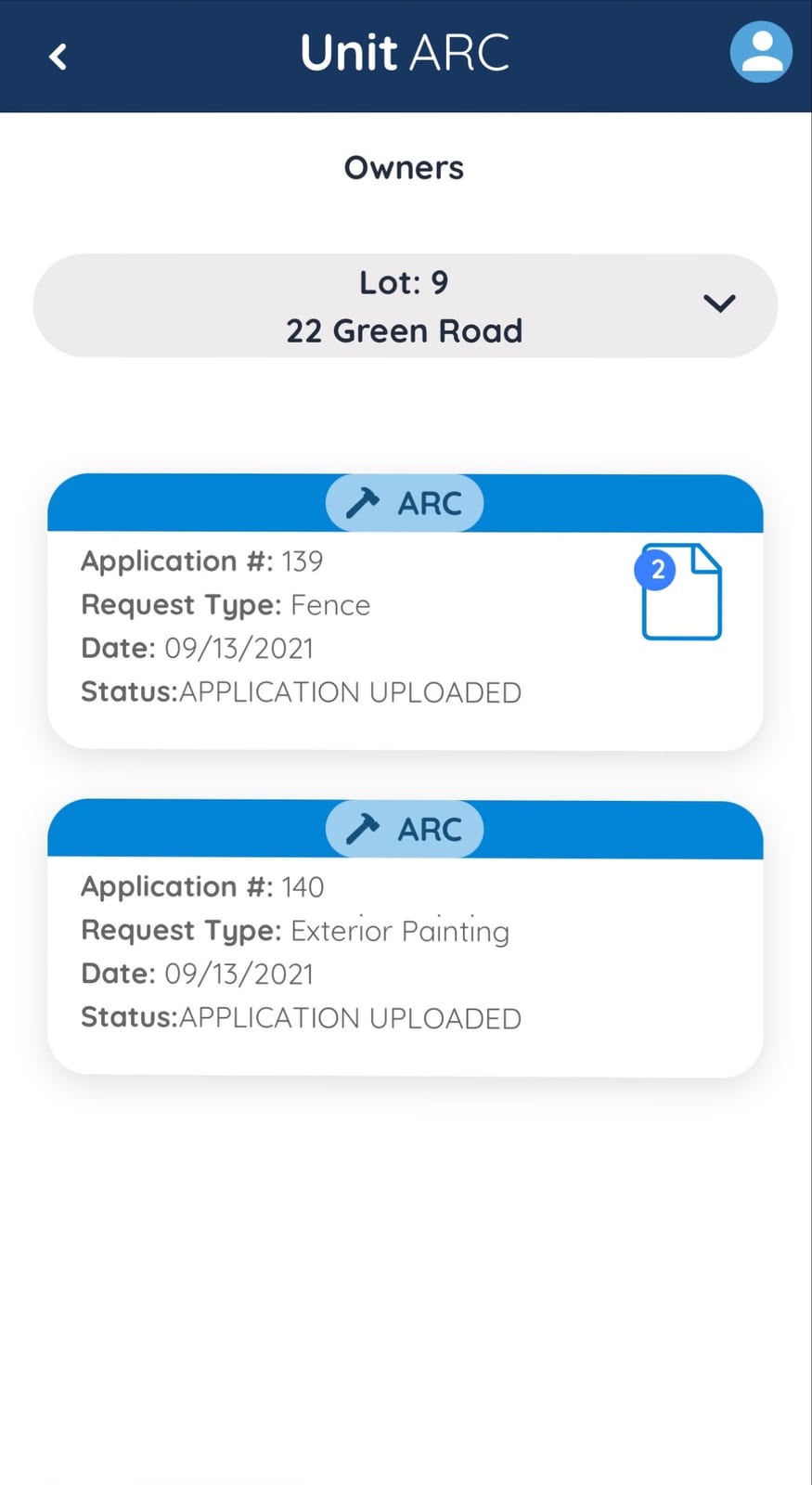
To view details of an Architectural request, tap of the request. You can view the request type, status, any documents that have been added and view/add notes. Notes can not be edited once added. 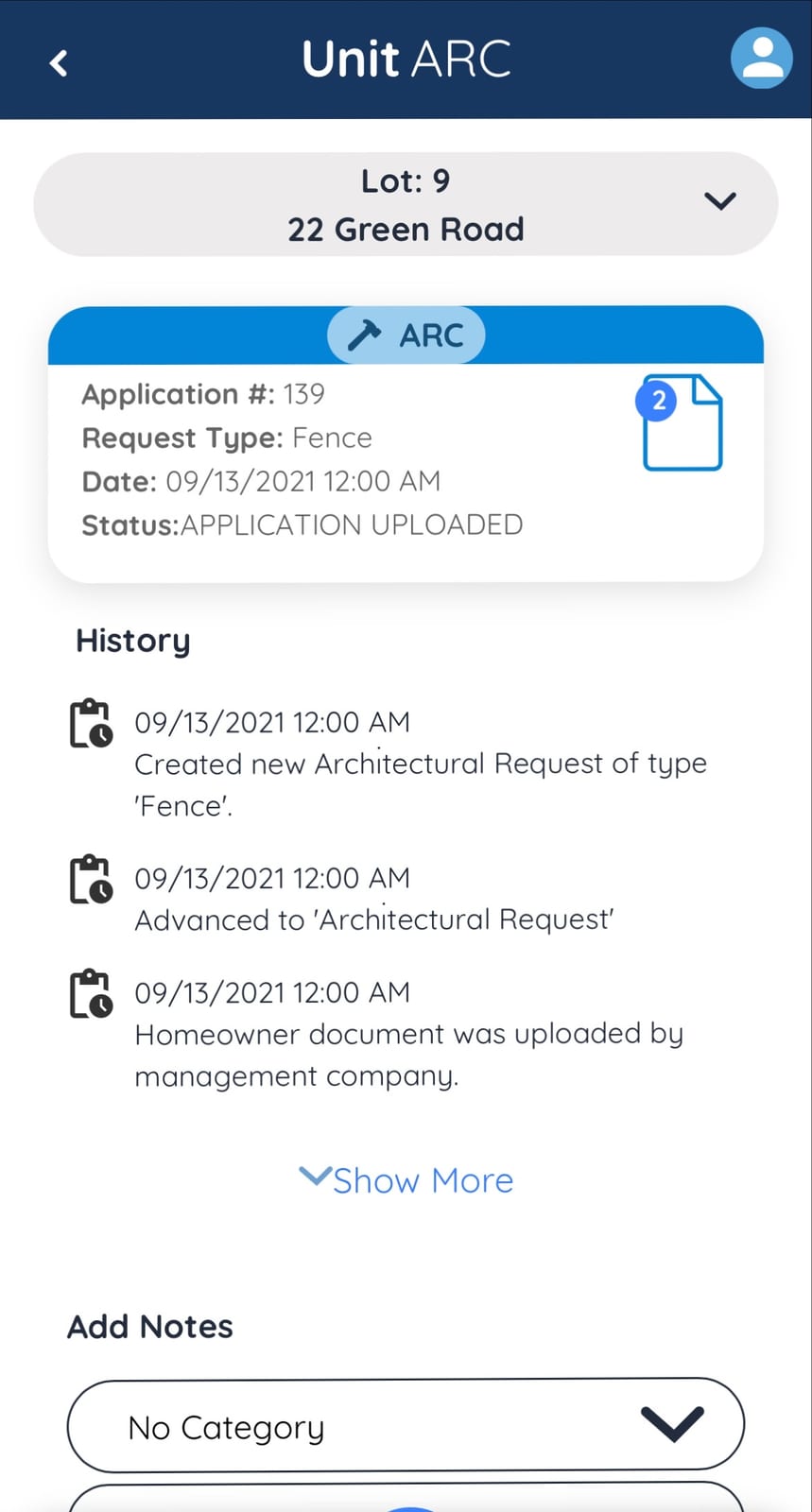
To view attached documents, click the paper icon, and then tap the document you want to view.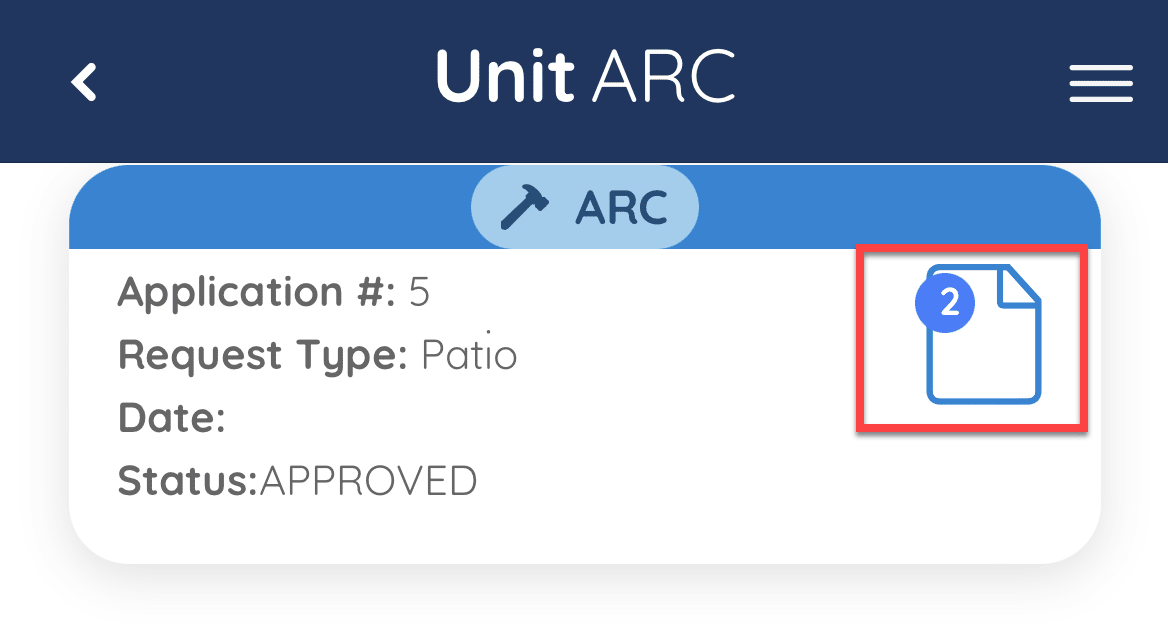
Please note that at this time, you cannot create New Architectural Requests using the Community Manager App.