How-to
FRONTSTEPS Manager
Managers & CAMs
How To Upload a Document to an Architectural Request
Article 000002225 · Updated Mar 31, 2026
How To Upload a Document to an Architectural Request in FRONTSTEPS Manager
This guide provides a straightforward process for uploading documents to Architectural Requests in FRONTSTEPS Manager, ensuring efficient management of project documentation. By following these simple steps, users can enhance their workflow and maintain organized records, ultimately improving collaboration and communication within their team. It's an essential resource for anyone looking to streamline their architectural request management.
- Navigate to "Architectural Requests" from within FRONTSTEPS Manager
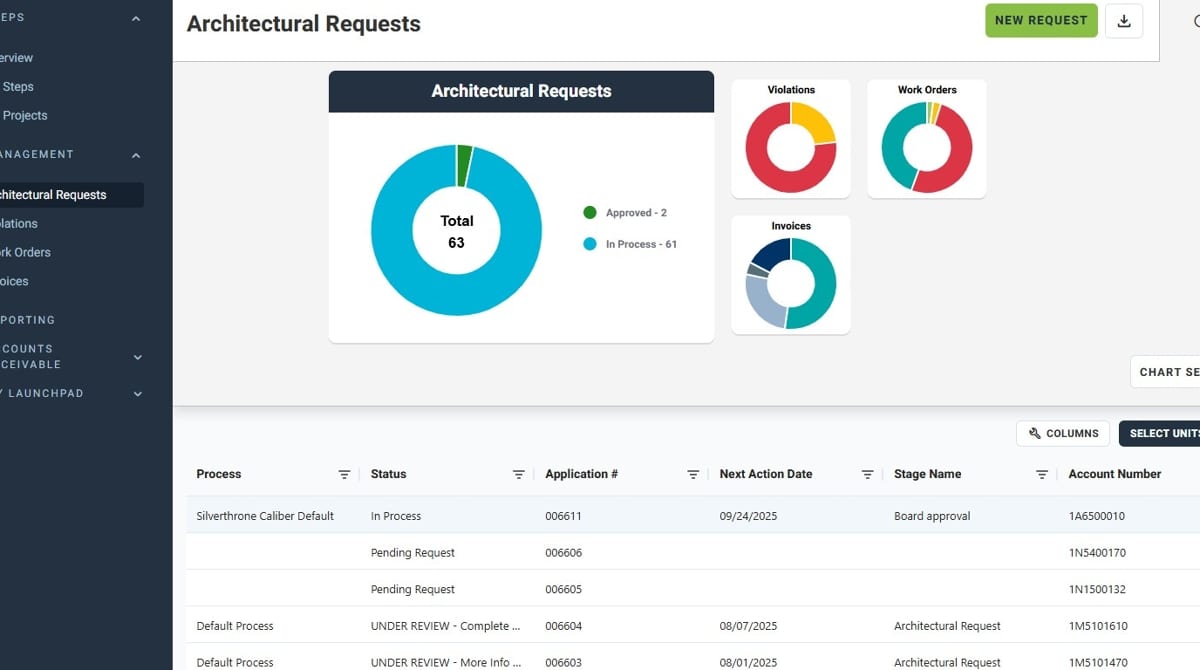
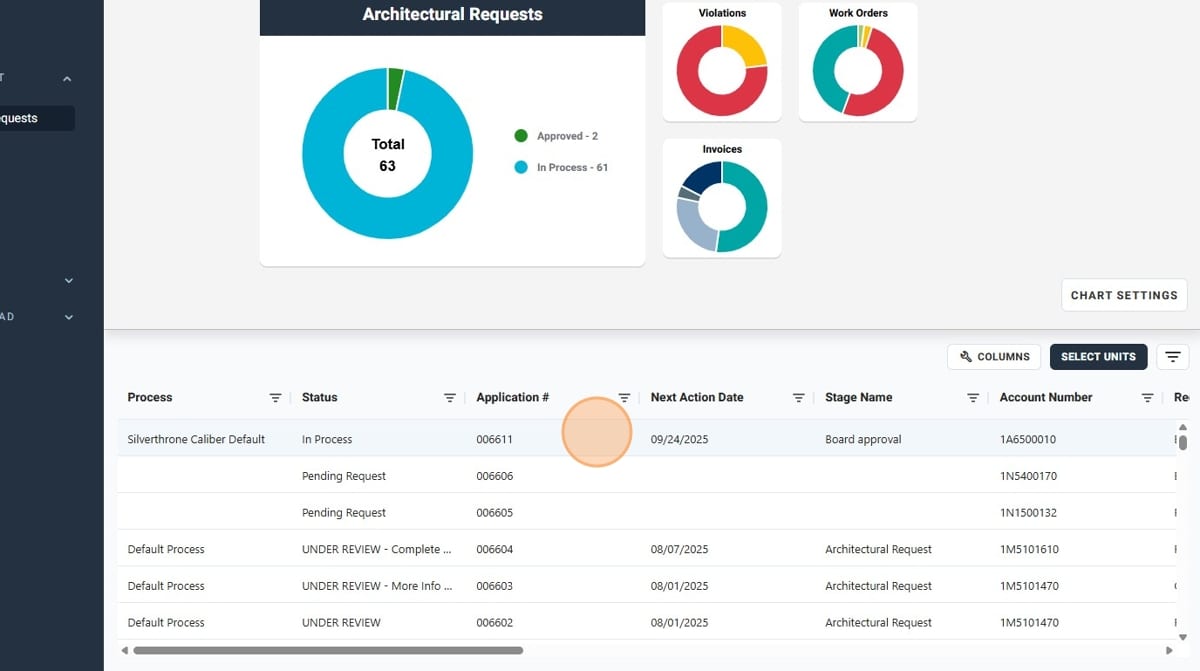
- Click the desired Architectural Request
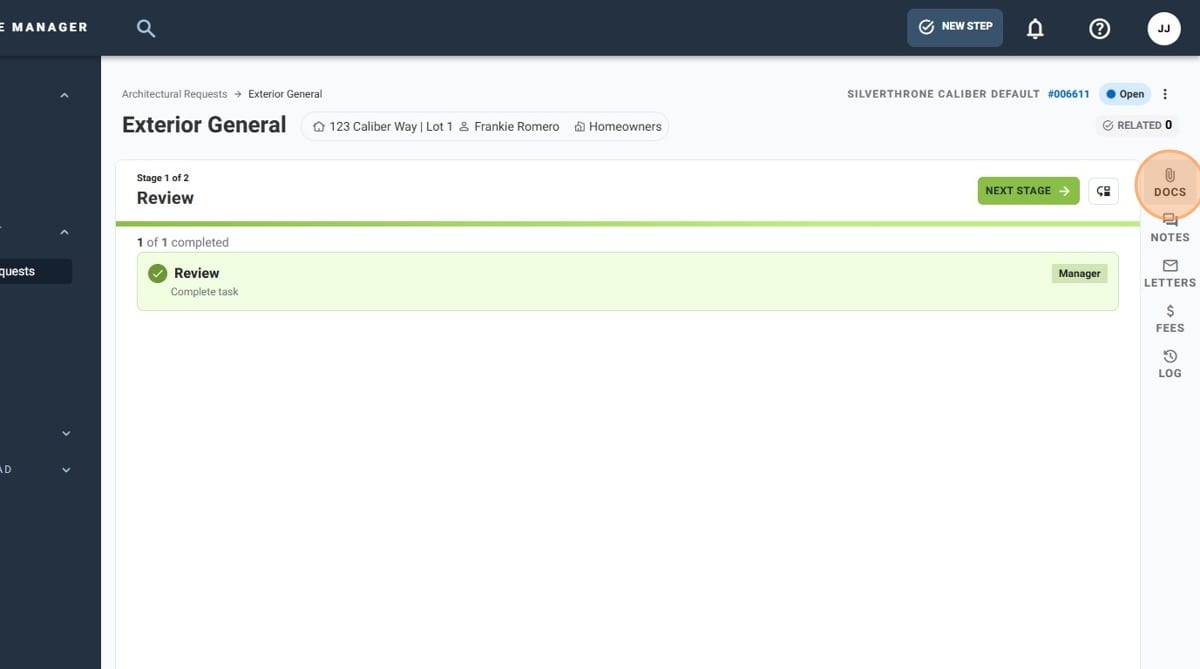
- Click "DOCS" in the sidebar
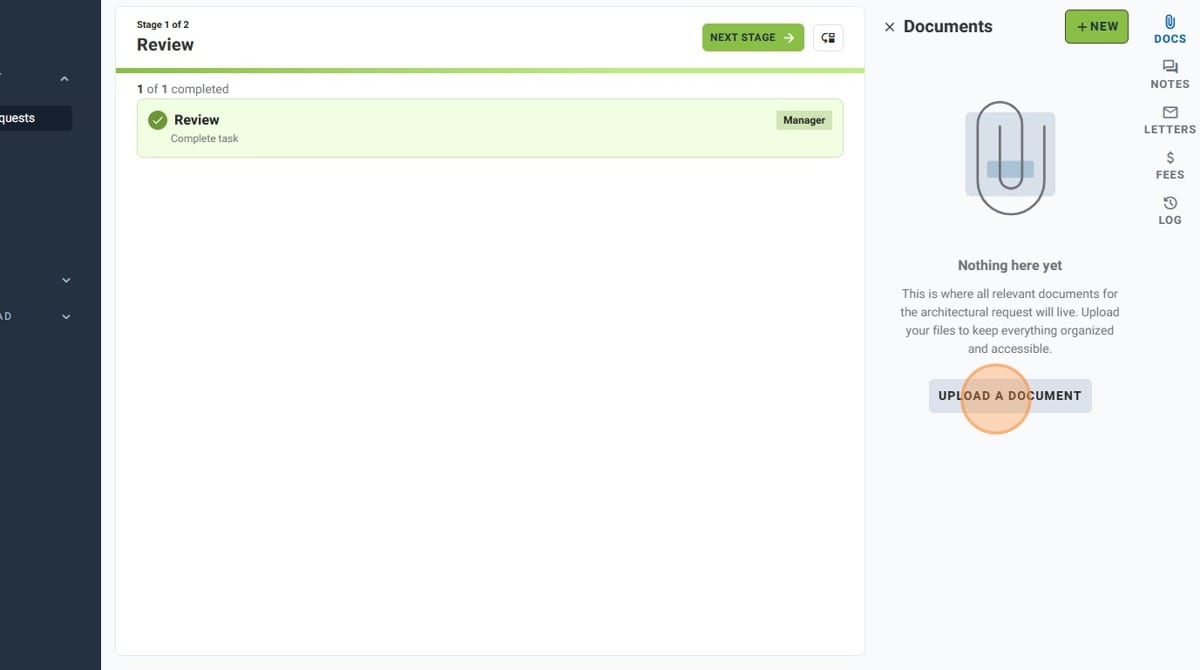
- Click "UPLOAD A DOCUMENT"
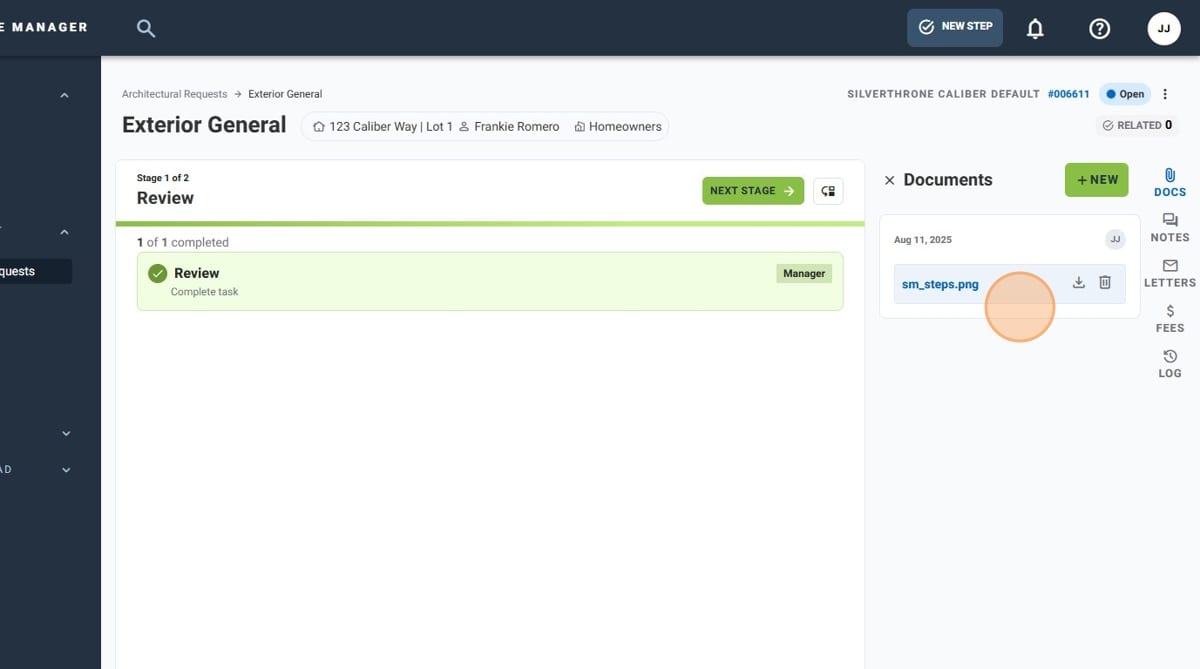
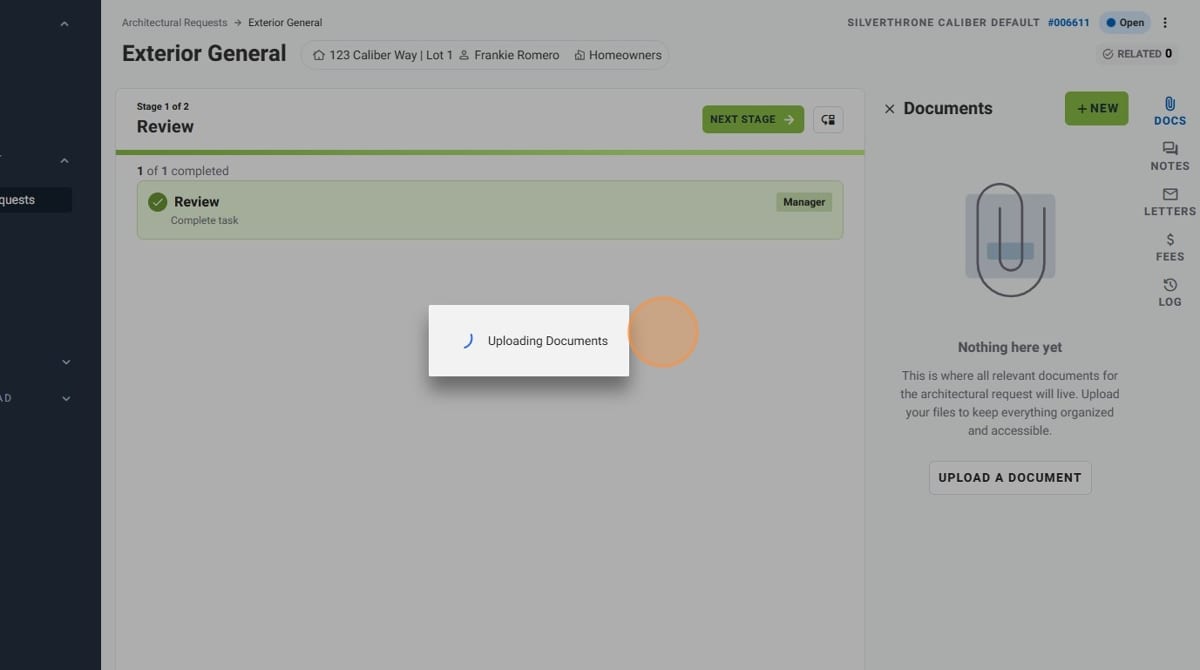
- Wait while the document uploads. You will see a message at the bottom of the screen that says "Upload successful!" once completed
- You have successfully added a document to an Architectural Request!