
Admin - Setting Up and Using Email Messenger
We’re updating this article. Some screenshots or names may look older than what you see in the product.
Email Messenger is a staff tool that allows Community Administrators to send emails to specific groups of users through DwellingLIVE. To use this feature, Community Administrators must link a valid email address to Email Messenger and create email groups.
Steps
1. Sign into community.dwellinglive.com as a Community Administrator.
2. Select Email Messenger from the Staff Tools drop-down menu.
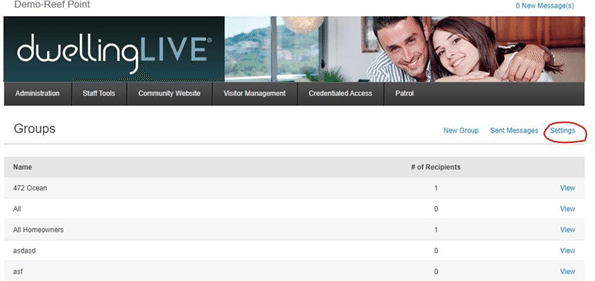
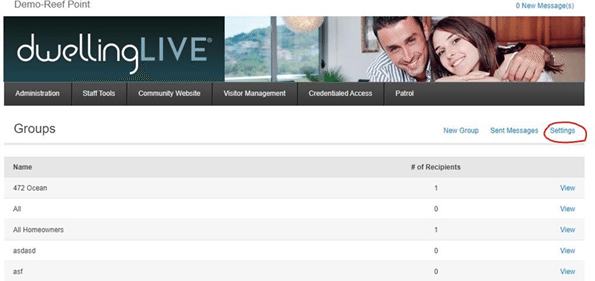
3. Select “Settings” in the far right corner.
4. Enter the SMTP server information for the email address to be used for Email Messenger.
· Note: this information can be found by performing a Google search. For example, if using outlook, search for “Outlook SMTP server”.
5. Enter the email address and its corresponding password, then select “Save”.