How-to
FRONTSTEPS Manager
Managers & CAMs
How To Reject an Architectural Request
Article 000002239 · Updated Mar 31, 2026
How To Reject an Architectural Request in FRONTSTEPS Manager
This guide provides a straightforward process for community managers to efficiently reject architectural requests, ensuring clarity and adherence to community standards. By following these simple steps, managers can maintain control over architectural changes while minimizing potential conflicts. It's an essential resource for anyone looking to streamline their decision-making in community management.
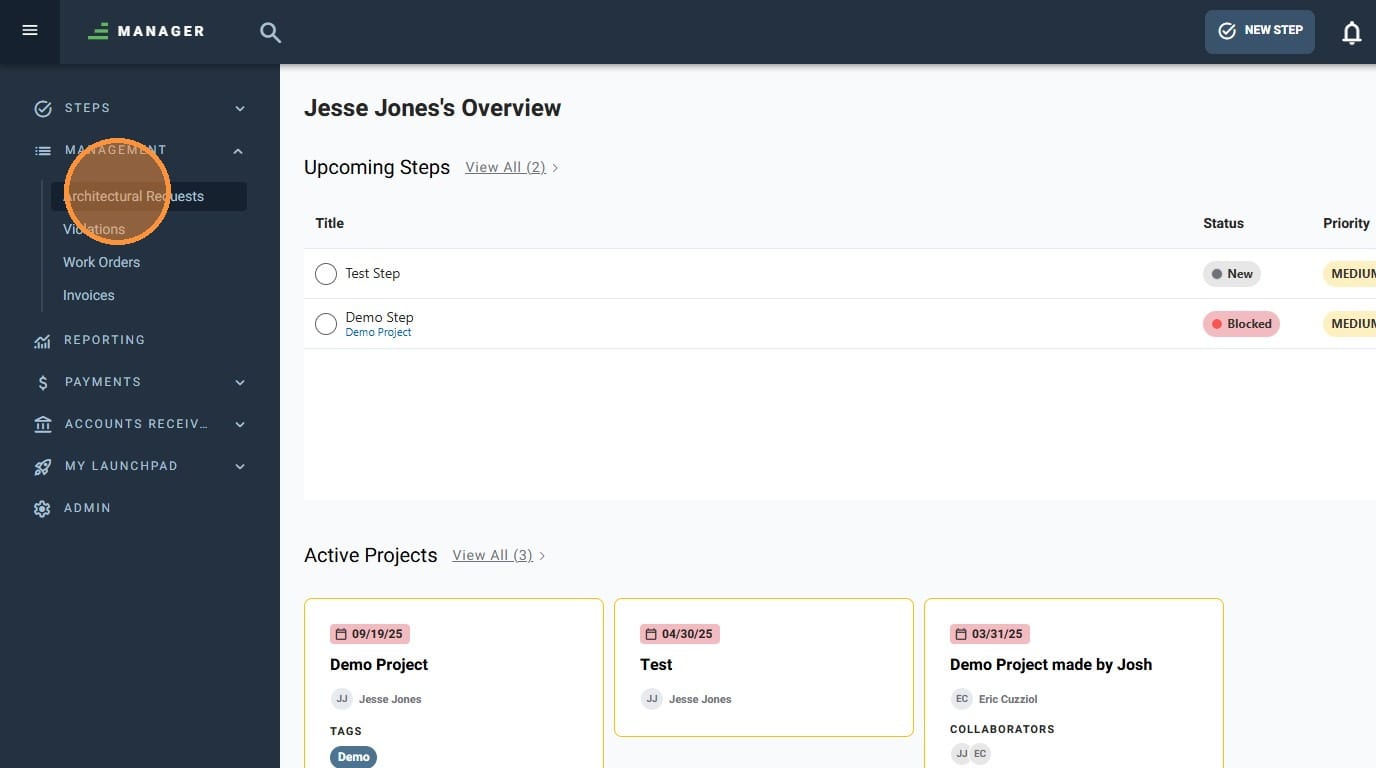
- Navigate to "Architectural Requests"
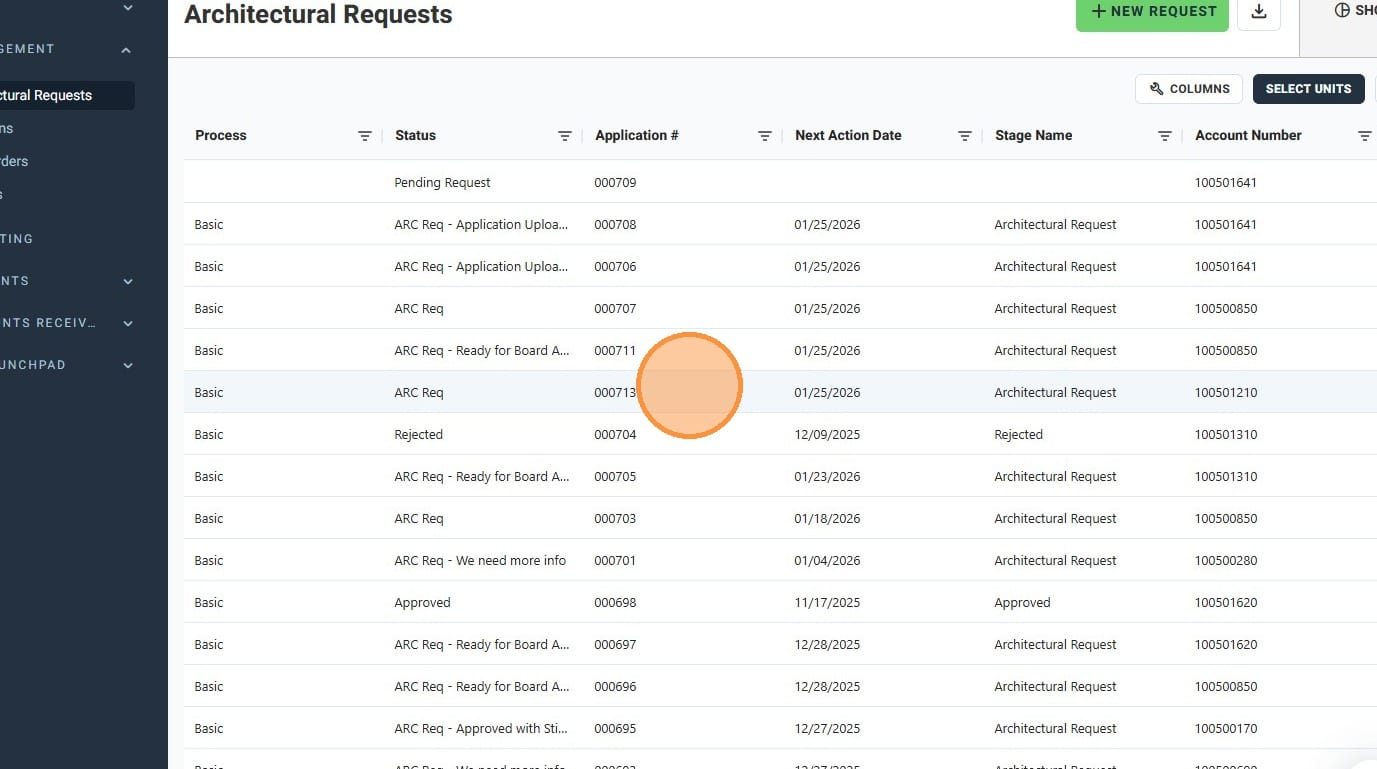
- Click on the Architectural Request you wish to reject
- Click "Reject"
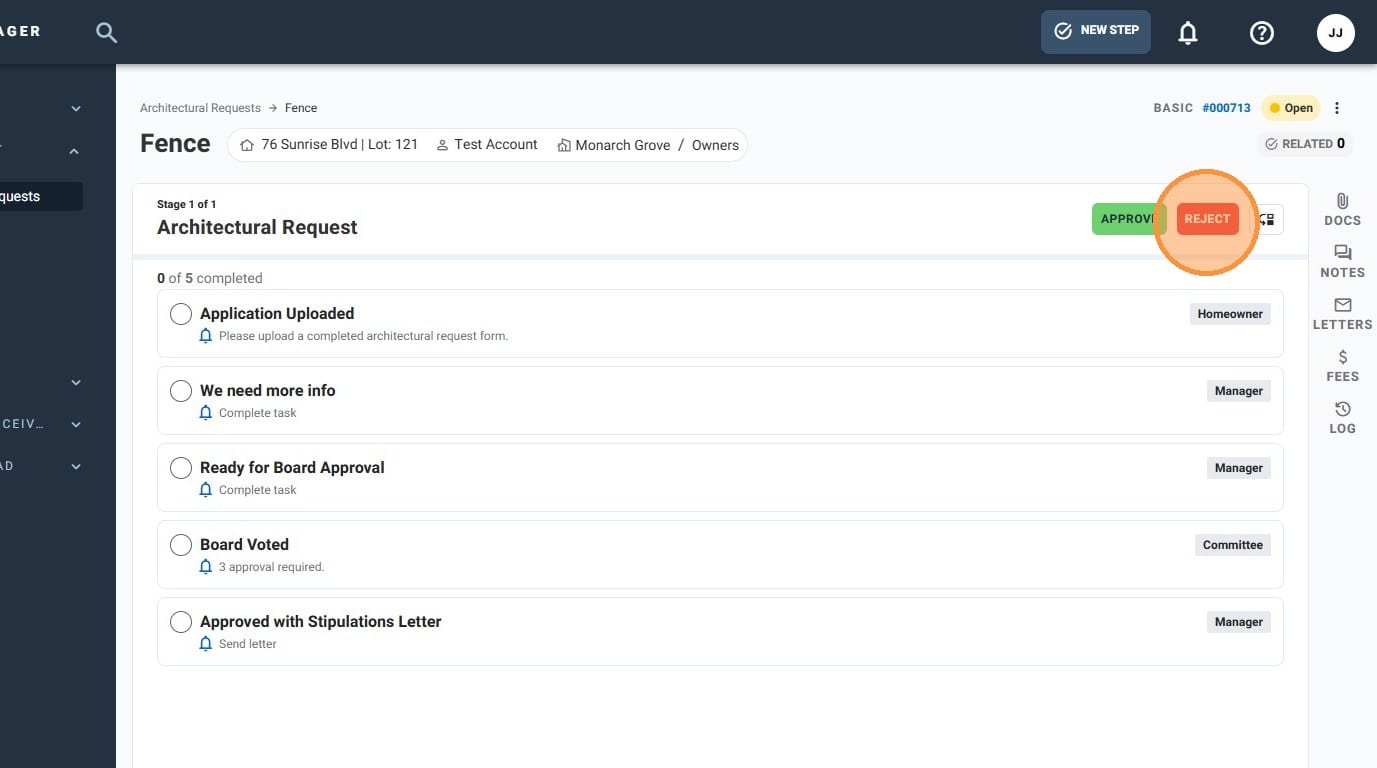
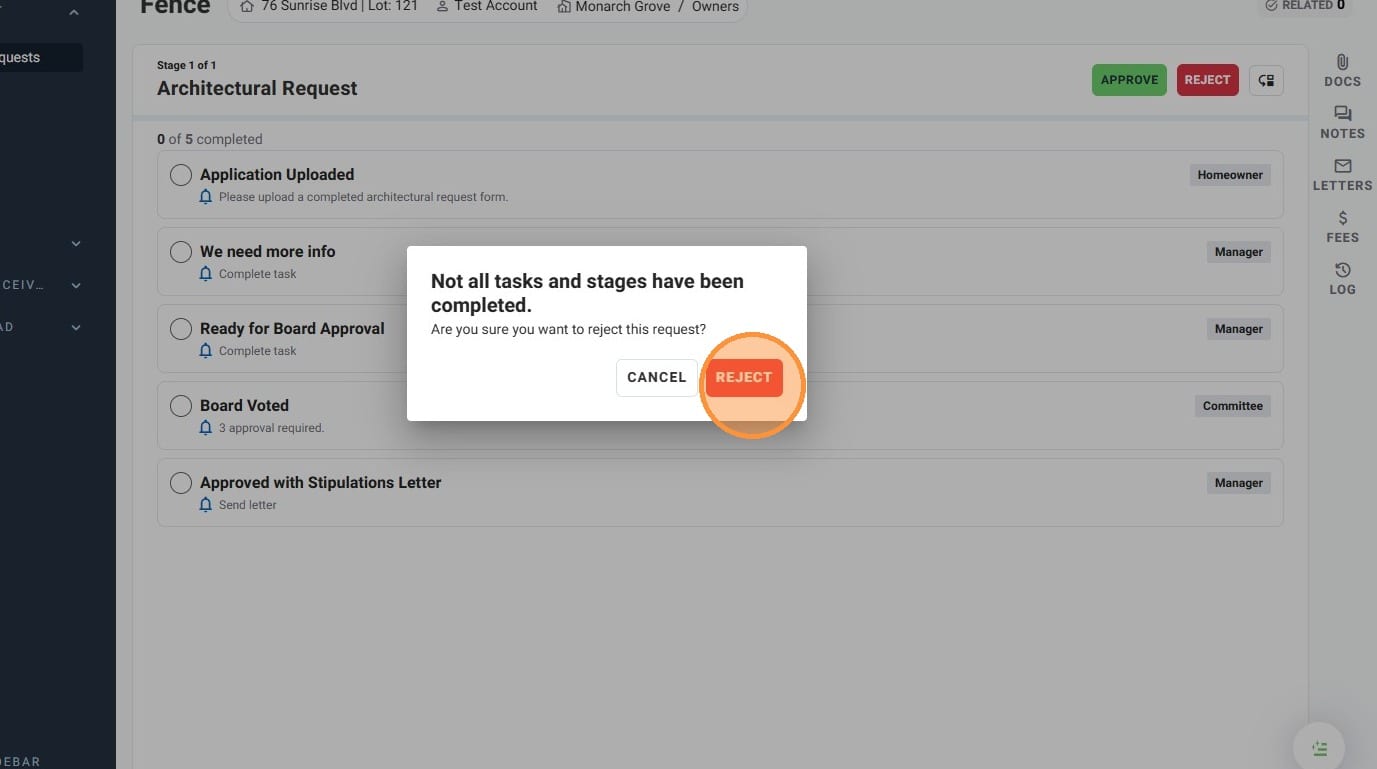
- If you get a pop up warning you that not all tasks and stage have been completed, click "REJECT" if you still wish to reject the Architectural Request
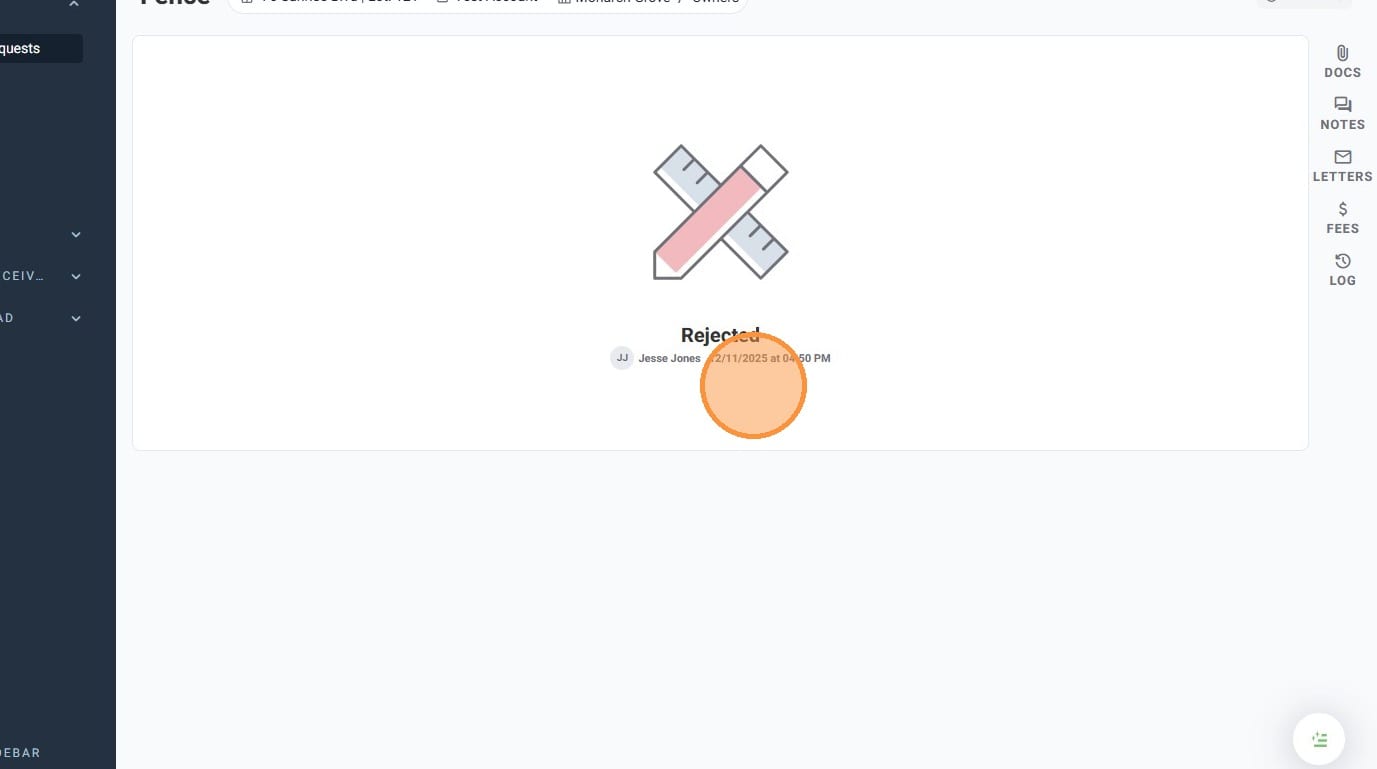
- You have successfully rejected an Architectural Request!