How-to
FRONTSTEPS Manager
Managers & CAMs
How To Import Billing Data
Article 000002224 · Updated Mar 31, 2026
How To Import Billing Data into FRONTSTEPS Manager
This guide provides a straightforward process for importing billing data into FRONTSTEPS Manager, ensuring users can efficiently manage their accounts receivable. By following these steps, users can quickly navigate the interface and avoid common pitfalls, streamlining their workflow. Whether you're new to the system or looking to refresh your skills, this guide simplifies the import process and enhances your operational efficiency.
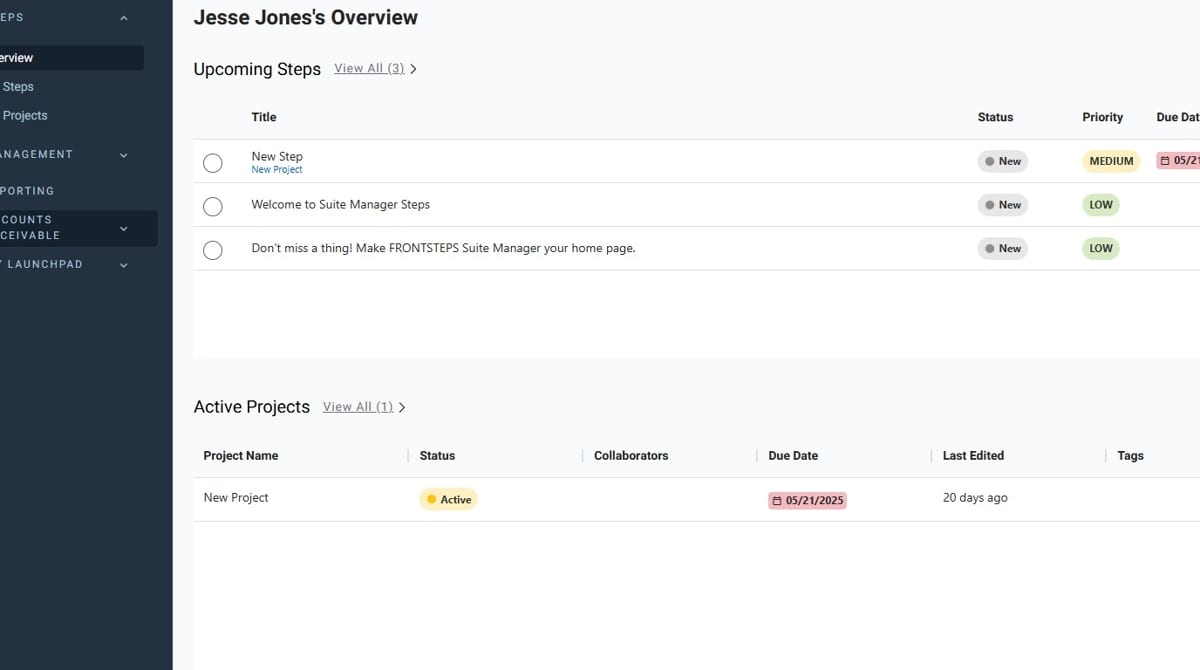
- Navigate to FRONTSTEPS Manager
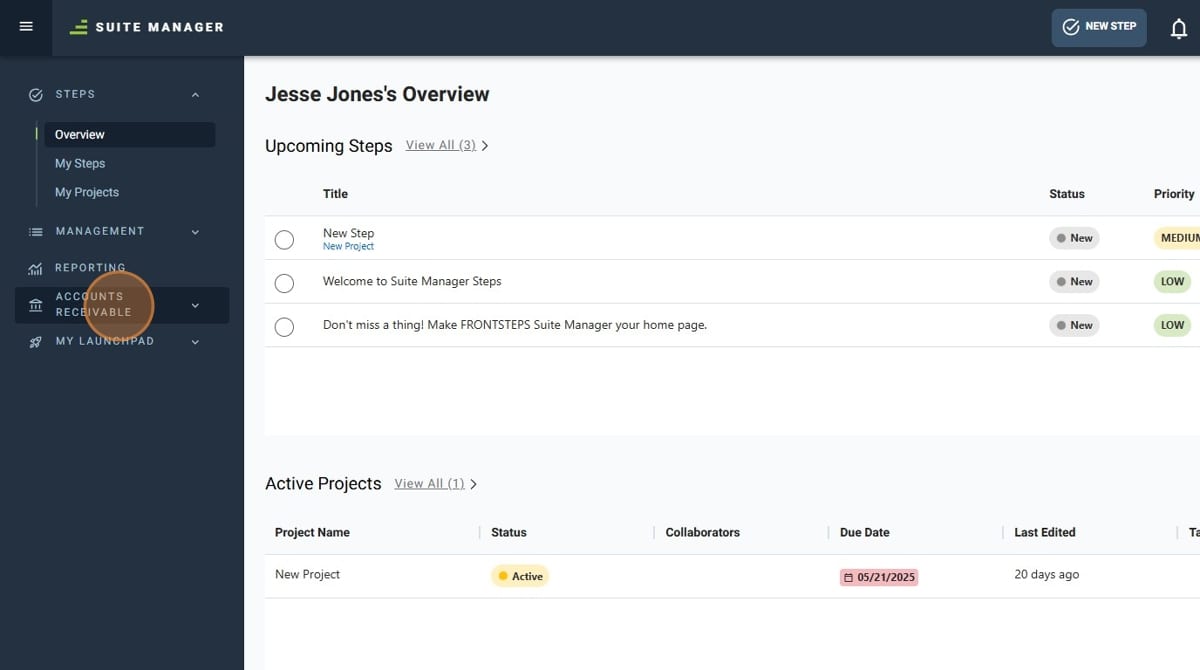
- Click "Accounts Receivable"
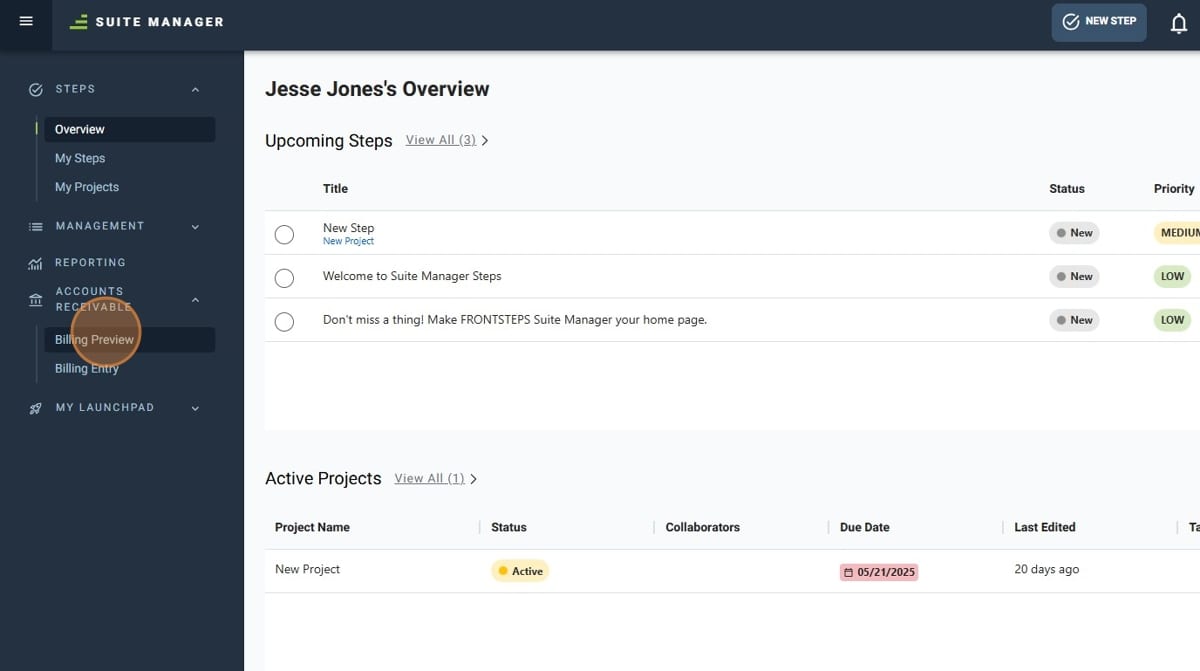
- Click "Billing Preview"
- Select the company that the import will go to
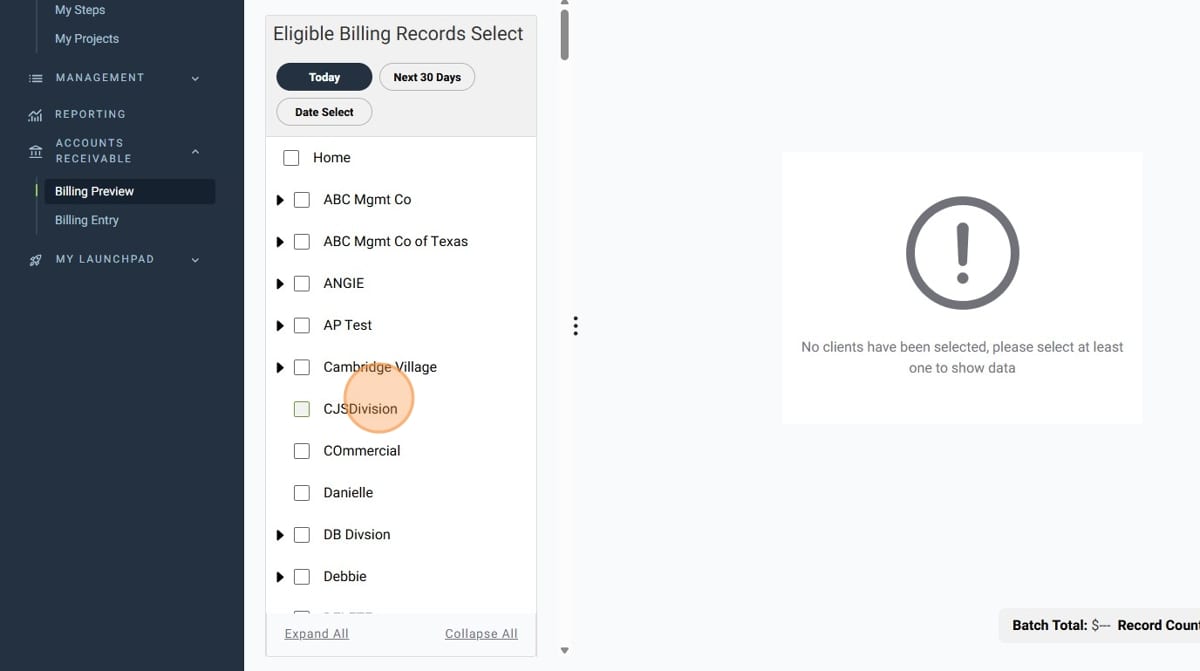
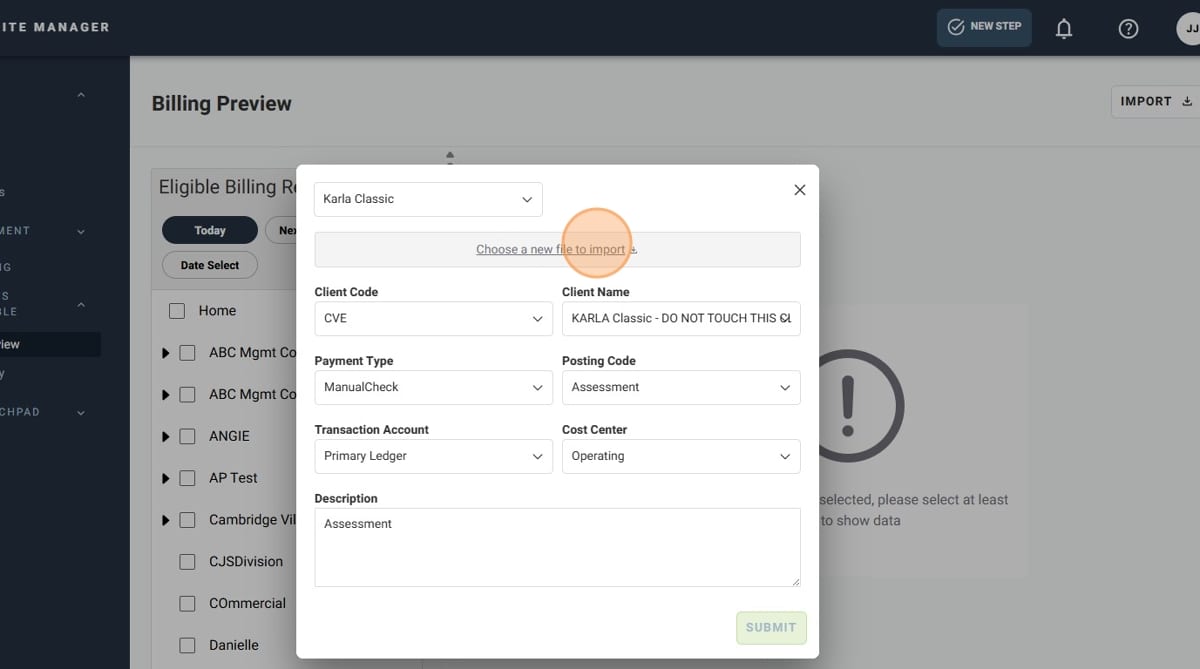
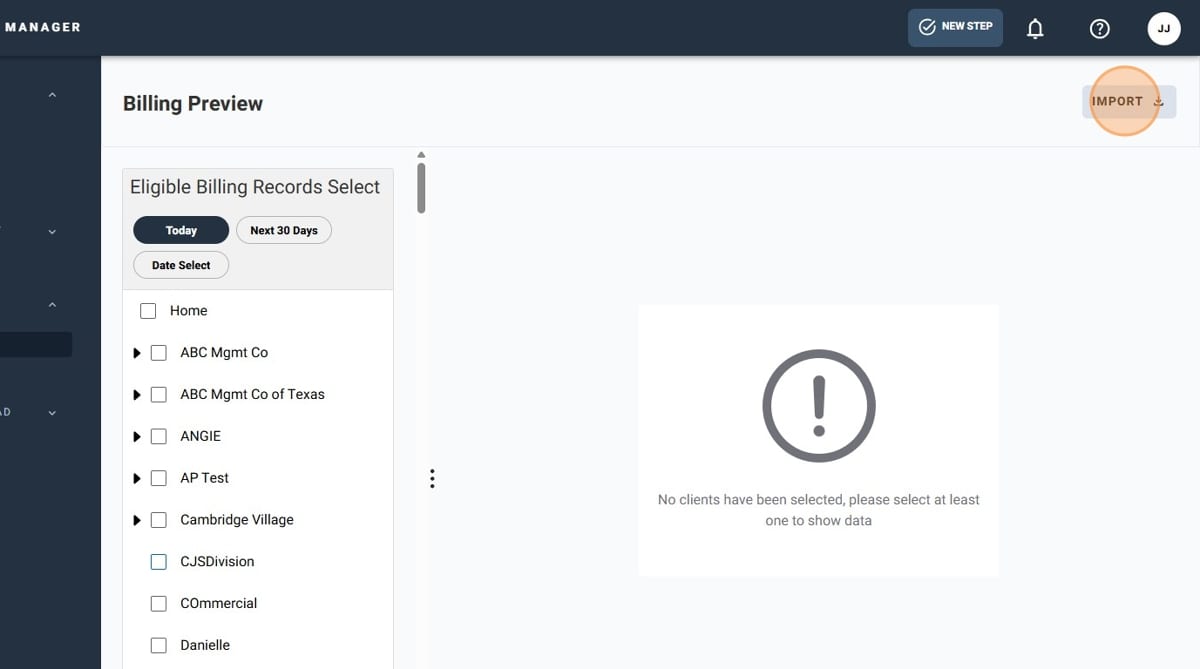
- Click "Import"
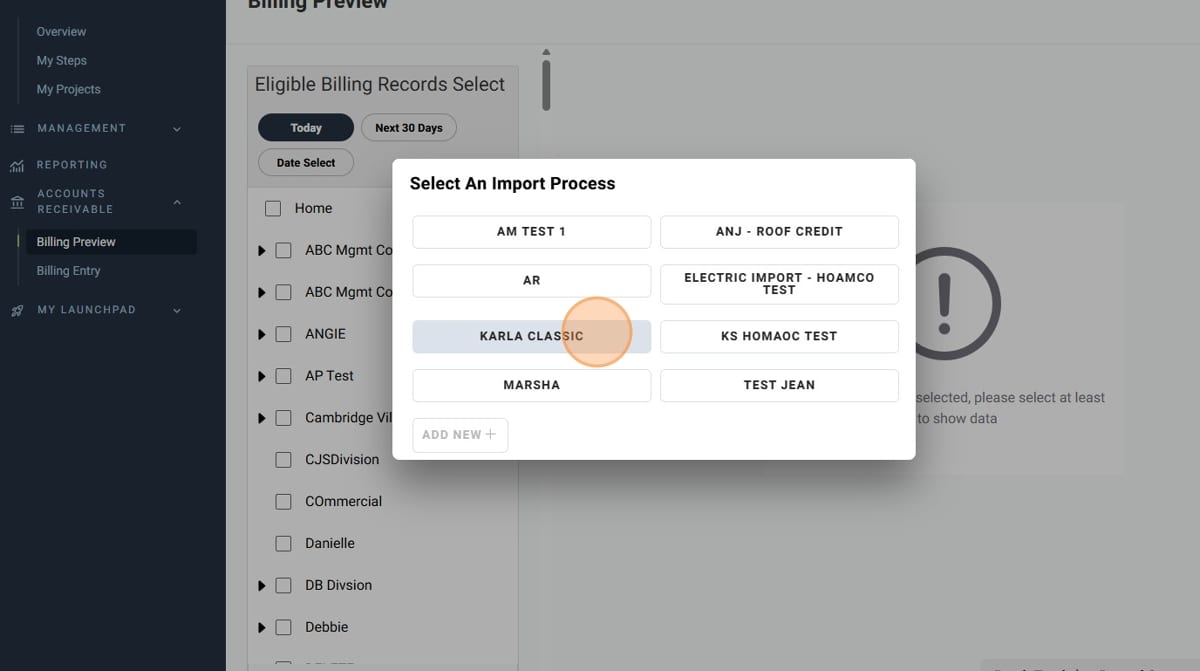
- Select an "Import Process"
- Select the "Client Code" for the import
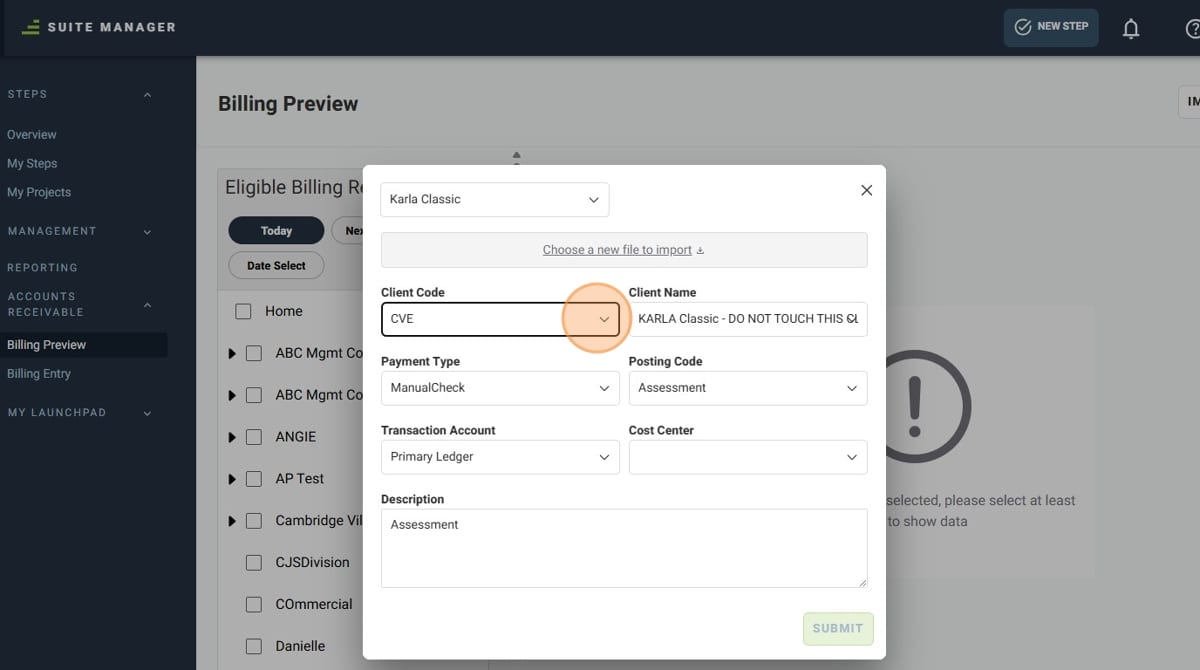
- Select the "Cost Center" for the import
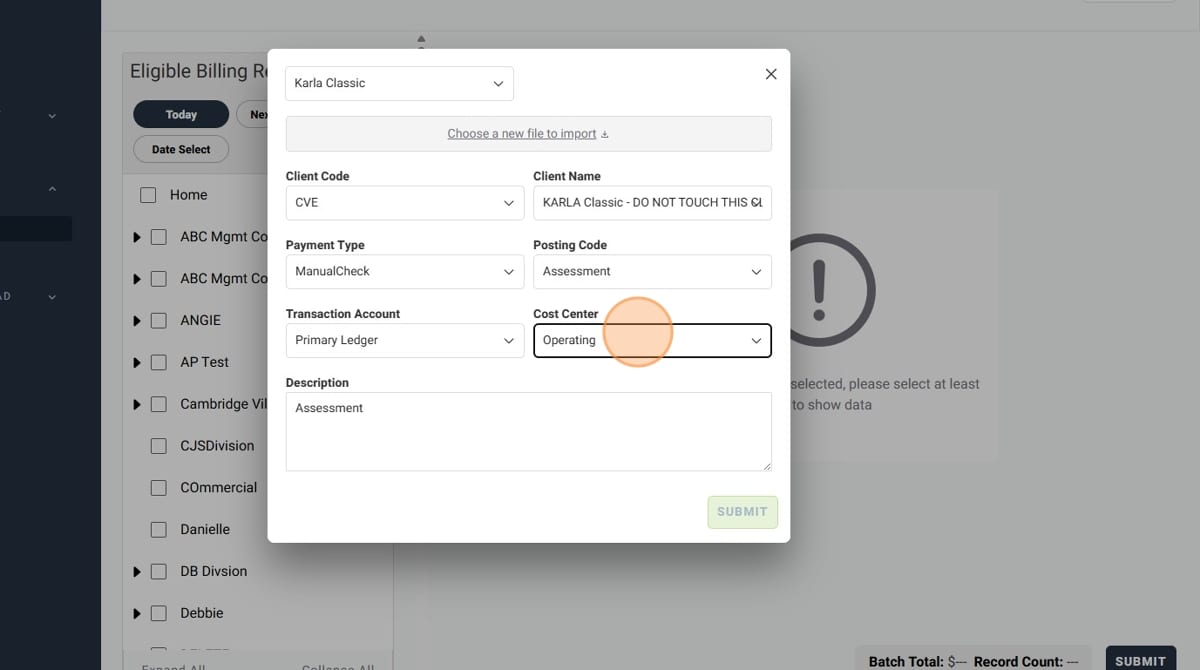
- Give your import a description
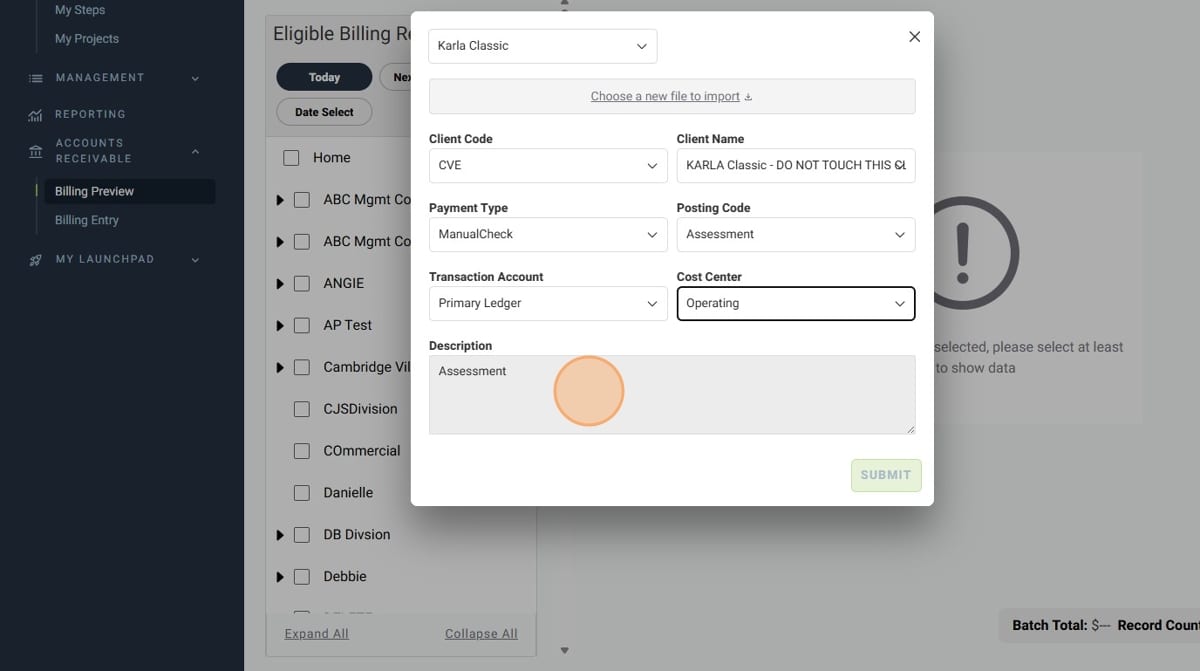
- Click "Submit", and your billing data will be imported!
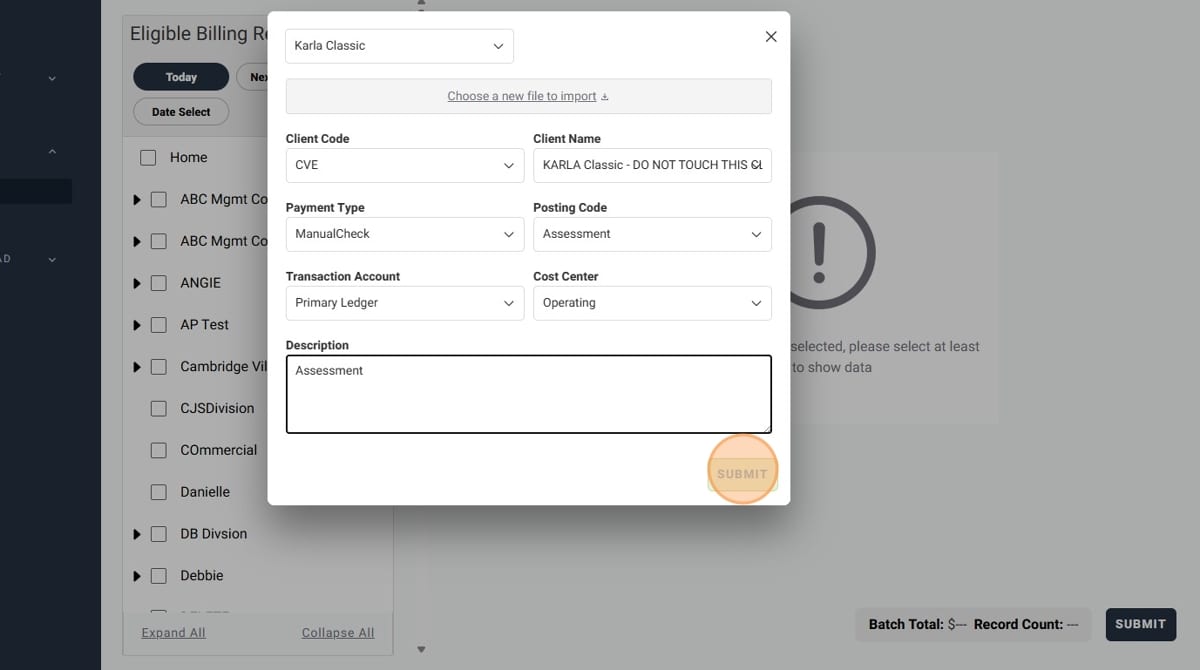
- If you have any additional files to import, click on "Choose a new file to import"