How-to
FRONTSTEPS Manager
Managers & CAMs
How To Delete An Architectural Request
Article 000002231 · Updated Mar 31, 2026
How To Delete An Architectural Request in FRONTSTEPS Manager
This guide provides a straightforward process for deleting an architectural request on FRONTSTEPS Manager. It's essential for users who need to manage their requests efficiently, ensuring they can maintain an organized workflow. Following these steps can save time and reduce potential errors in request handling. By viewing this guide, users will gain clarity on the deletion procedure, enhancing their overall experience on the platform.
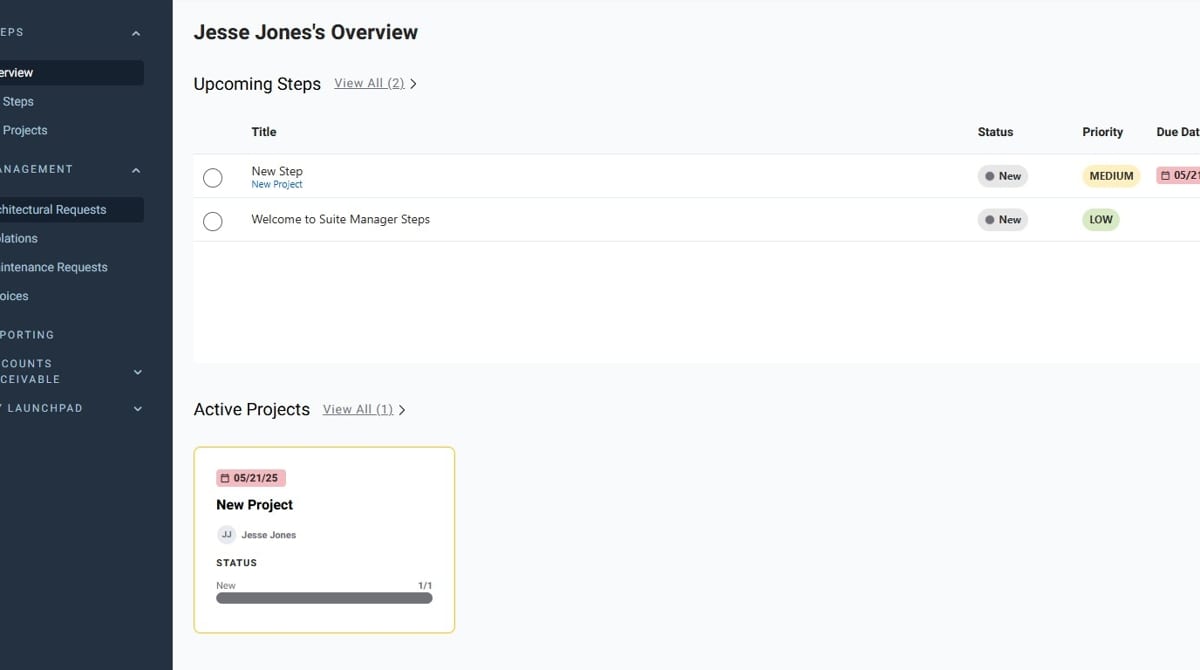
- Access your FRONTSTEPS Manager dashboard
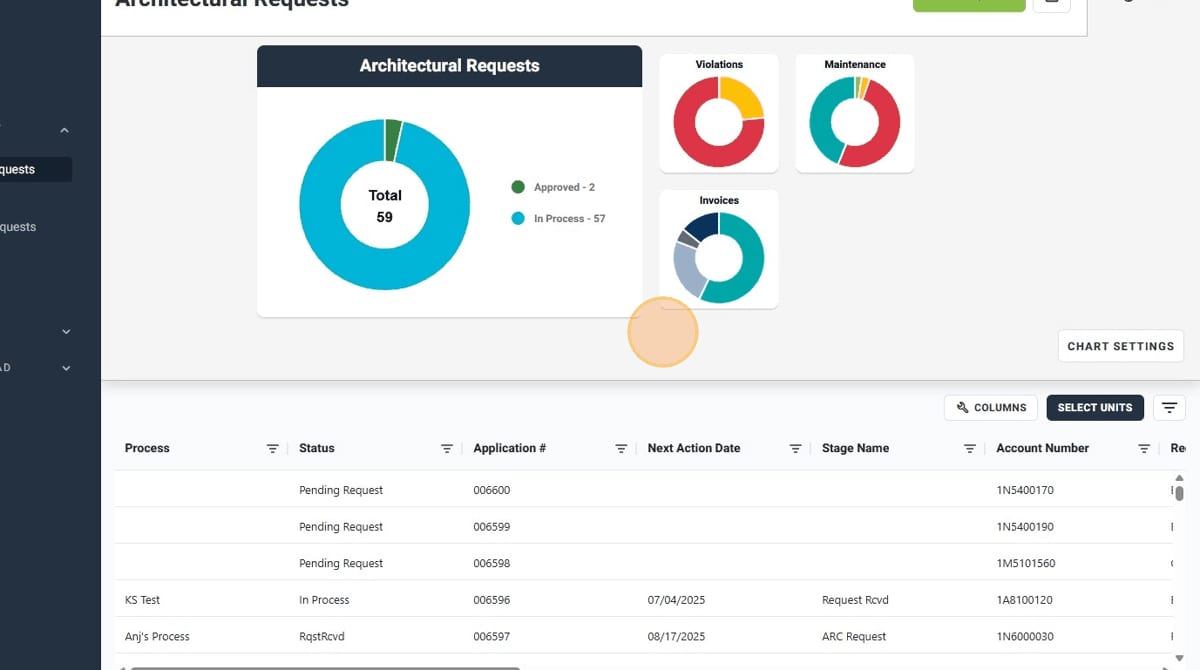
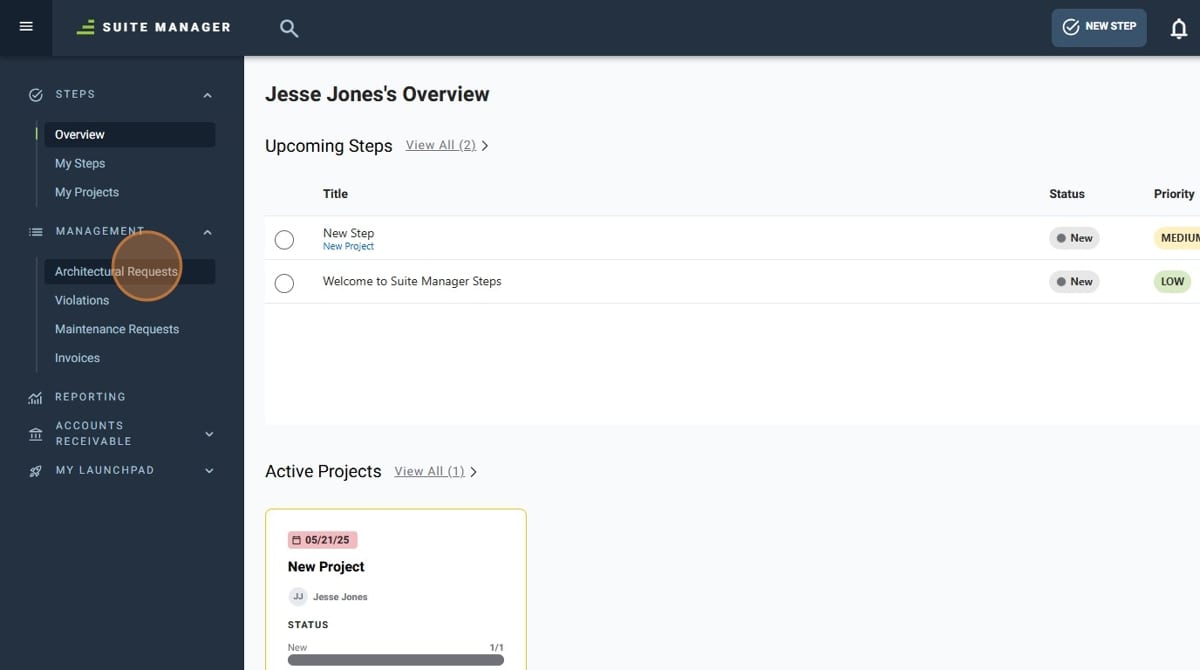
- Click "Architectural Requests" in the sidebar menu to navigate to the Architectural Requests module
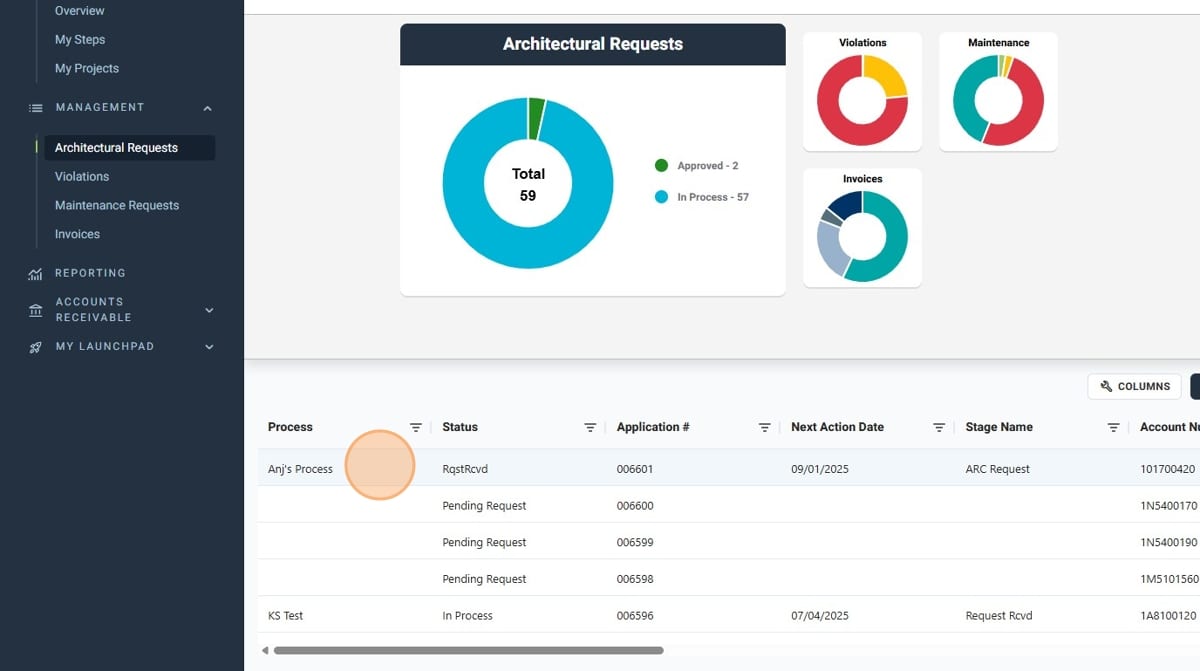
- Select the desired Architectural Request to be deleted from the list of requests
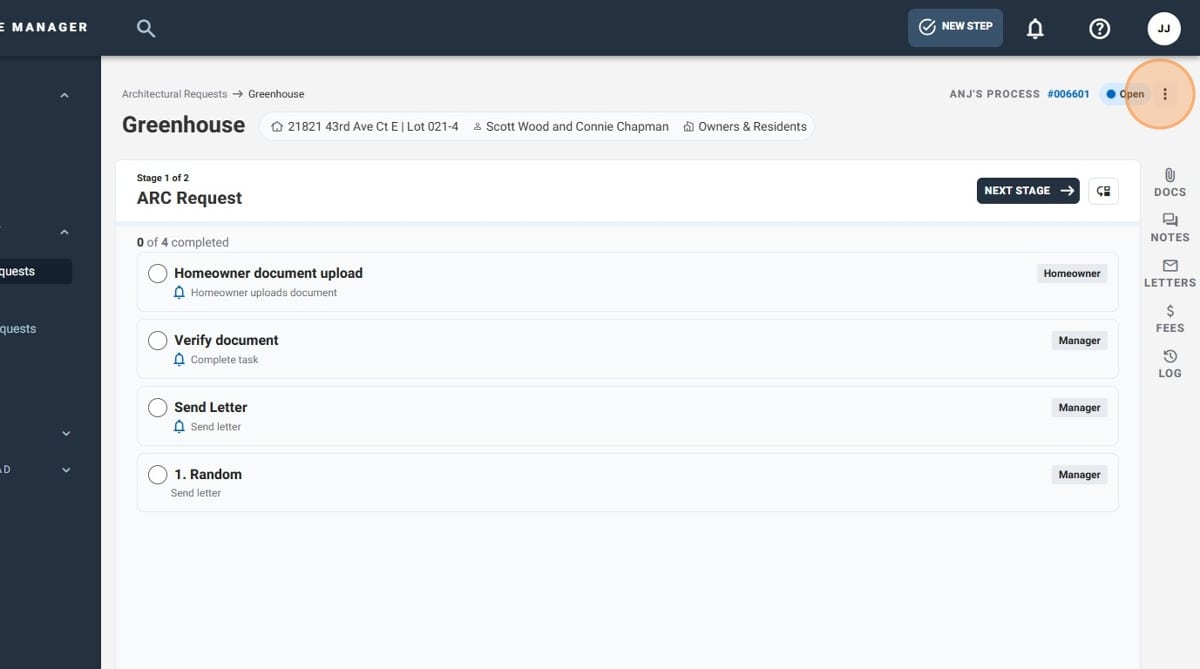
- Click on the 3-dot menu
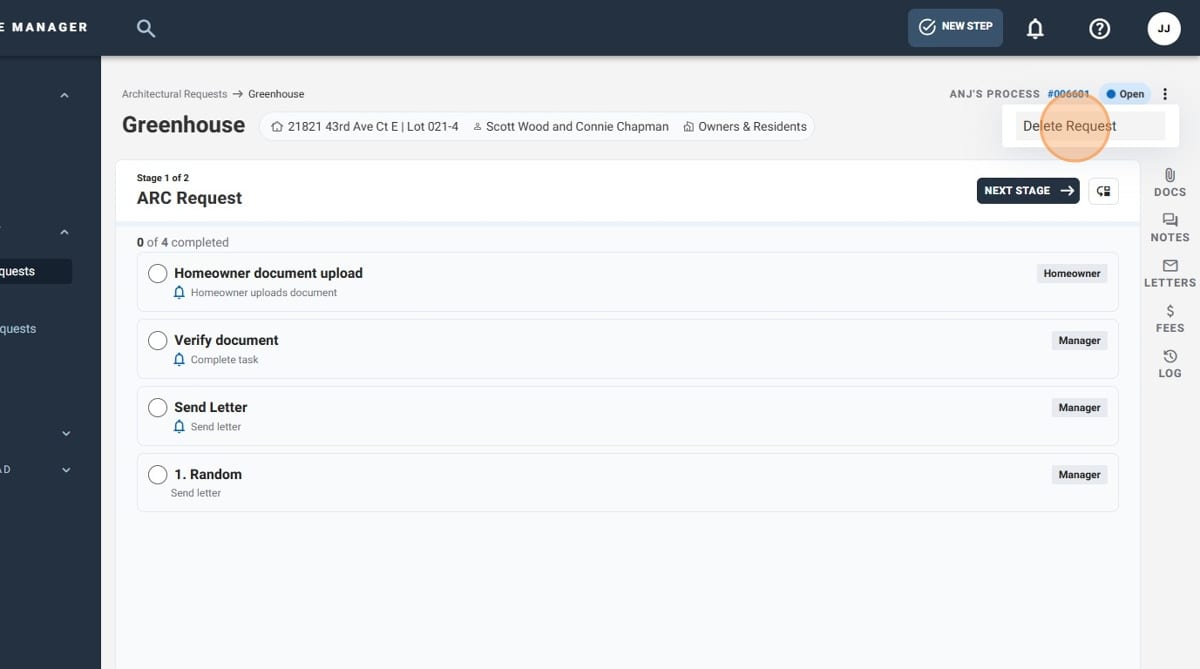
- Select "Delete Request"
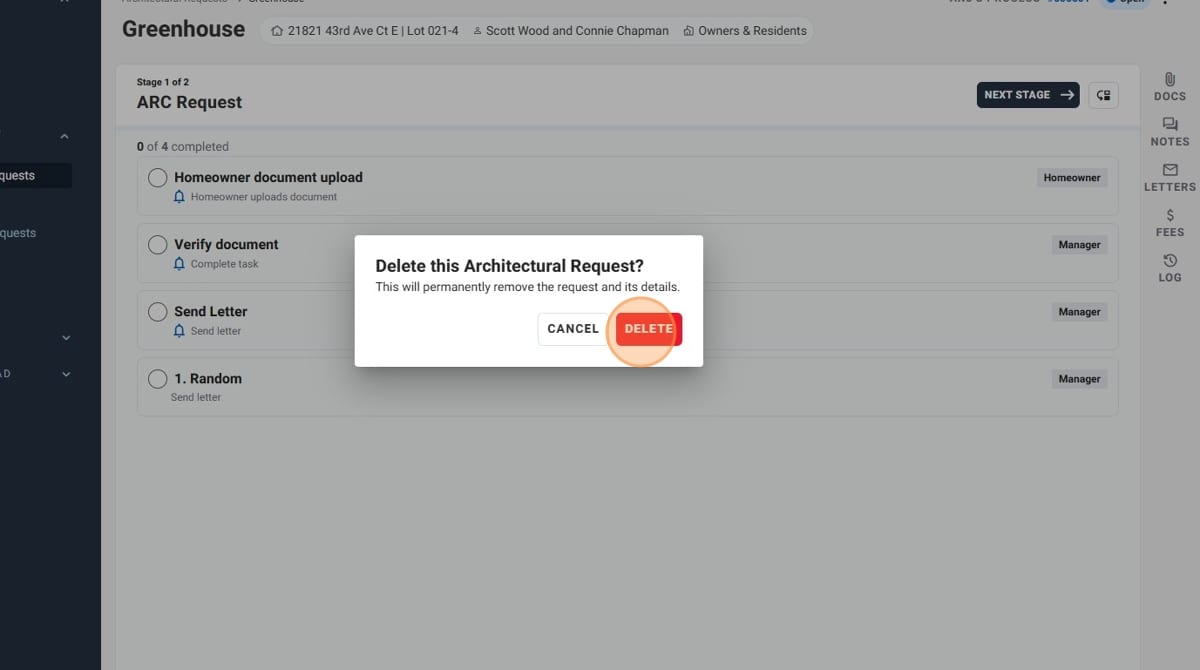
- Click "Delete"
- You have successfully deleted an Architectural Request!