How-to
FRONTSTEPS Manager
Managers & CAMs
How To Approve an Architectural Request
Article 000002240 · Updated Mar 31, 2026
How To Approve an Architectural Request in FRONTSTEPS Manager
This guide provides a straightforward process for approving architectural requests in FRONTSTEPS Manager, ensuring you can efficiently manage approvals. It highlights essential steps and addresses potential warnings, making it easy to navigate the approval process confidently. By following this guide, you can streamline your workflow and ensure compliance with necessary requirements.
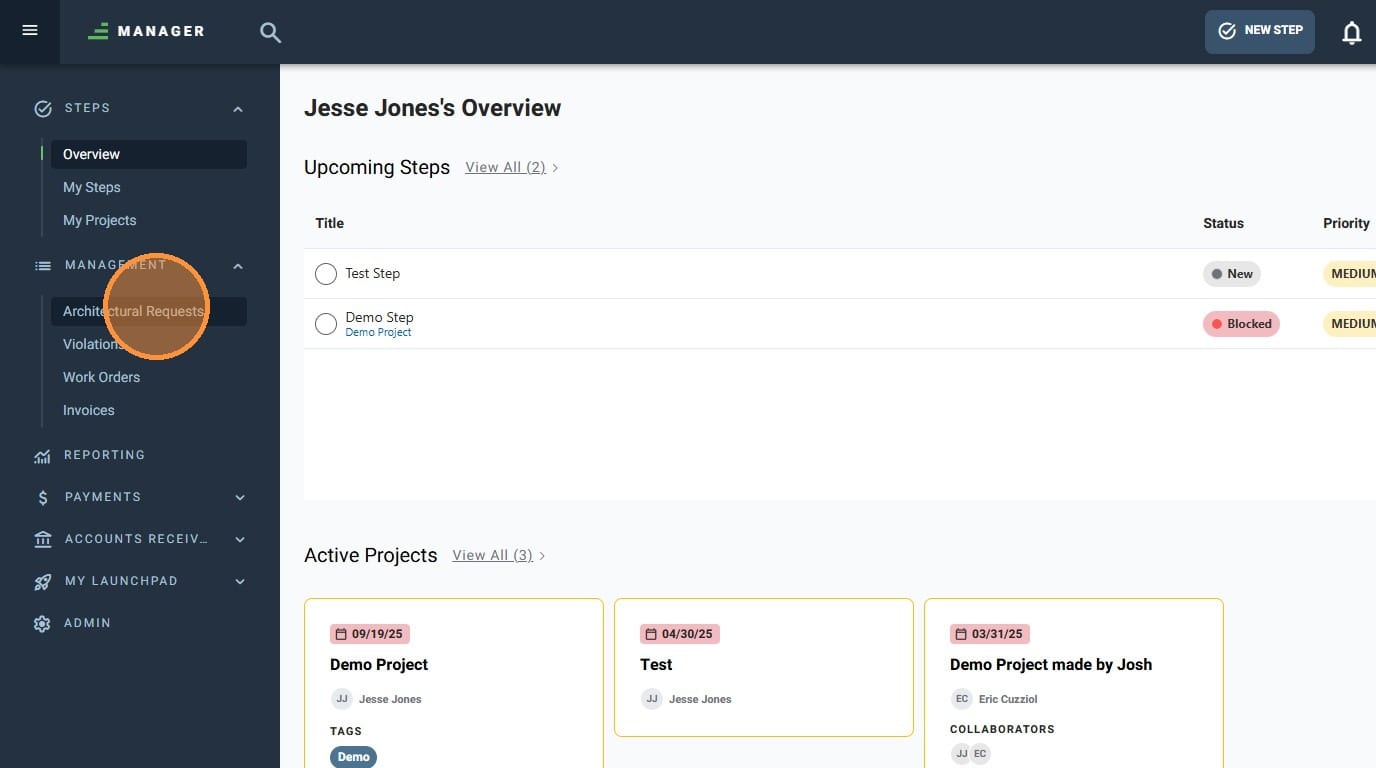
- Navigate to Architectural Requests
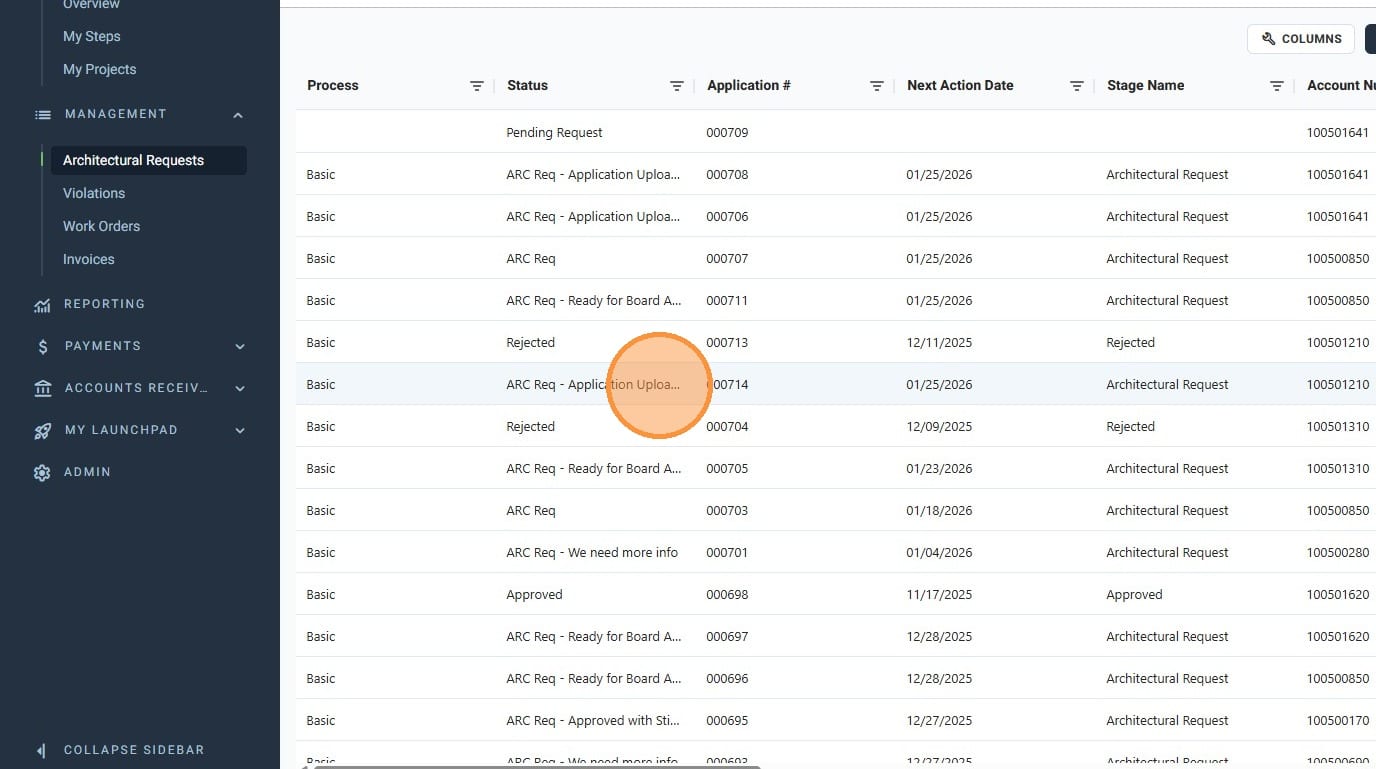
- Click the Architectural Request you'd like to approve
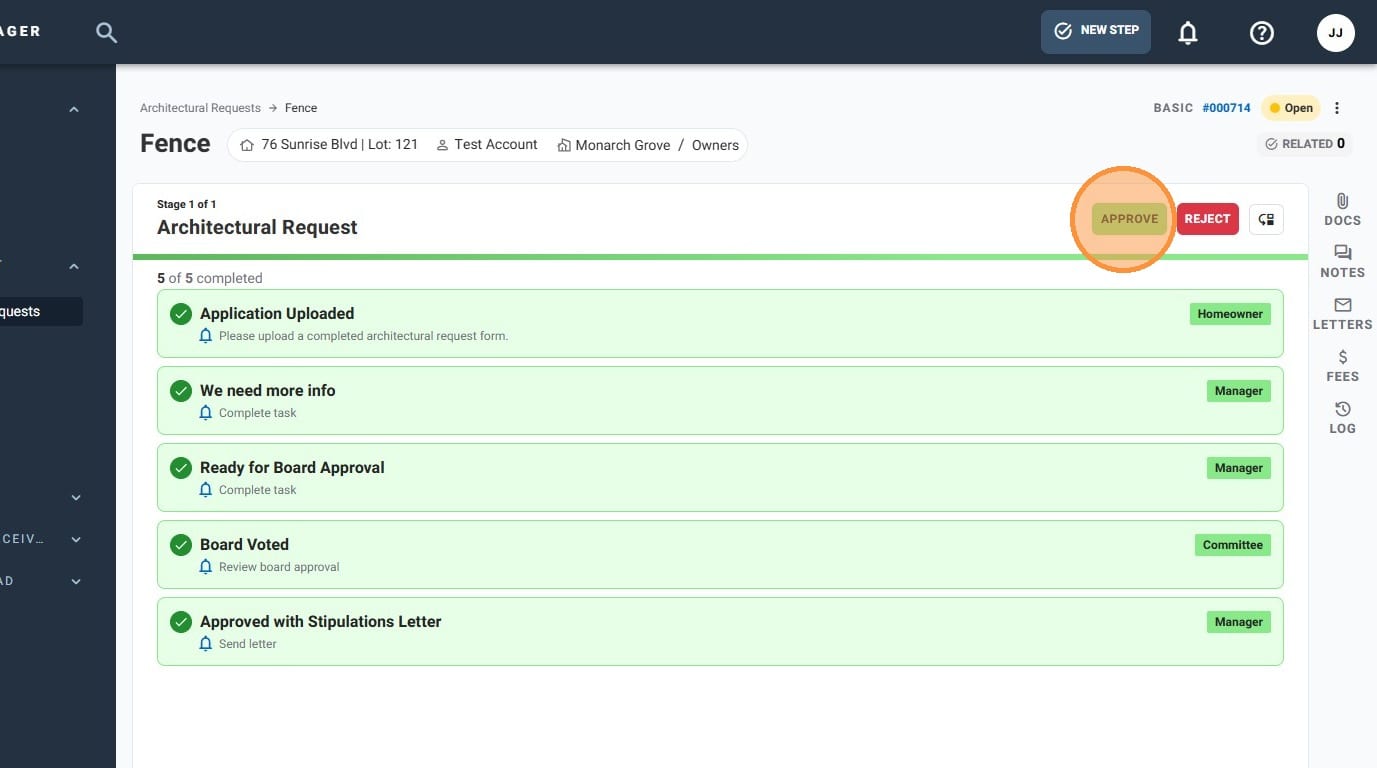
- Click "Approve"
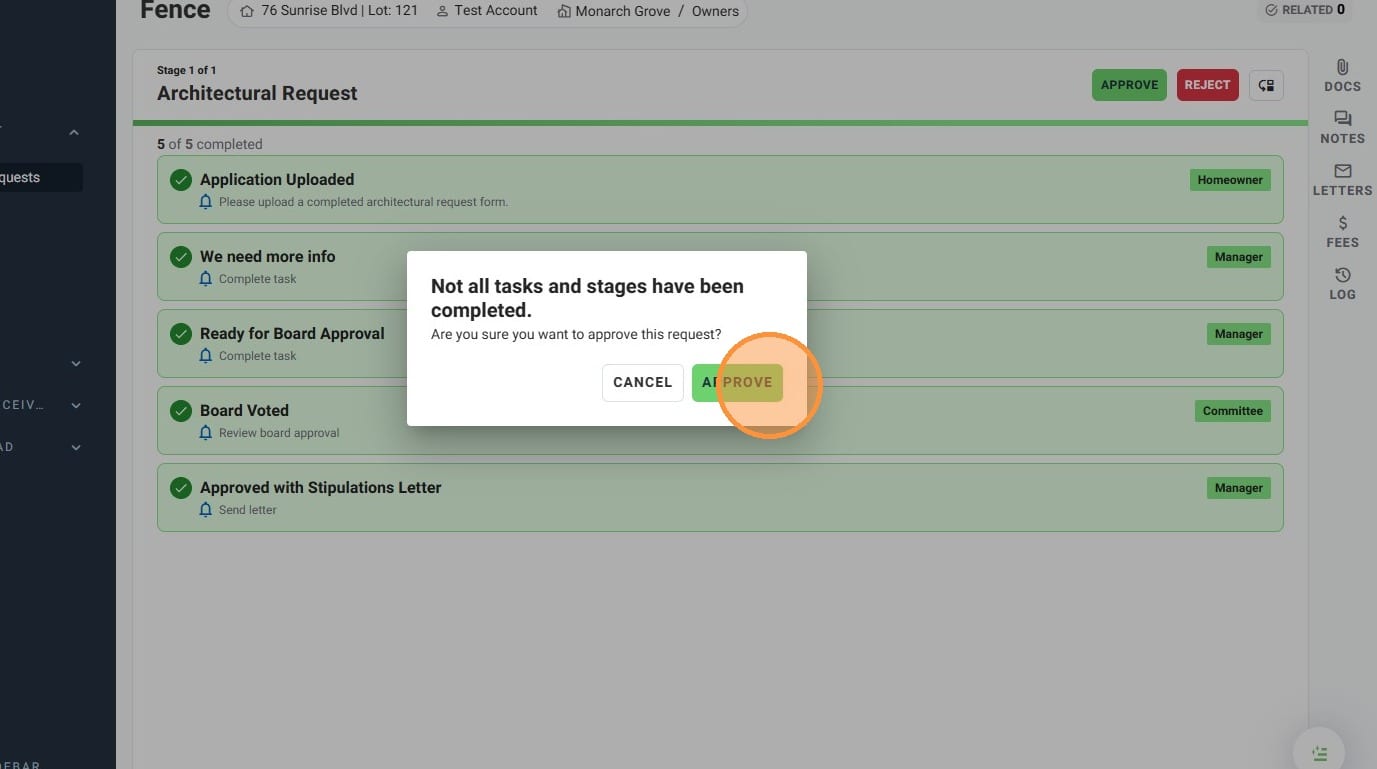
- If you get a pop up warning you that not all tasks and stages have been completed, click "APPROVE" if you still wish to approve the Architectural Request
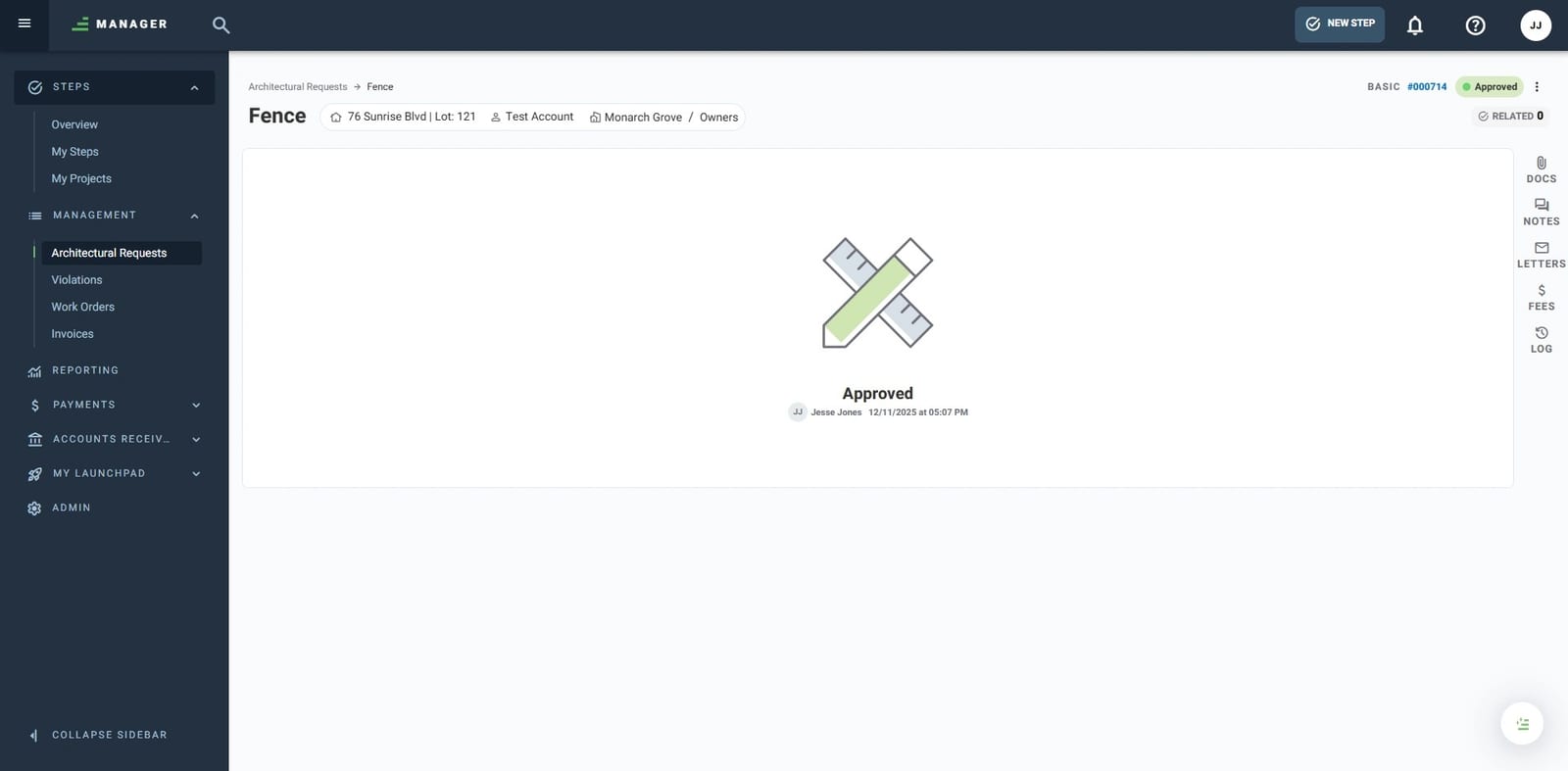
- You have successfully approved an Architectural Request!