Admin - Adding a New Resident User
We’re updating this article. Some screenshots or names may look older than what you see in the product.
Community Administrators and Attendant Supervisors can manage users in the Community Directory. They are responsible for adding resident users to properties in the directory.
Steps
- Log in to community.dwellinglive.com as a Community Administrator or Attendant Supervisor.
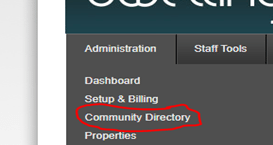
- From the Administration drop-down menu select Community Directory.
- Search for a property to add the new user to, then select “View”.
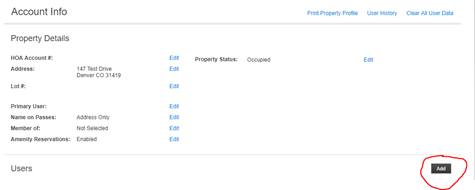
- Scroll down to Users, then select “Add”.
- Enter the user’s information in the following fields: First Name, Last Name and Email.
- If an email address is entered at the time of creation, then a temporary password is required.
- If no email address is available at the time of creation, this field can remain blank *
- Last, select “Save” or “Save & Send Welcome Email” at the bottom of the page.
- “Save & Send Welcome Email” sends the user an email containing the DwellingLive login link, and their temporary credentials.
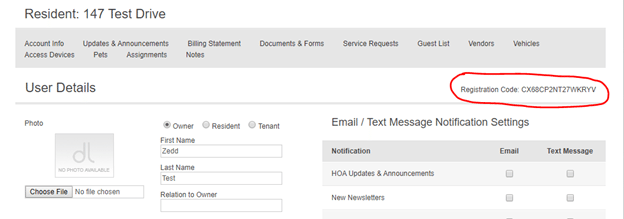
*Each new user account generates a Registration Code after being saved. This can be shared with residents outside of DwellingLive. Registration Codes are located in user details, above email/ text message notification settings.