
How to Access the FSPay Dashboard – FSPay 3.0
We’re updating this article. Some screenshots or names may look older than what you see in the product.
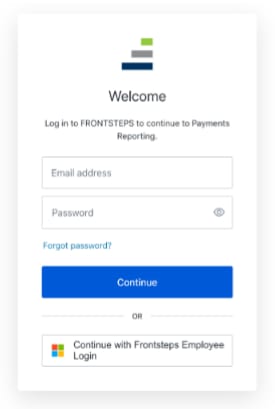
- Go to: https://fspay-dashboard.frontsteps.com/
- Click Forgot Password.
- Enter your email address.
- You should receive and email to create your password.
- Login!
If you don’t have an existing login, please send request to [email protected] and we will get one set up for you.