
Manager - Creating User Groups
We’re updating this article. Some screenshots or names may look older than what you see in the product.
You can create user groups, which let you manage to whom communications such as Bulletins are sent. You can set up groups by Addresses/Units or People (user name).
From the Manager Dashboard, select Directory, then select Groups.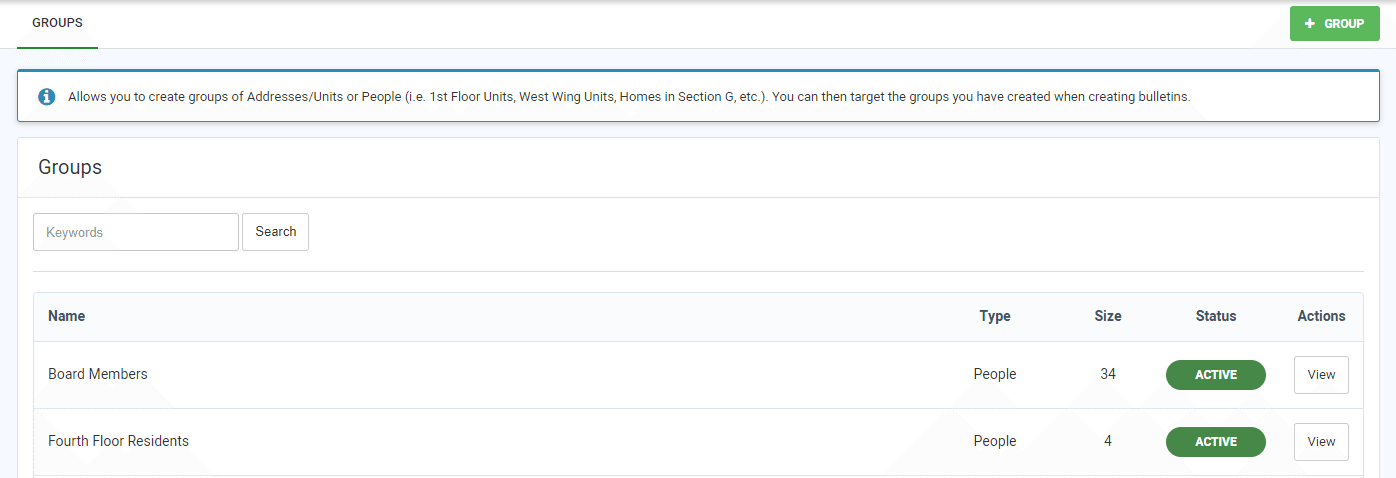 To add a Group, select + Group.
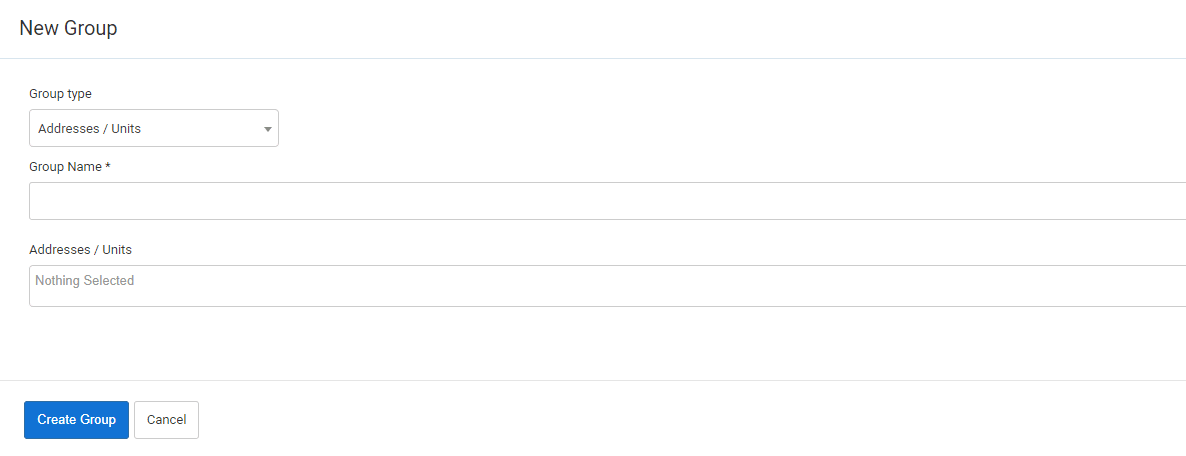 Select the Group type of either Addresses/Units or People (users).
Select the Group members from the drop down lists.
Select Create Group.