Resident - Creating an Event
Events can be created within a Group Page to provide information on upcoming Events or Meeting dates and times. Within the Event descriptions, a link can be added for online forms, or meeting materials.
To create an event:
To create an event:
- Click on a Group Page

- In the Events section of the Group Page, click the Add Event button
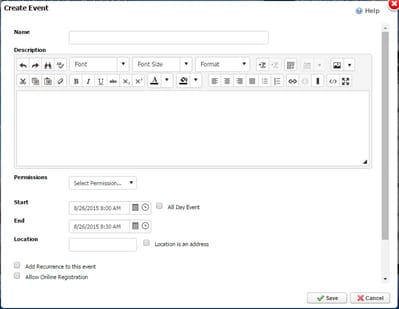
- The Create Event window will open and contain the following:
- Name: Name of the Event
- Description: Content area where text, media and documents, etc. are entered
- Permissions:
- Anyone: Anyone can see the Group Page Event
- Site Directory: Only those contained within the website Directory can see the Group Page Event
- Group Members: Only a Group Member can see the Group Page Event
- Start/End: Specify a start/end date/time or check on All-Day Event
- Location: Specify the event location or check Location is an address
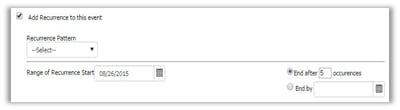
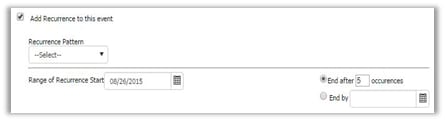
- Add Recurrence to this event: Used to specify if/when the event is to repeat
 Allow Online Registration: Used to allow for online Event Registration