Admin- Mass Email Resident Registration Codes
We’re updating this article. Some screenshots or names may look older than what you see in the product.
Background
Based on customer feedback, FRONTSTEPS has added the ability to email Registration Codes to Users in mass when a New Community is created.When a New Community is created, the Community Staff have the ability to send out a unique email to each Resident with a Registration Code that is used to gain access to Dwelling.
Accessibility
The feature is available to New Communities and can only be used ONE time.Please note that if your Property Management Company uses both FRONTSTEPS Dwelling and FRONTSTEPS Community, this process is not applicable. Invitations to the Community Portal would be sent via FRONTSTEPS Community.
How to Send Registration Codes
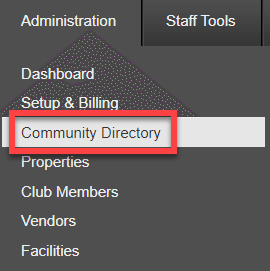
After all the Properties and Users have been added, the Registration Codes can be sent.To access this feature, navigate to the Administration menu and select Community Directory.
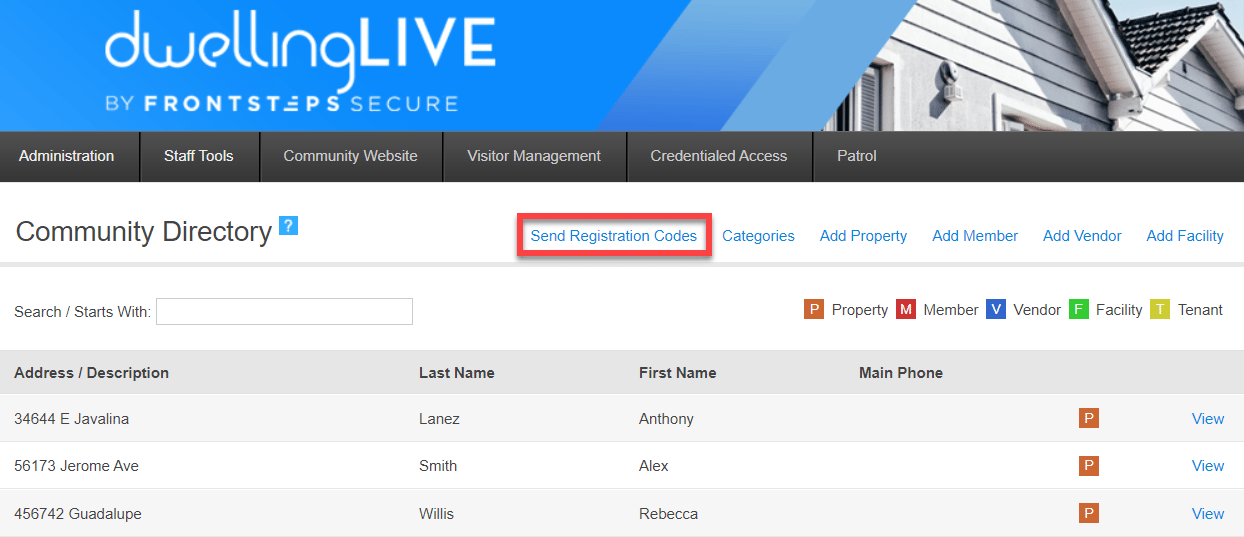
Within the Community Directory, there will be a button for ‘Send Registration Codes’. Click this button and all the Properties and Users currently in the Community Directory will be emailed their Unique Registration Code.
It is important to note that this option will disappear after being used.
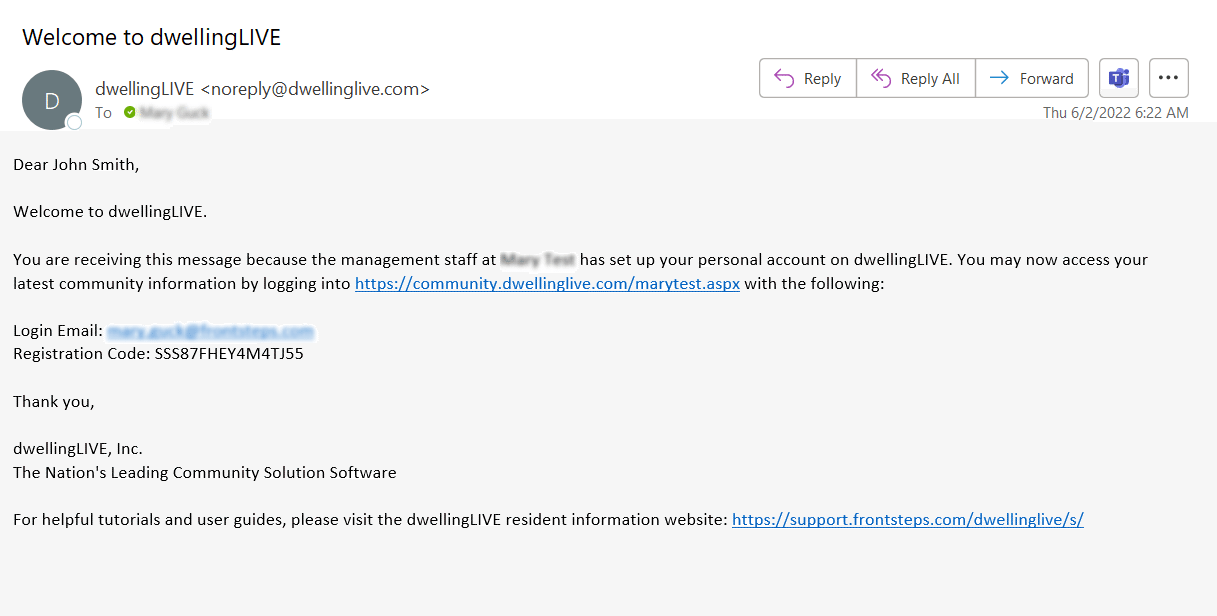
The Users will receive an email that includes information about how the User can access dwellingLive and their Registration Code. See below for an example:
After receiving the email the User can Register by going to the Dwelling website and selecting the option for ‘I have a One Time Registration Code’
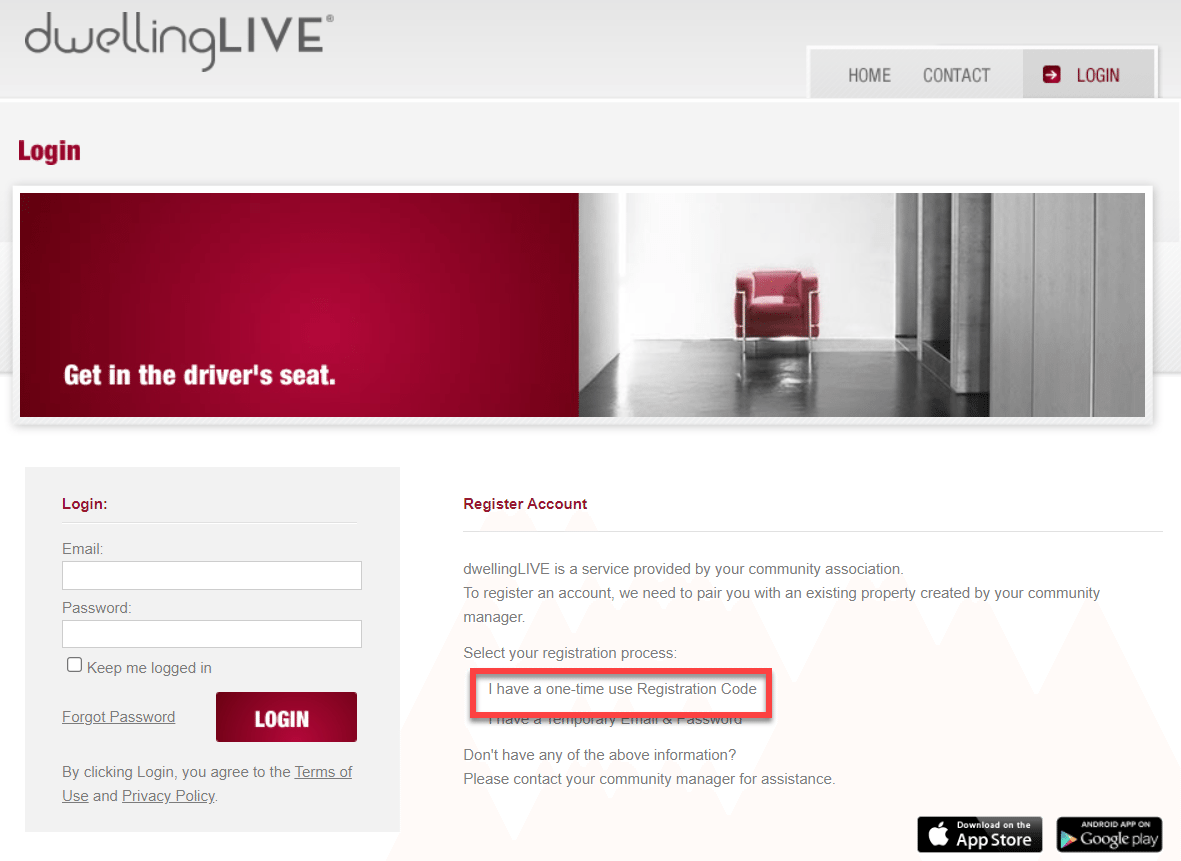
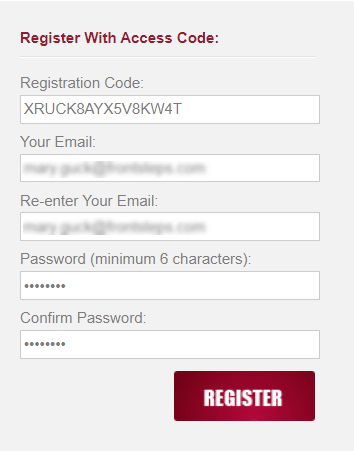
Enter in the Registration Code that was in the email they received and enter in their Email Address and Password. When complete click the ‘Register’ button.
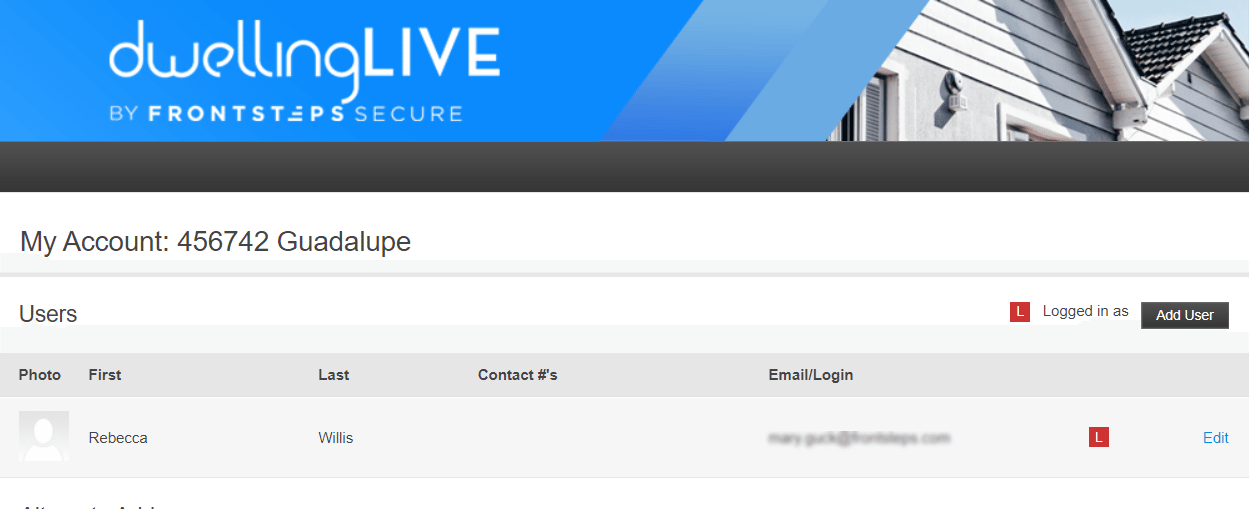
They will immediately be logged into their account.
Send an Individual Invite
If you have already used the mass Registration Code feature and need to invite a User to the Community, you can do so within the Community Directory.First locate the Property the User is associated with and click the ‘View’ button.
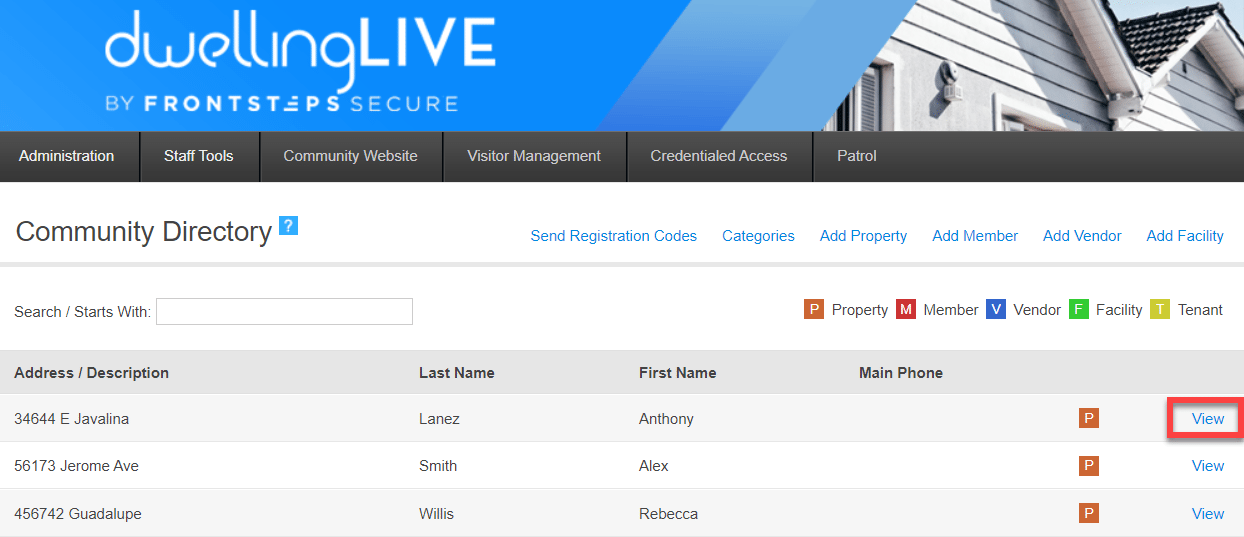
Scroll down to the Users section and click the Edit button next to the User

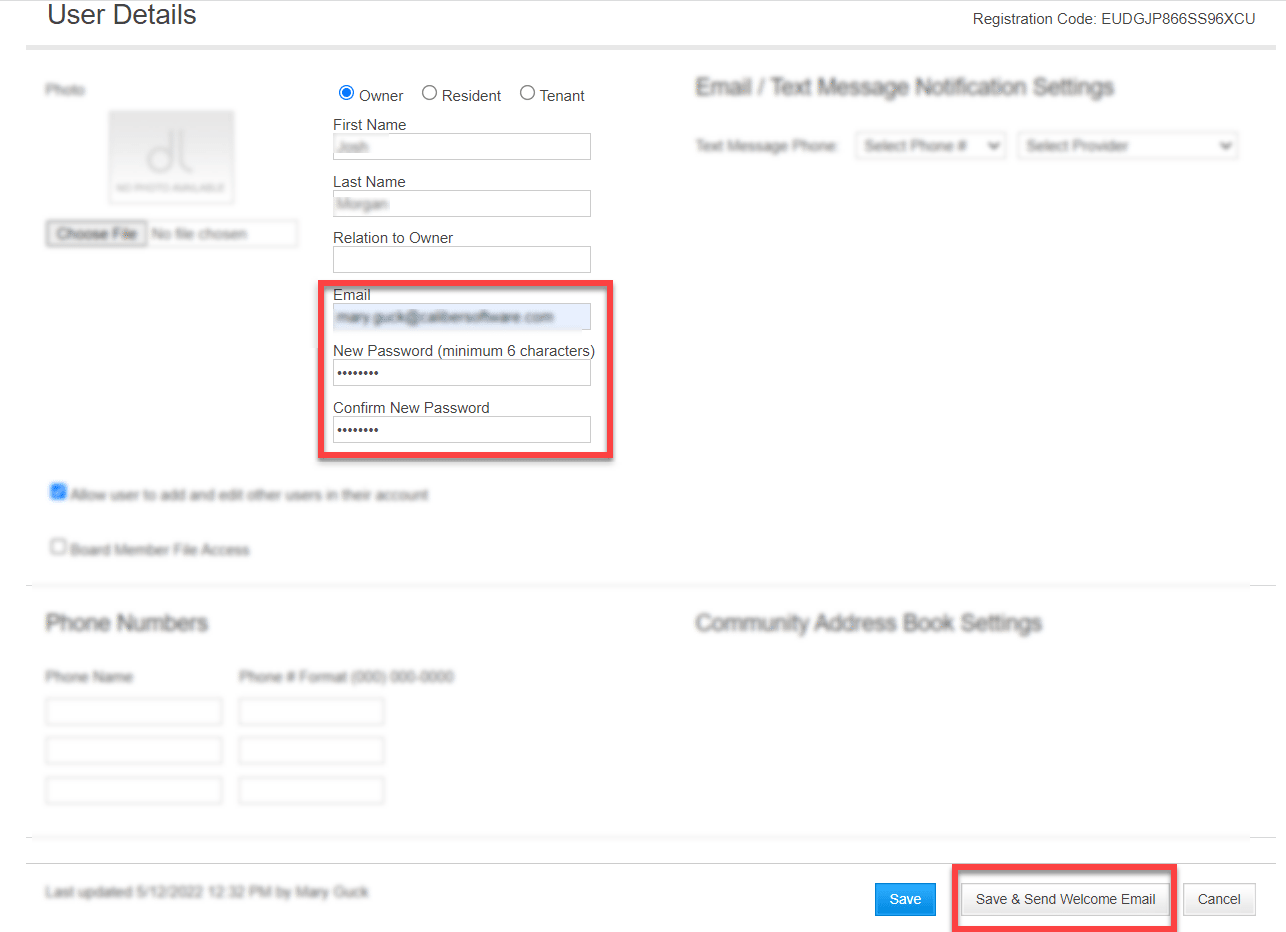
Add their Email Address (if needed), enter in a password and click ‘Save & Send Welcome Email’
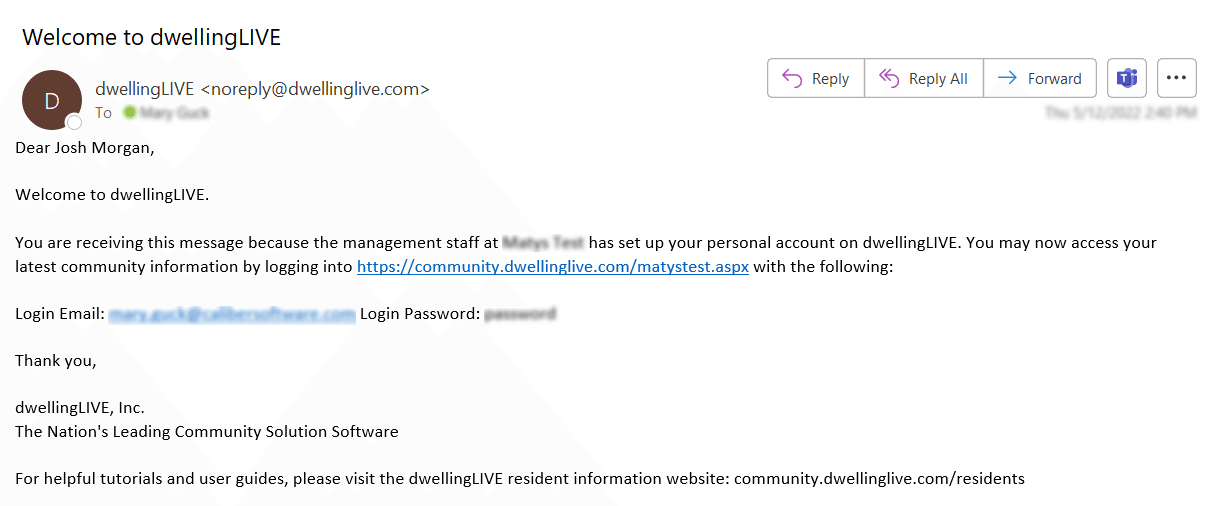
The User will receive an email that contains their Email and Password. See below for an example:
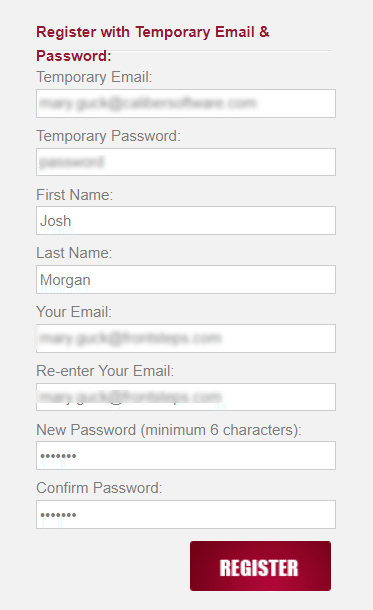
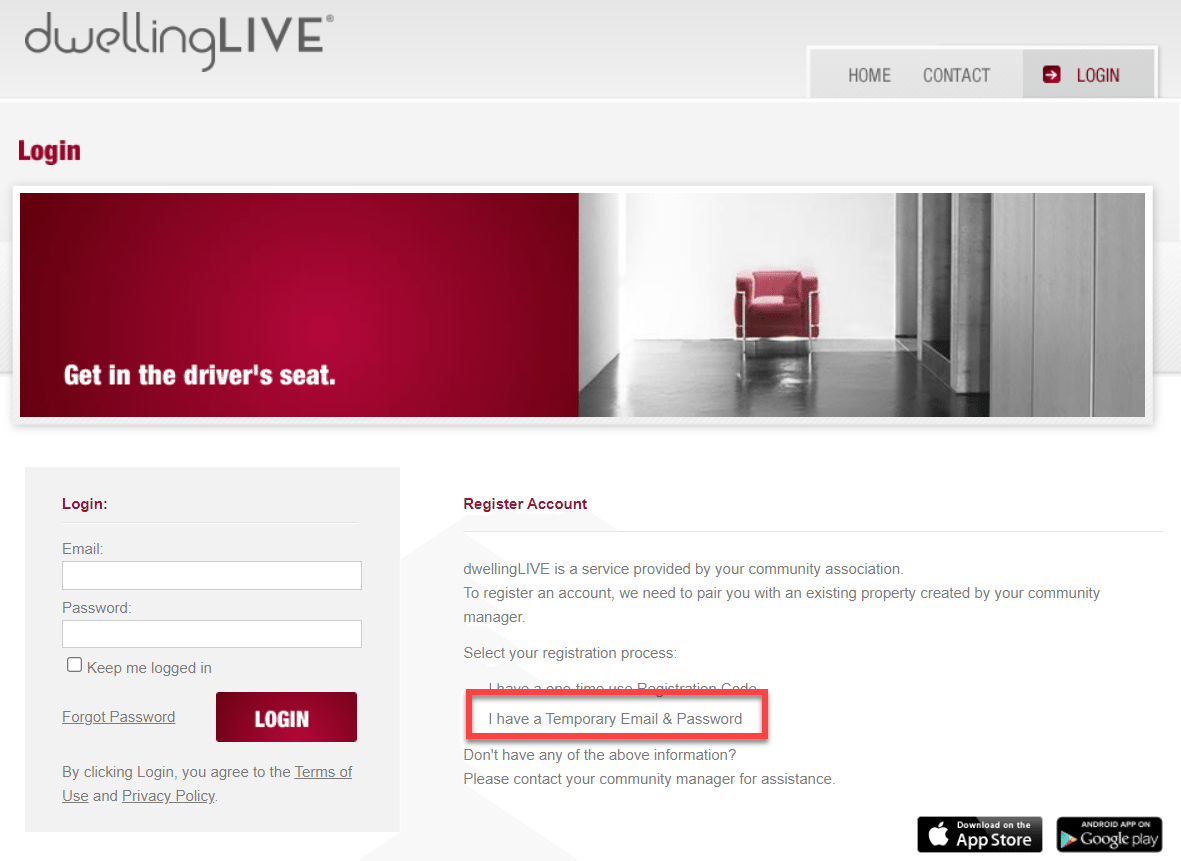
After receiving the email the User can Register by going to the Dwelling website and selecting the option for ‘I have a Temporary Email & Password’
Enter in the Temporary Email and Password (contained in the email that was received), fill out the Name and New Email and Password. When complete click ‘Register’. The User will be automatically logged into their account.