
Site Admin - Editing a Calendar
Once you have created a calendar, you may want to edit it.
Steps
-
Select the Publish option from the top of the screen, then select the Edit Content option.
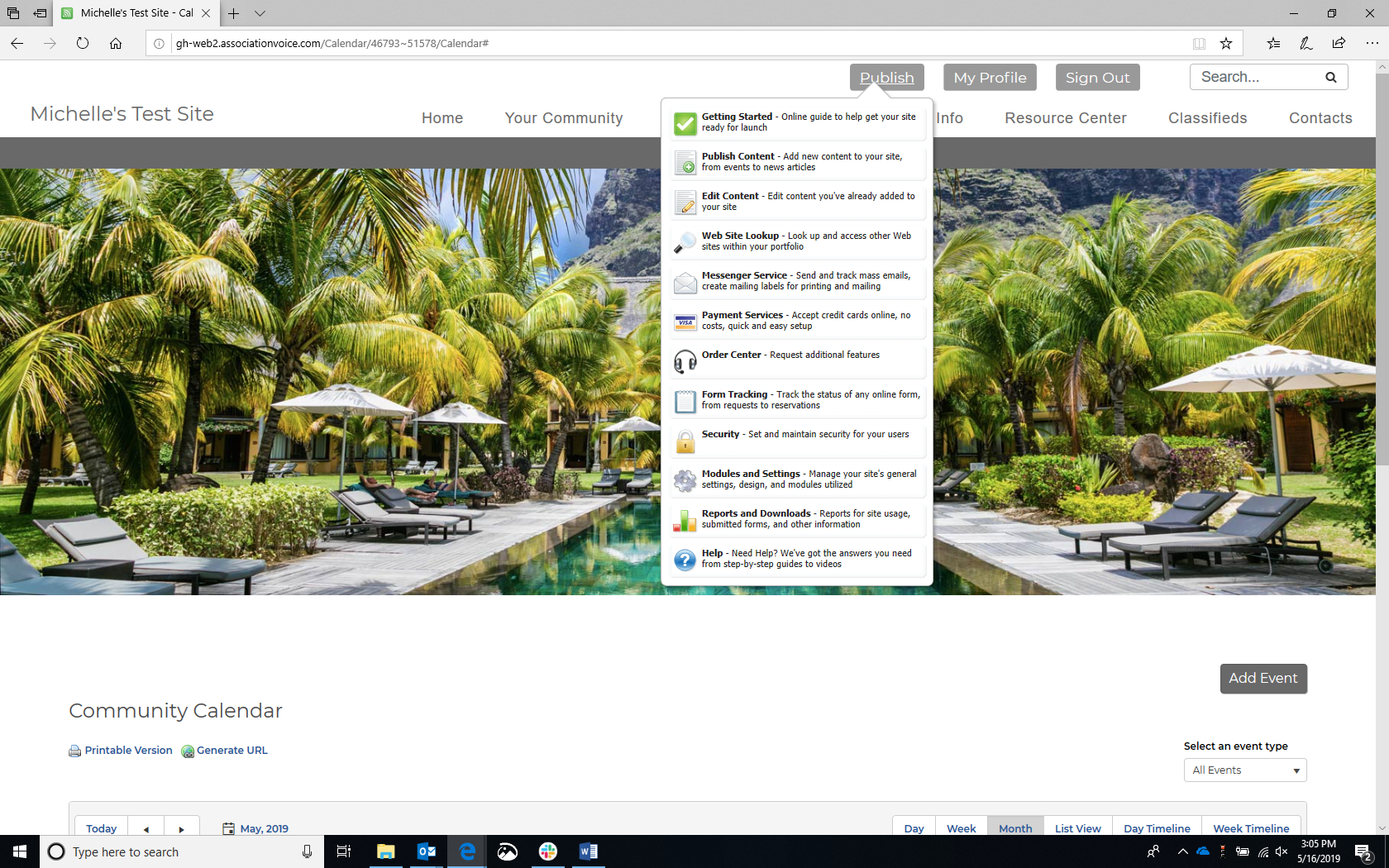
-
The "Edit Content" screen will display.

-
Select the calendar you wish to edit, then select the Edit option. The "Edit Calendar" screen will display.

-
Enter your revisions, then select Save. The page for your calendar will display, with the revised content.

