
Site Admin - Downloading Documents From The Resource Center
Steps
- From the top of the screen, select the Publish option.
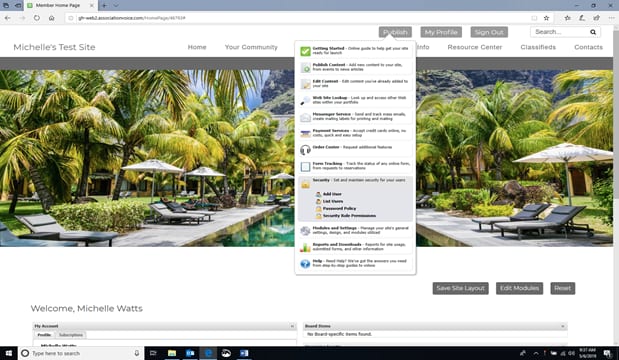
2. The Resource Center screen will appear.
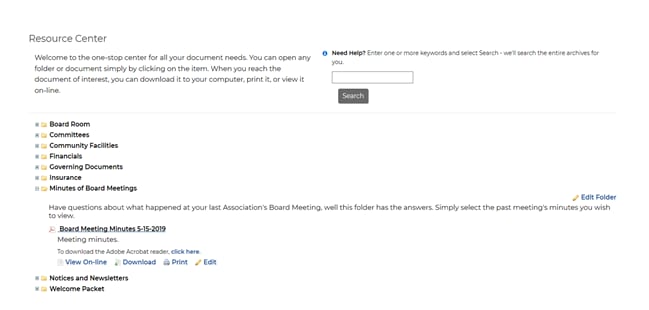
3. Select the document you want to download.
4. Select the format in which you want the document downloaded.
- View On-Line
- Download
