Homeowner - Submitting a Service Request
We’re updating this article. Some screenshots or names may look older than what you see in the product.
Log on at http://login.dwellinglive.com.
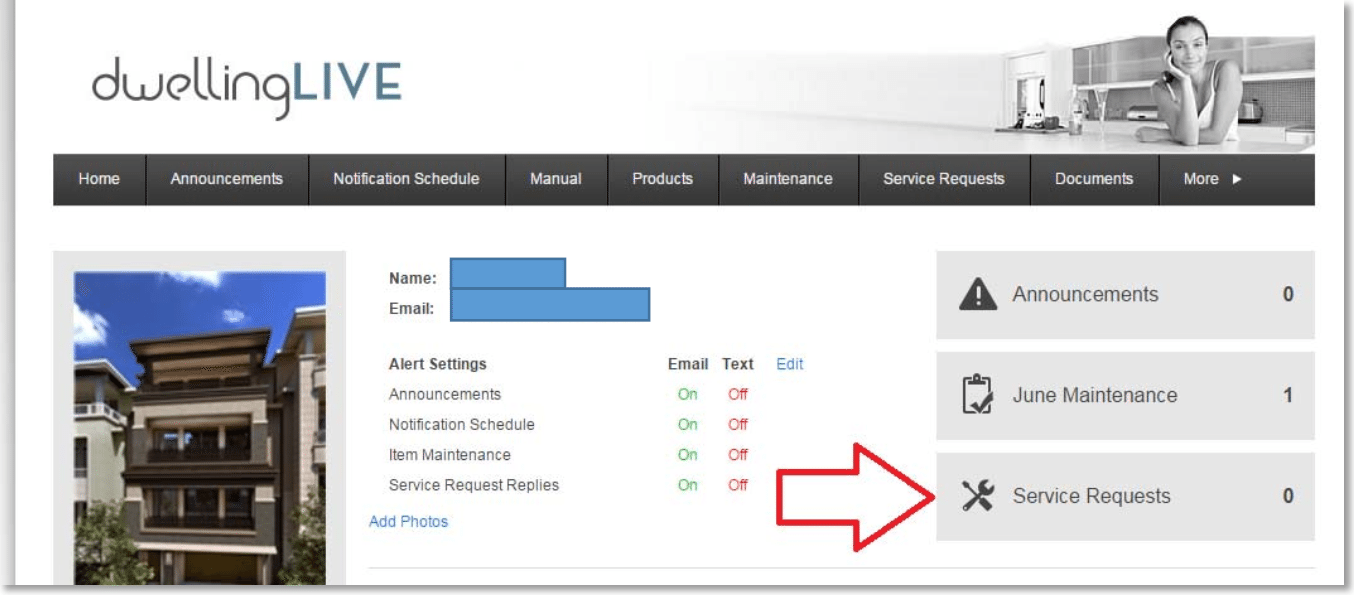
Click on the Service Requests button on your dashboard.
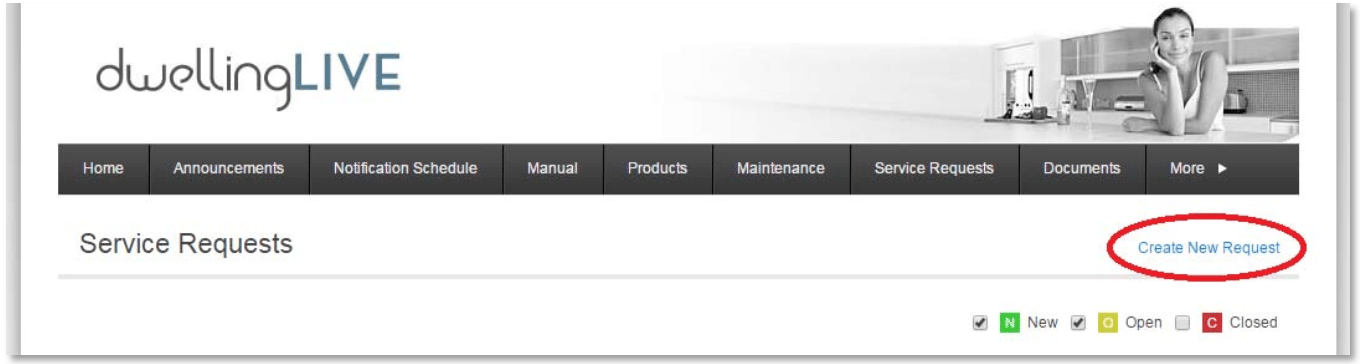
Click on Create New Request
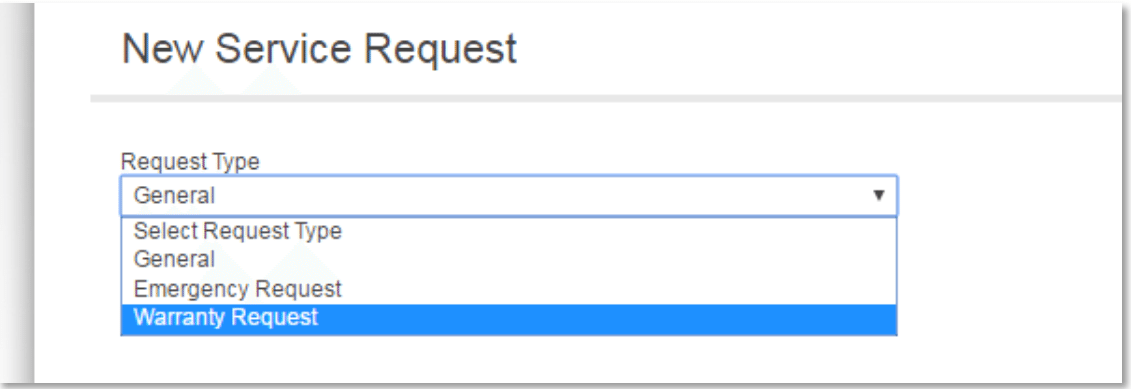
Select the Type of request
Select the Item and Location. If requesting service on a Home Item (Manufactured Product), Select Category and Item.
You can also add a more Detailed Description and upload a File (such as a picture).
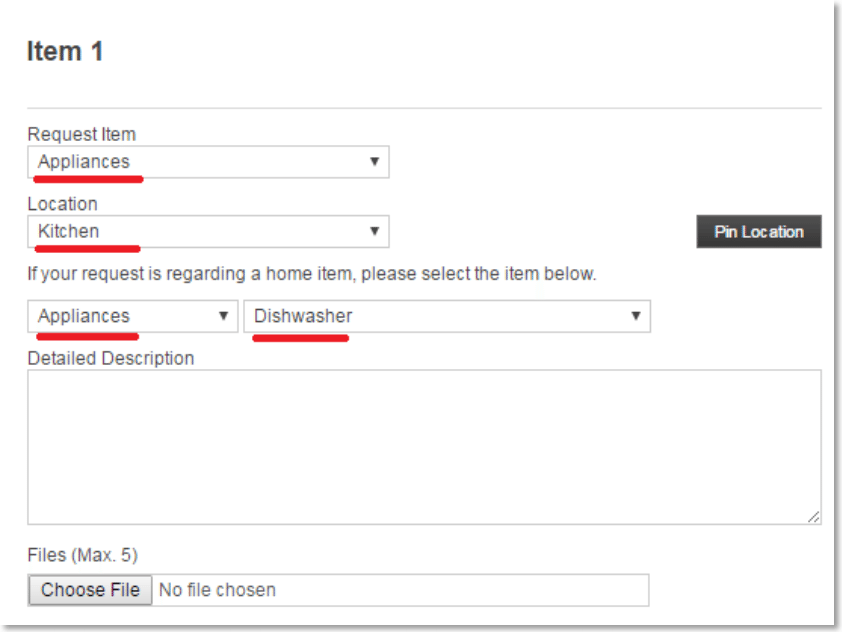
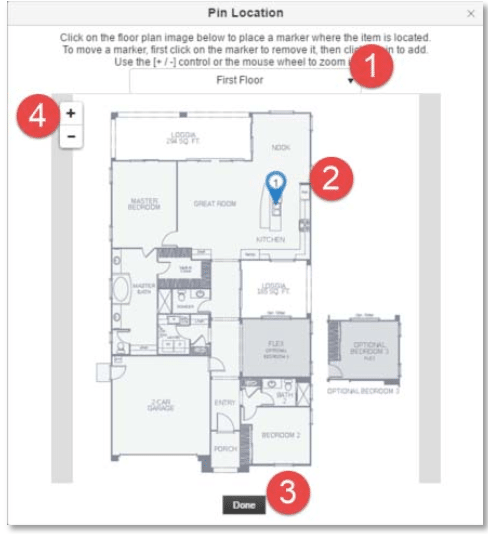
To add a “Pin” to indicate the area where you are requesting service, click the Pin Location button and do the following:
- Select the floor (if applicable)
- Click on the area with the issue to drop the pin
- Click Done when finished
- Zoom in if necessary
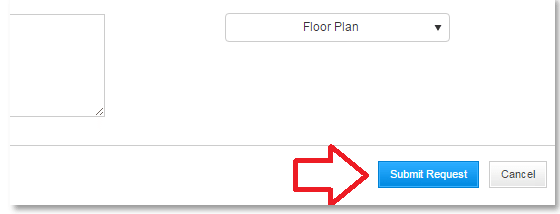
Add any Additional Comments and click Submit Request.