Homeowner - Managing SRM Notifications
We’re updating this article. Some screenshots or names may look older than what you see in the product.
Managing your SRM Notifications
Go to login.dwellinglive.com to login to your account.
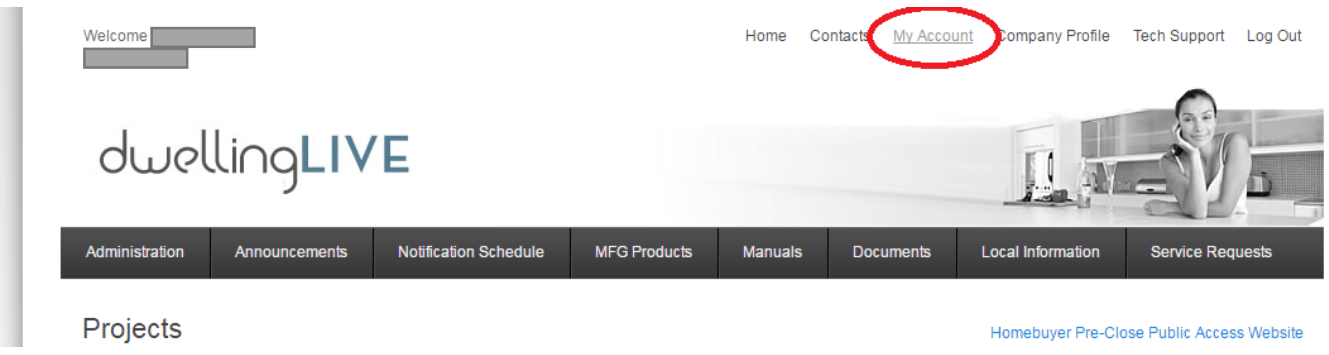
Click on “My Account”
Select or unselect “Email Notifications” for “Service Requests”

You can also go to “User Type” and switch from “Corporate Level” to “Division Level.”
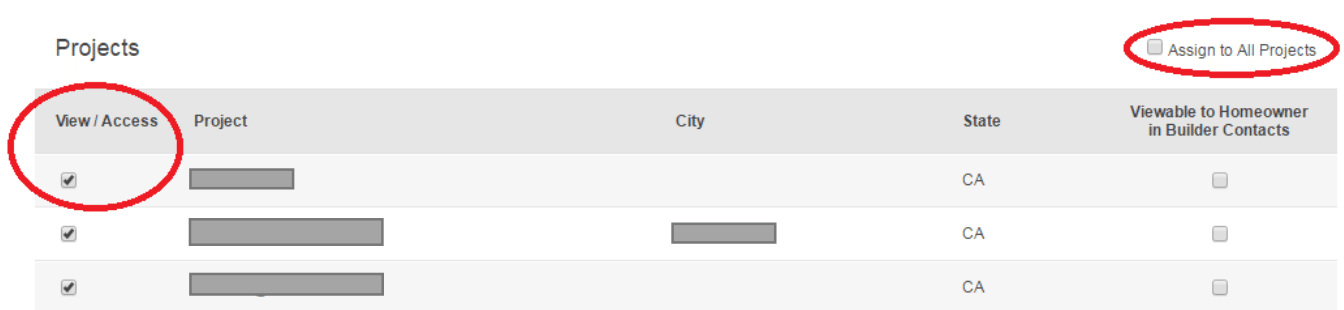
This will allow you to unselect “Assign to All Projects” and select only the projects that you are assigned to.