Admin - Generating an SRM Report
We’re updating this article. Some screenshots or names may look older than what you see in the product.
Login to your Builder Admin account at www.login.dwellinglive.com
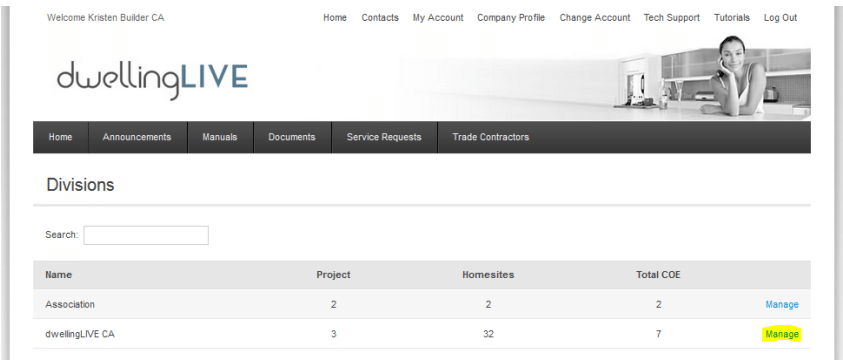
Select the Division you are working in (if applicable)
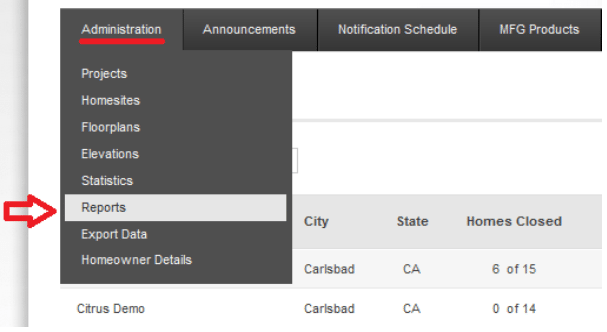
Navigate to Administration > Reports
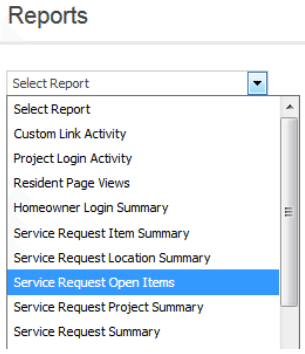
Select your report from the dropdown menu
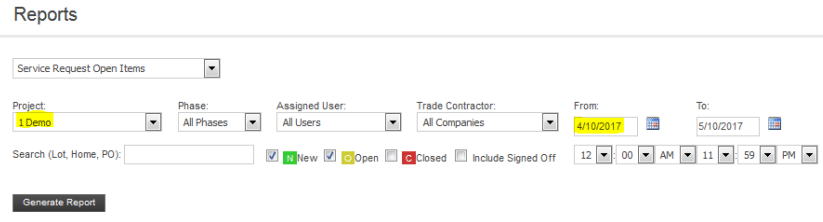
Select your project and enter in your date range, then click “Generate Report”
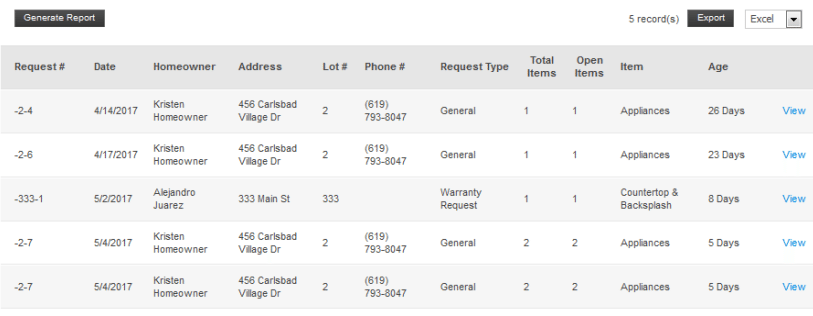
Your report will generate below
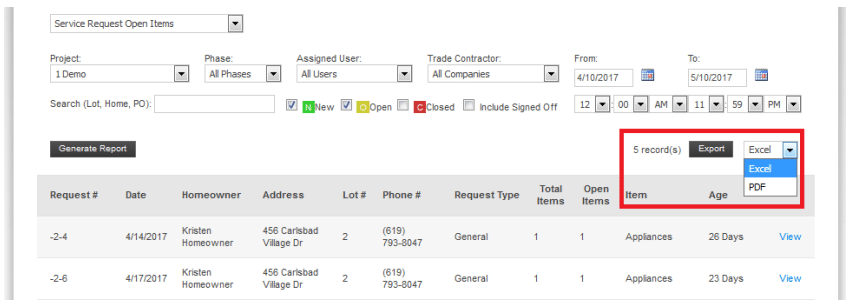
If you wish to export your report, select either Excel or PDF from the dropdown menu and click “Export.”
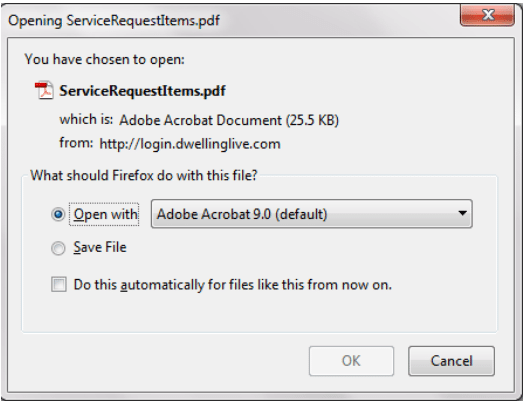
Open your exported report for printing and/or analysis
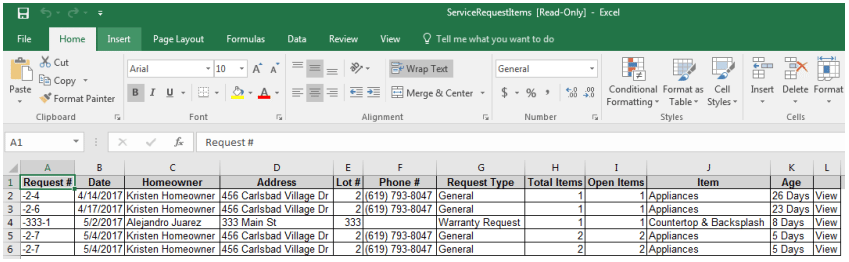
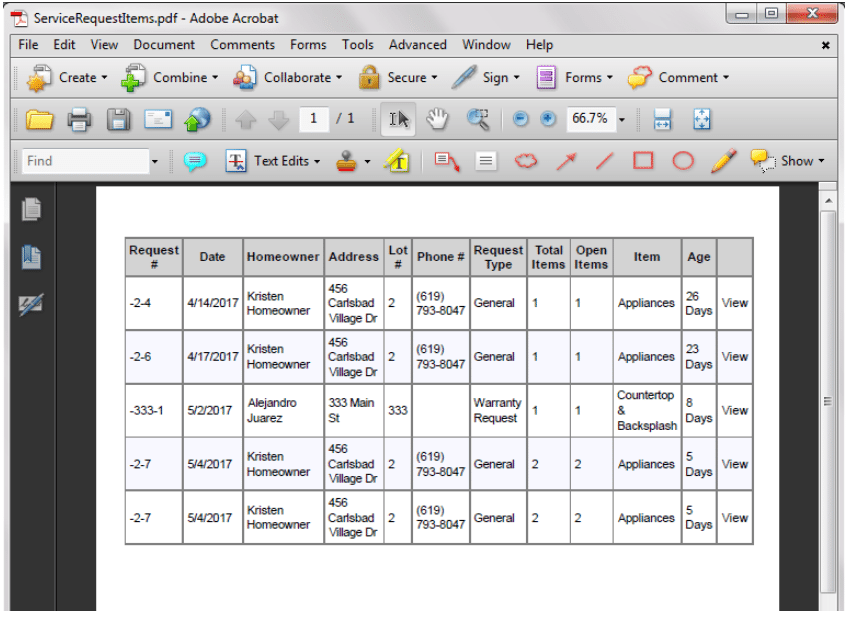
See example reports below