Admin - Viewing Active Homesites
We’re updating this article. Some screenshots or names may look older than what you see in the product.
Login, click on “Manage” on the row that says “Multi_Family Communities”
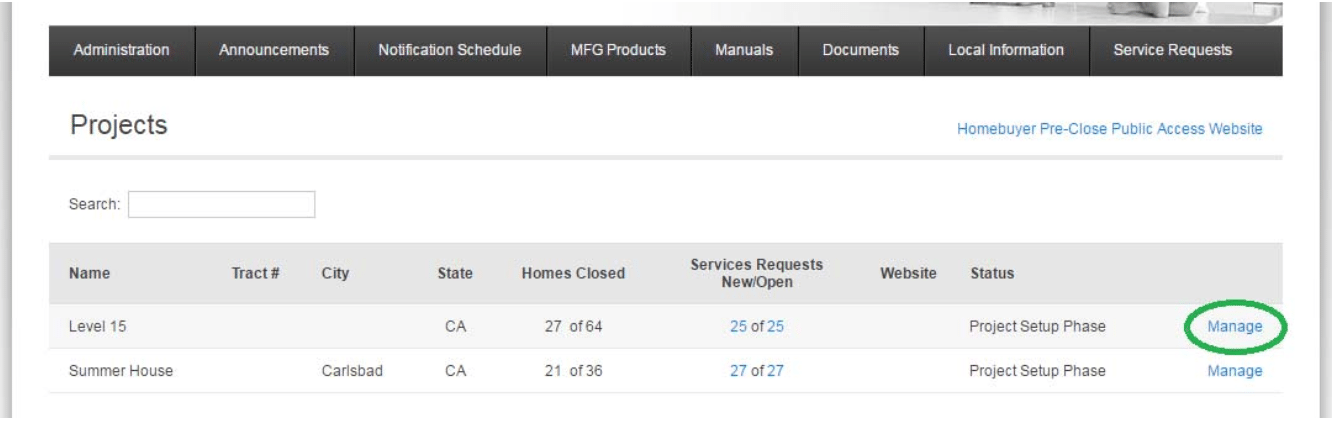
Click on “Manage” next to the desired project
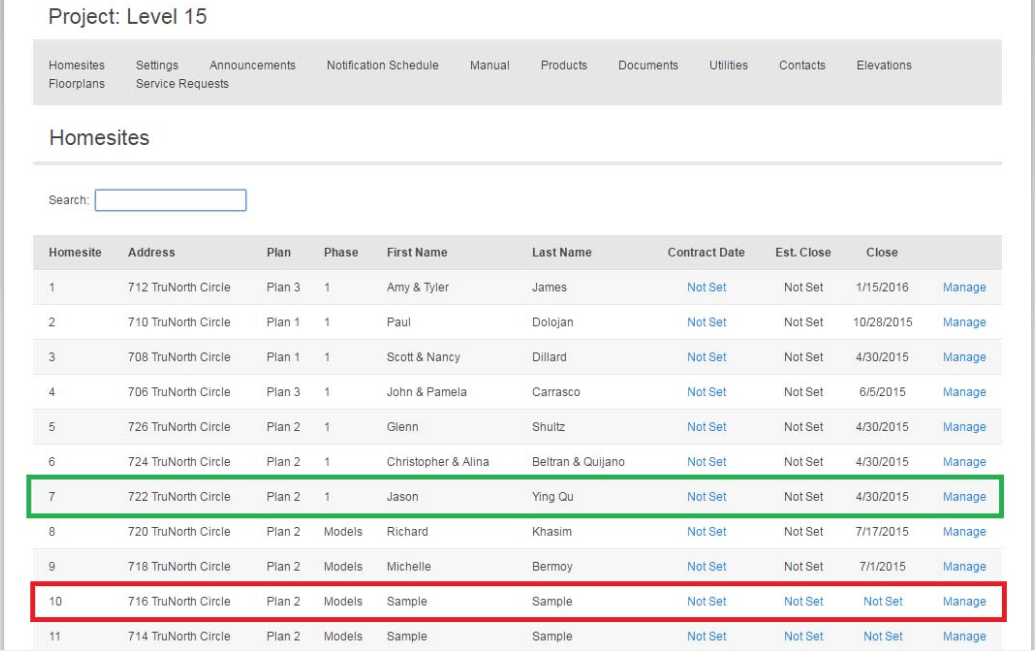
From this view, you can see all of the different Homesites and if they have been activated. In the green box, you can see an activated homesite. In red, a homesite that has not been activated.