Admin/Manager - Manage Menu Items
Menu Items
A short guide to changing menu items for the AtHomeNet
system
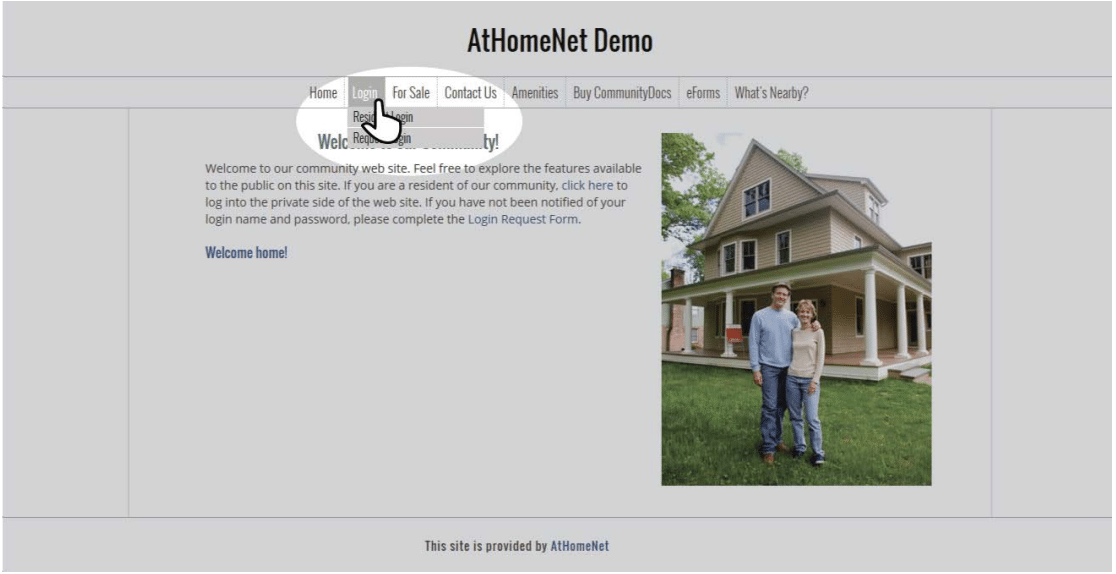
To change menu items you must be an administrator for your community. Start by logging in.
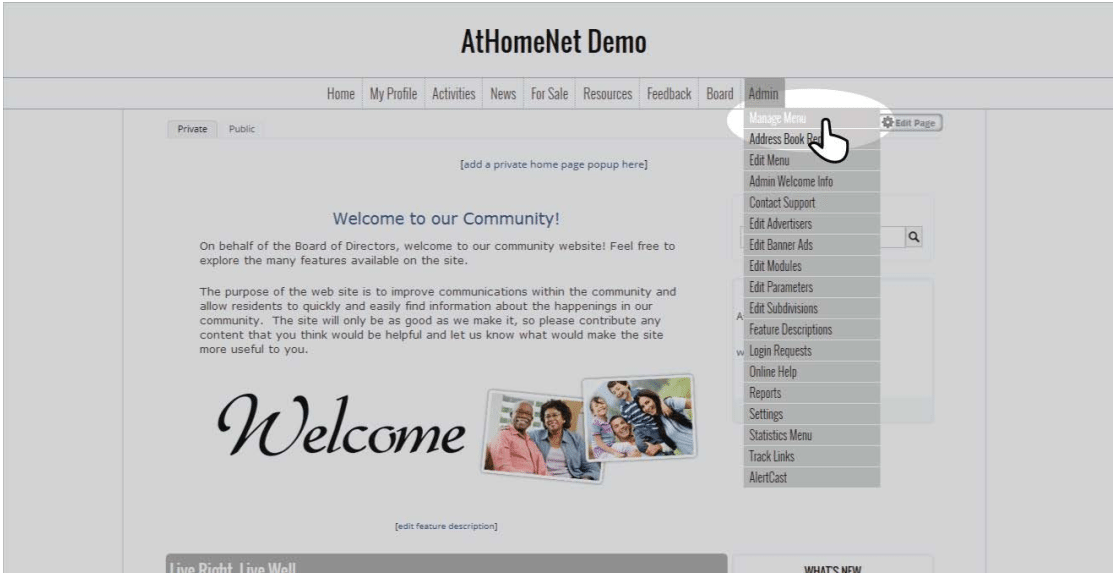
Under the Admin panel select "Manage Menu."
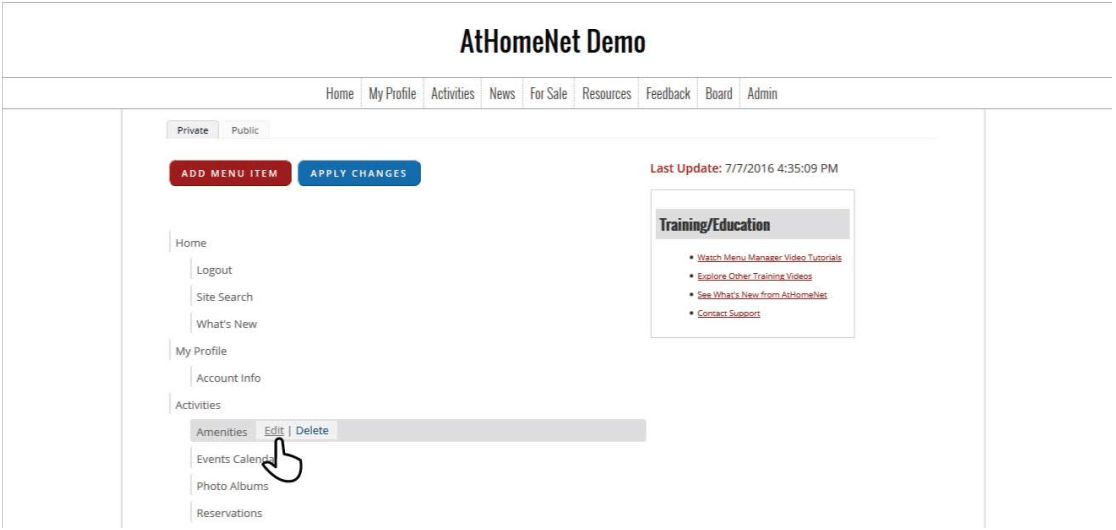
Menu items can be dragged and dropped to rearrange order, or they can be edited or deleted by hovering over an item and selecting the appropriate button.
Once you select edit you can change where the items link to and the security behind the items.
Once you're happy with the menu items select "Apply Changes" at the top of the page or your changes will not be visible.
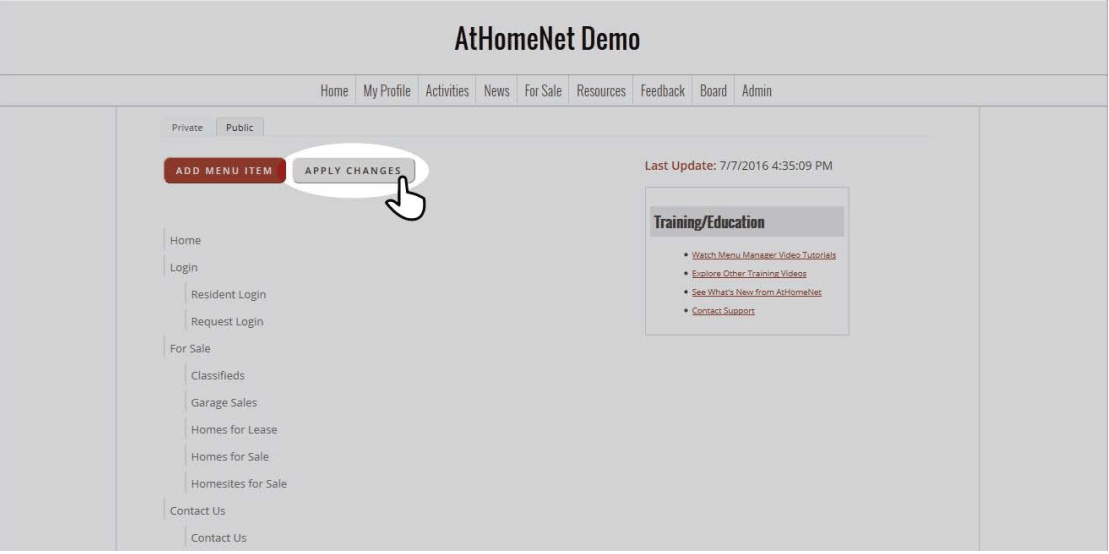
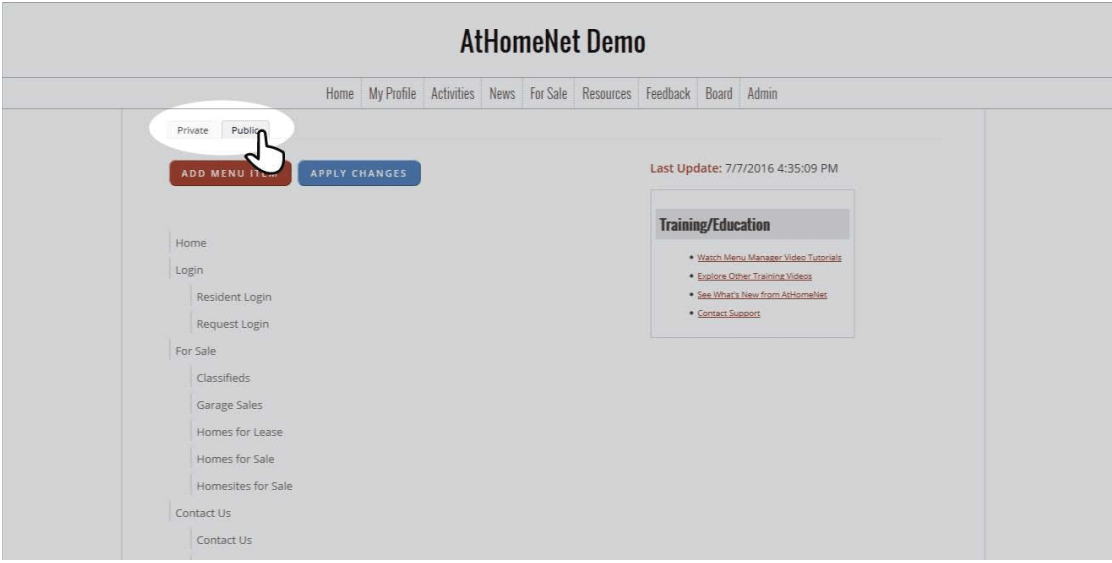
The Manage Menu page automatically opens to change items on the private side of the menu, to change items on the public side select the "Public" tab at the top and follow the same instructions.