1099-K Tax Forms
FRONTSTEPS Payments is introducing a new ‘Tax Forms’ Tab within the FSPay Dashboard. This feature allows users to download their 1099-K tax forms for the 2023 tax year.
Note: The has IRS announced that the 1099-K filing threshold will remain at $20,000 USD and 200 transactions for the 2023 tax year.
Download Forms
To download your 1099- K form from the FSPay Dashboard, follow the steps below:
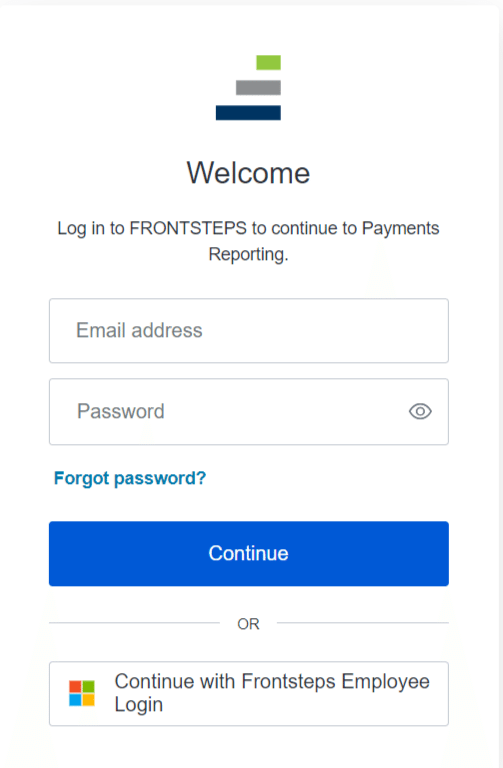
- Login to the FSPay Dashboard. This may also be called ‘Payments Reporting’.
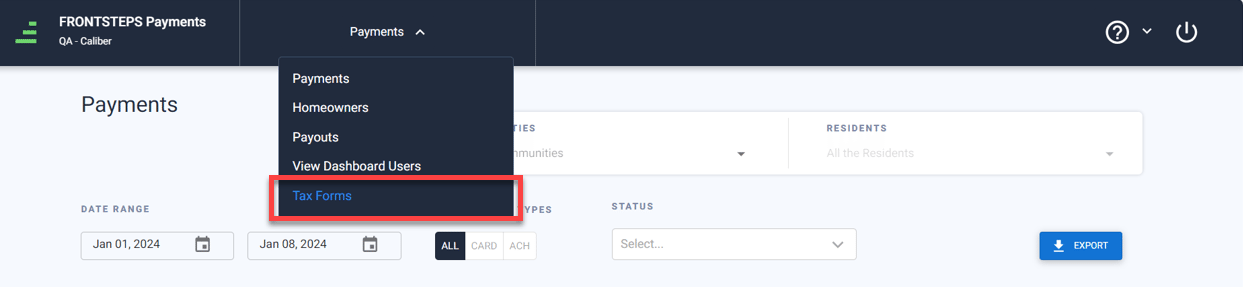
- Once logged in, navigate to the ‘Tax Forms’ tab.
Download All 1099-K Forms
- To download qualified 1099-K forms for all Communities, click on ‘Download All’ button.
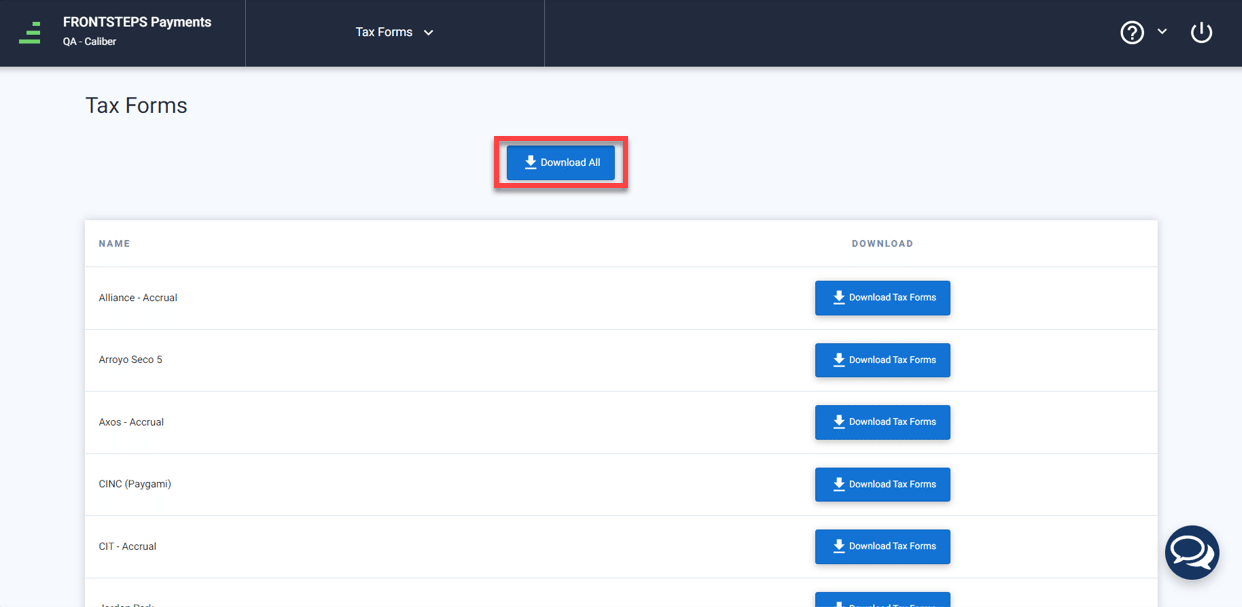
- This will download one zip folder, containing the qualified 1099-K forms for all Communities.
It is important to note the only Communities that meet the IRS Announced Threshold for the 2023 year will have a 1099-K form.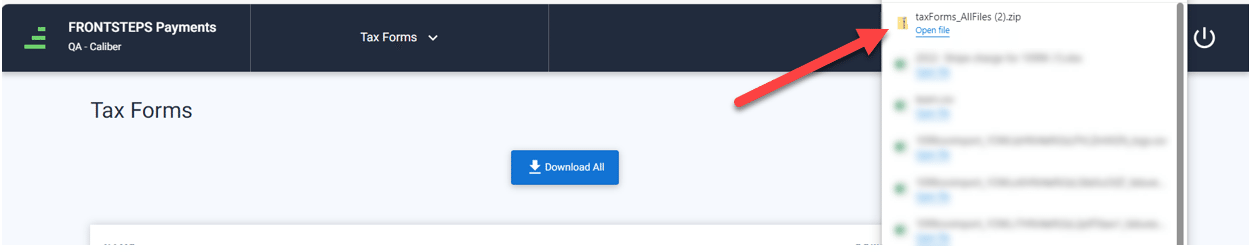
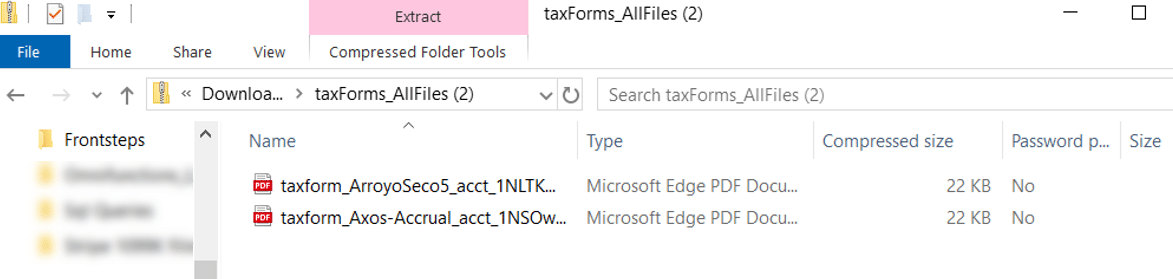
- Once you open the folder you will see a form for each Community that met the announced IRS Threshold.
- The file names of each tax form follow this naming convention: Taxform_CommunityName_processorID
Download 1099-K form for one Community
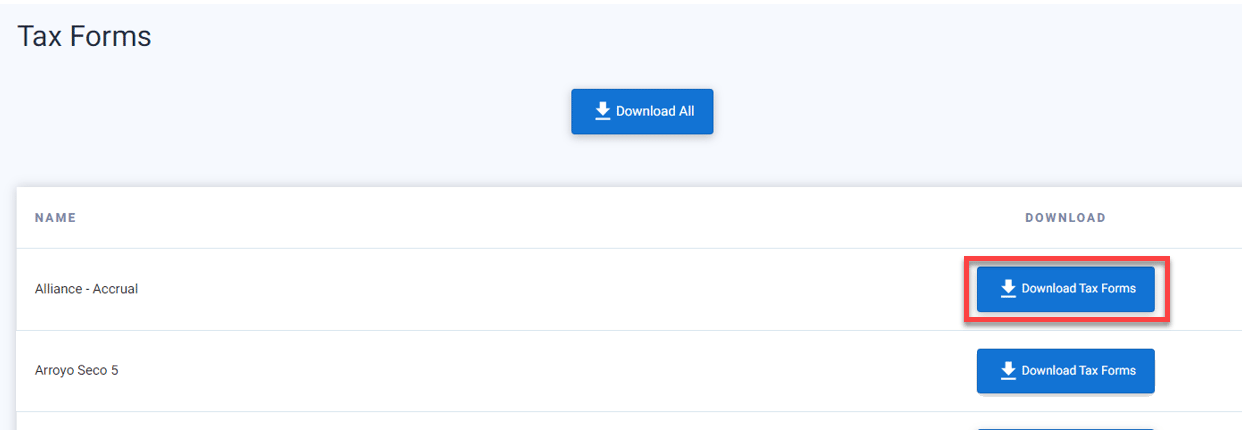
- If you would like to download a 1099-K form for only one Community, click the ‘Download Tax Forms’ button to the right of the Community. This will download a single file fir the 1099-K form.
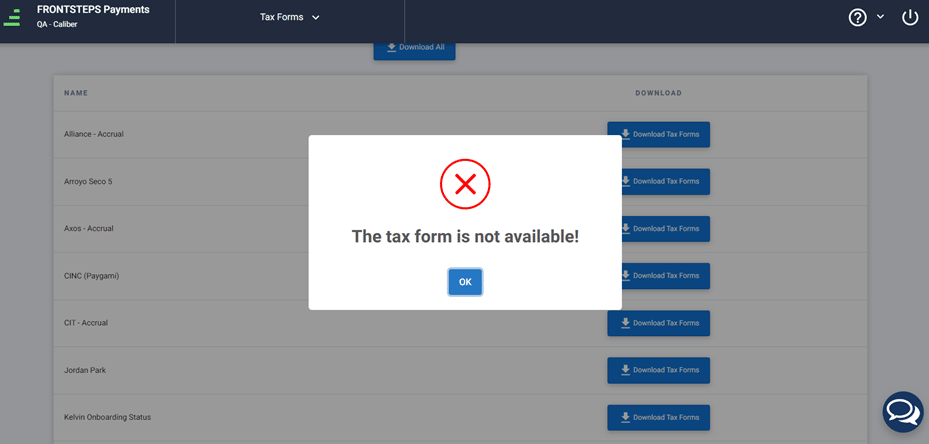
- If the tax forms are not available due to the Community not meeting the announced IRS threshold or State thresholds, they will not be filed and will not be available to download.
The following pop-up will appear to notify you if a Community does not have the tax from available.